
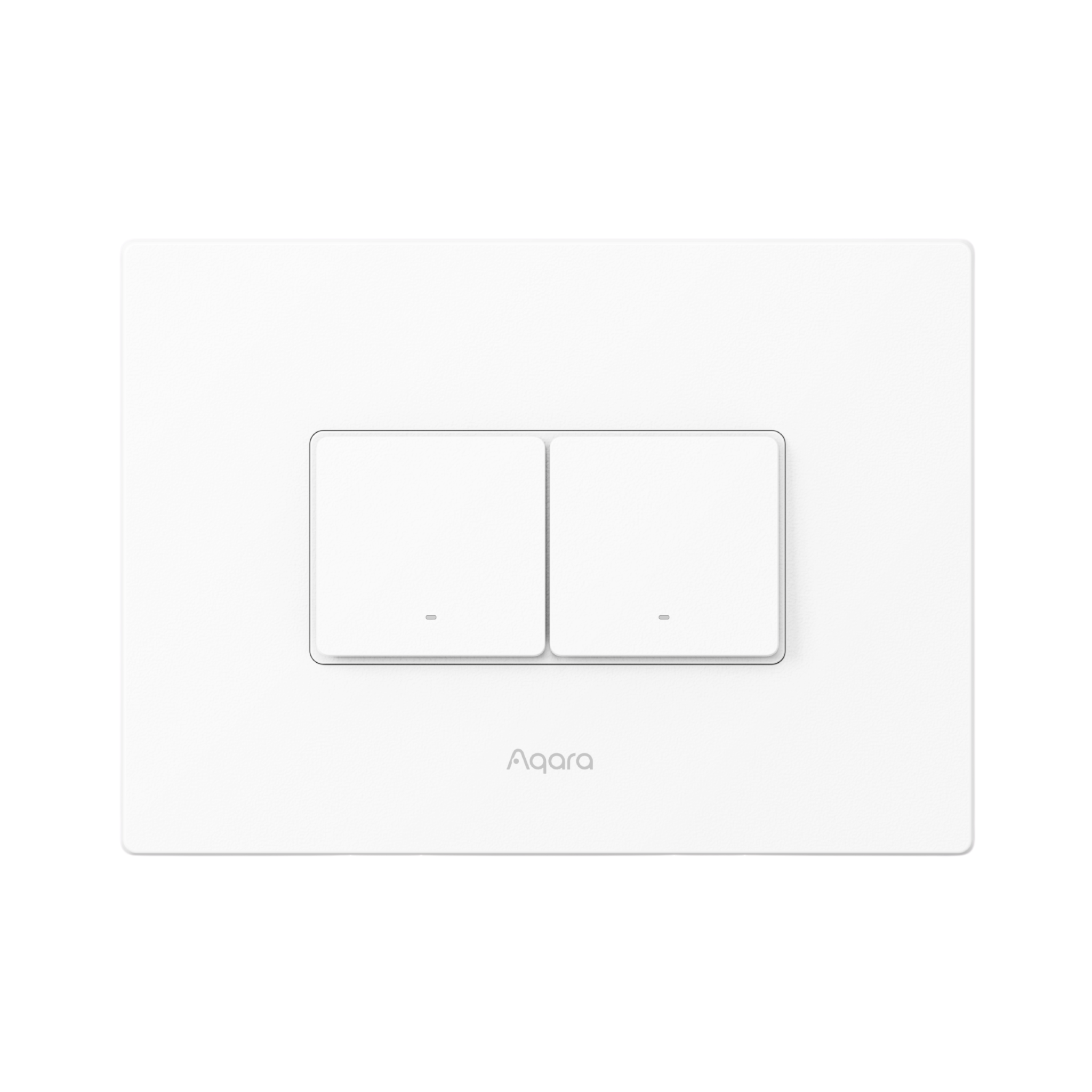
Aqara Light Switch H2
(Horizontal)
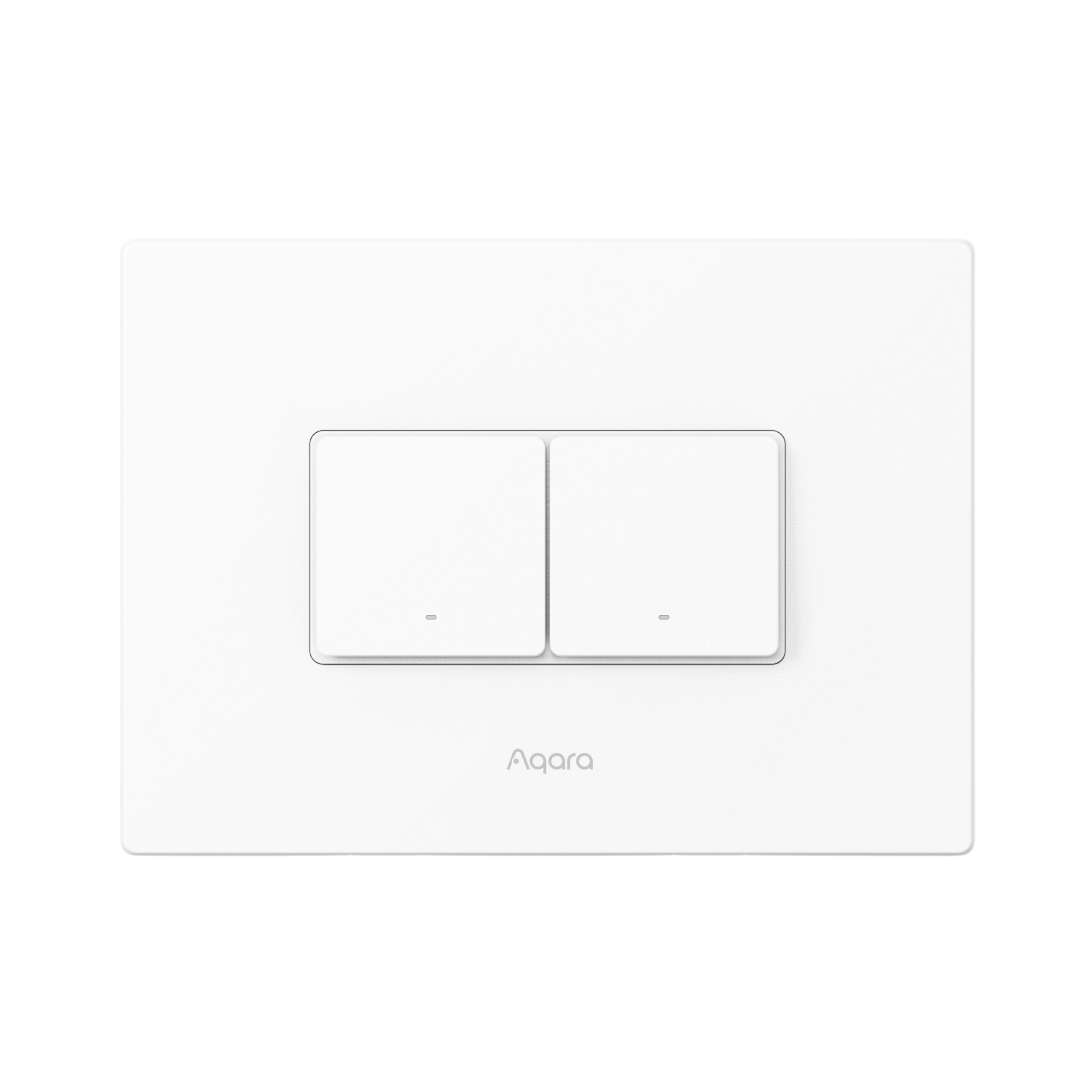
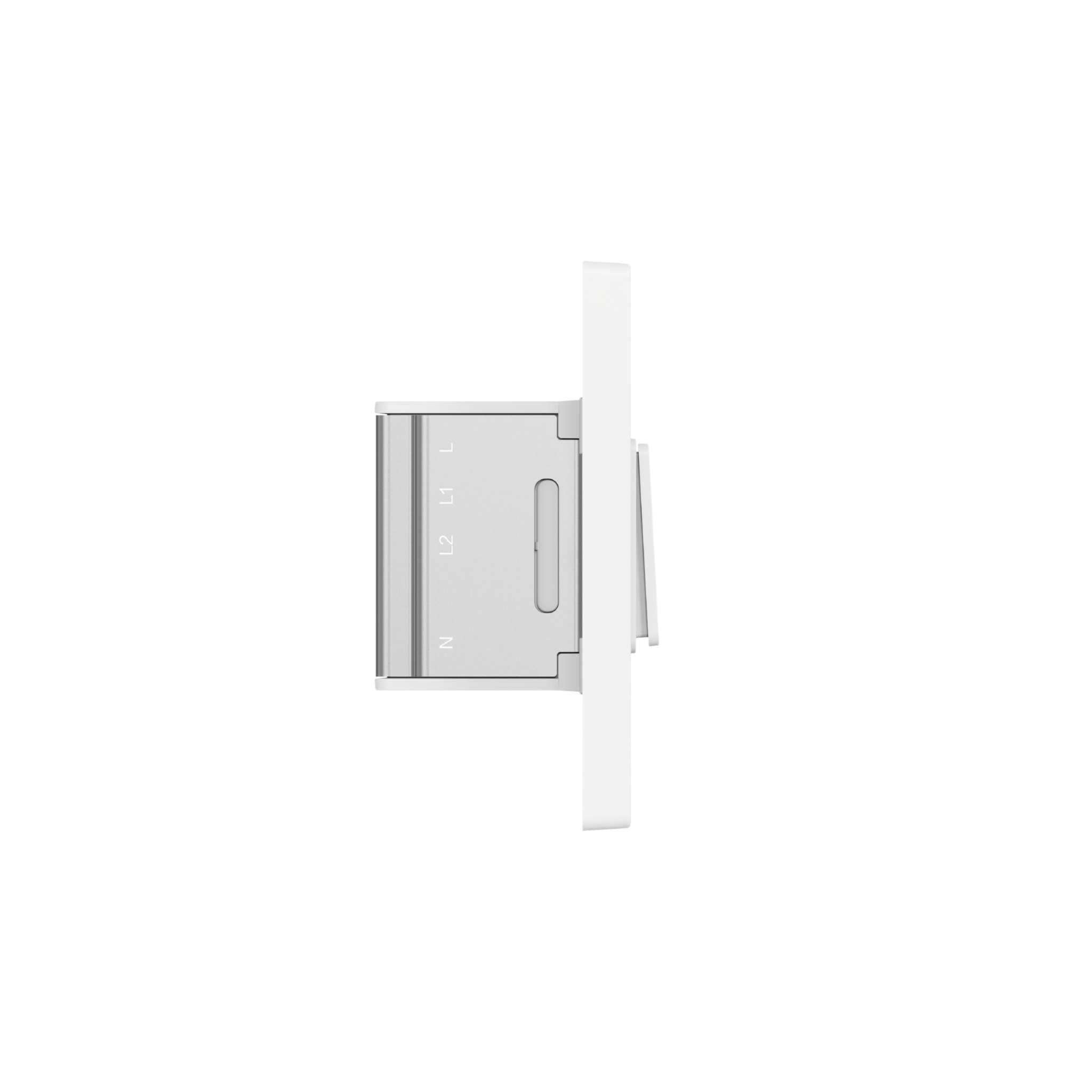
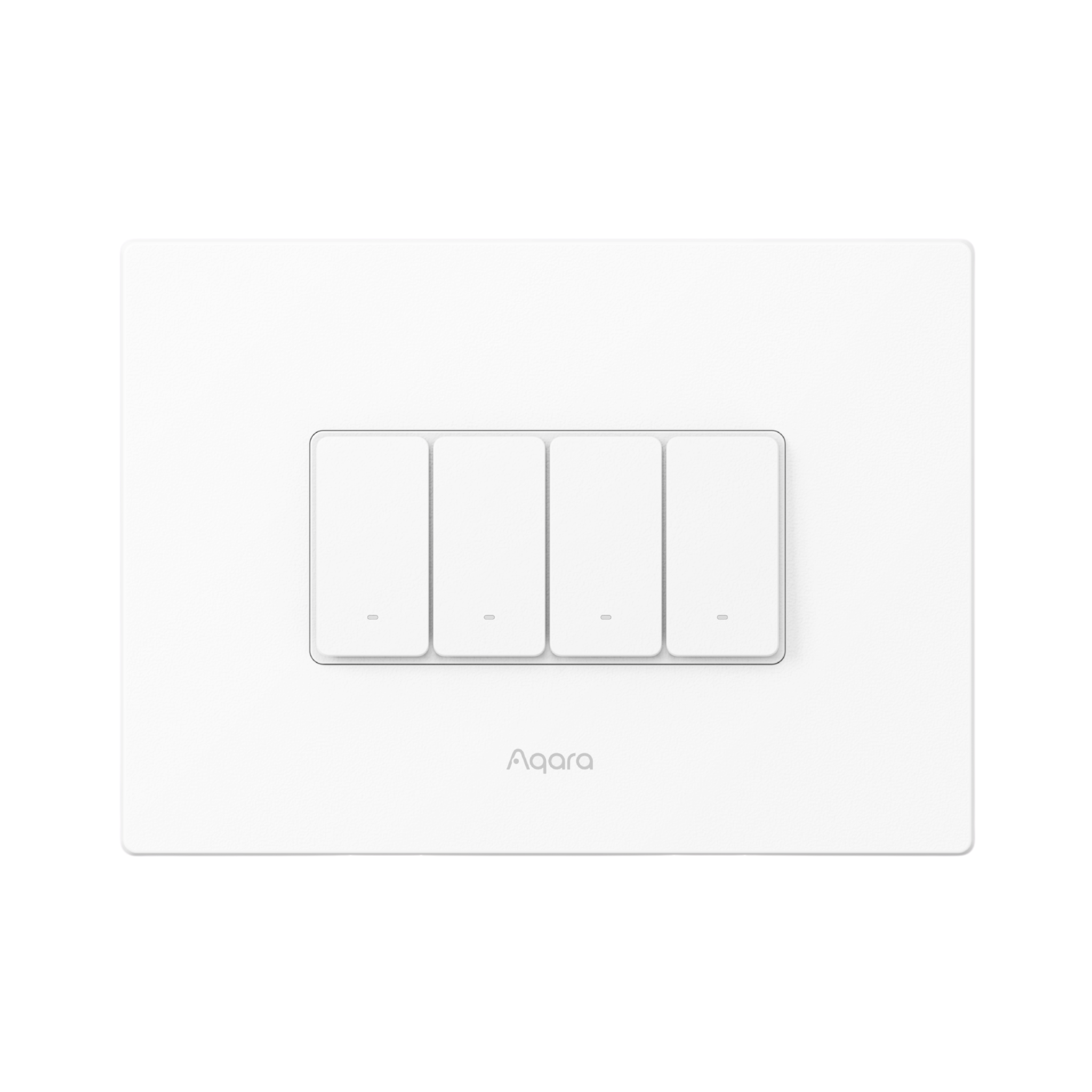
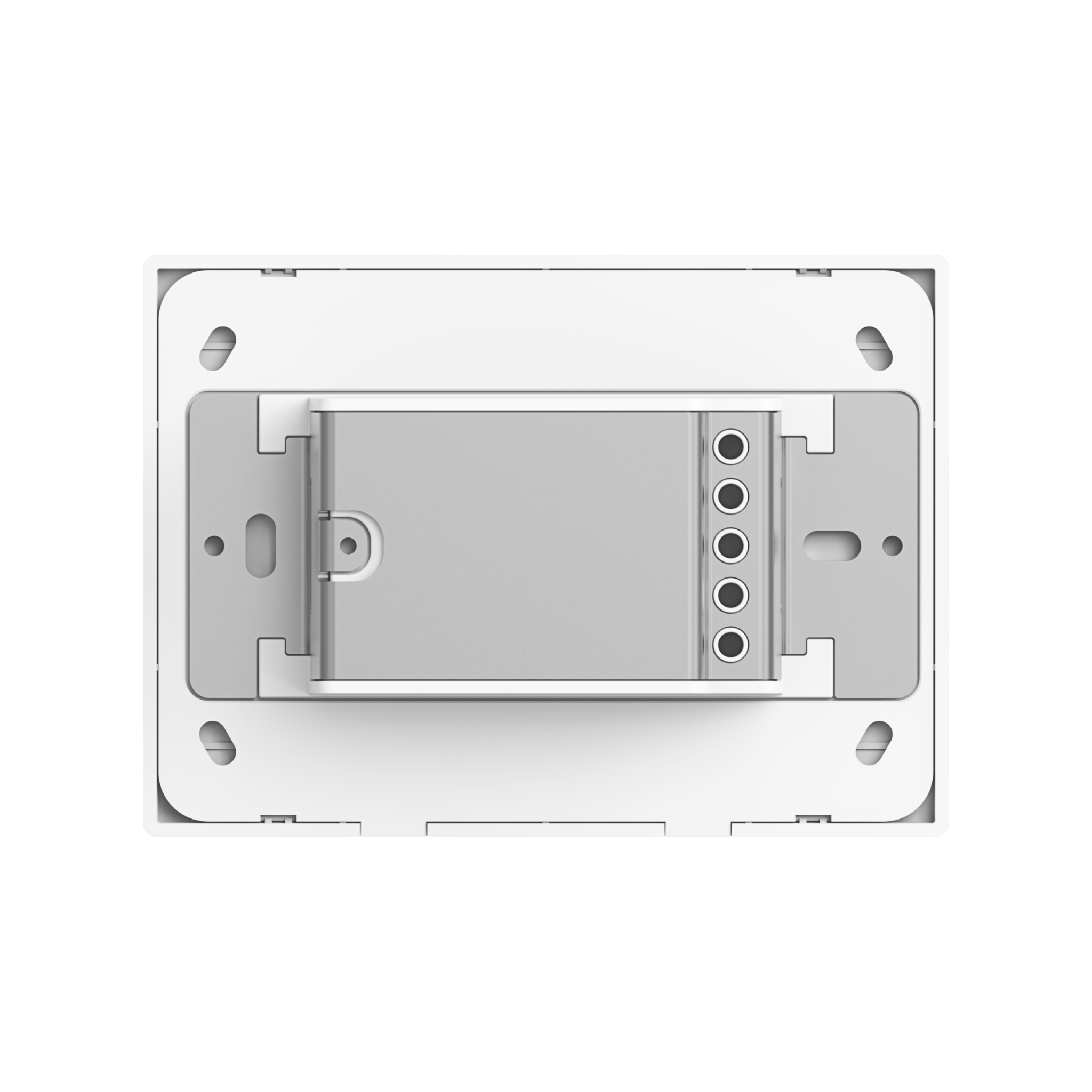
- Aqara Smart Switch H2 – Zigbee & Matter compatible, supports neutral/no-neutral wiring, 1-3 channels for seamless smart home control.
 Thread/Zigbee Support |
 2-in-1 Neutral Wire |
 Overheat and Overload Protection |
 55mm Plate/Frame Support |
 Power Consumption Monitoring |
 Wireless Switch Mode |
Product Info
Description
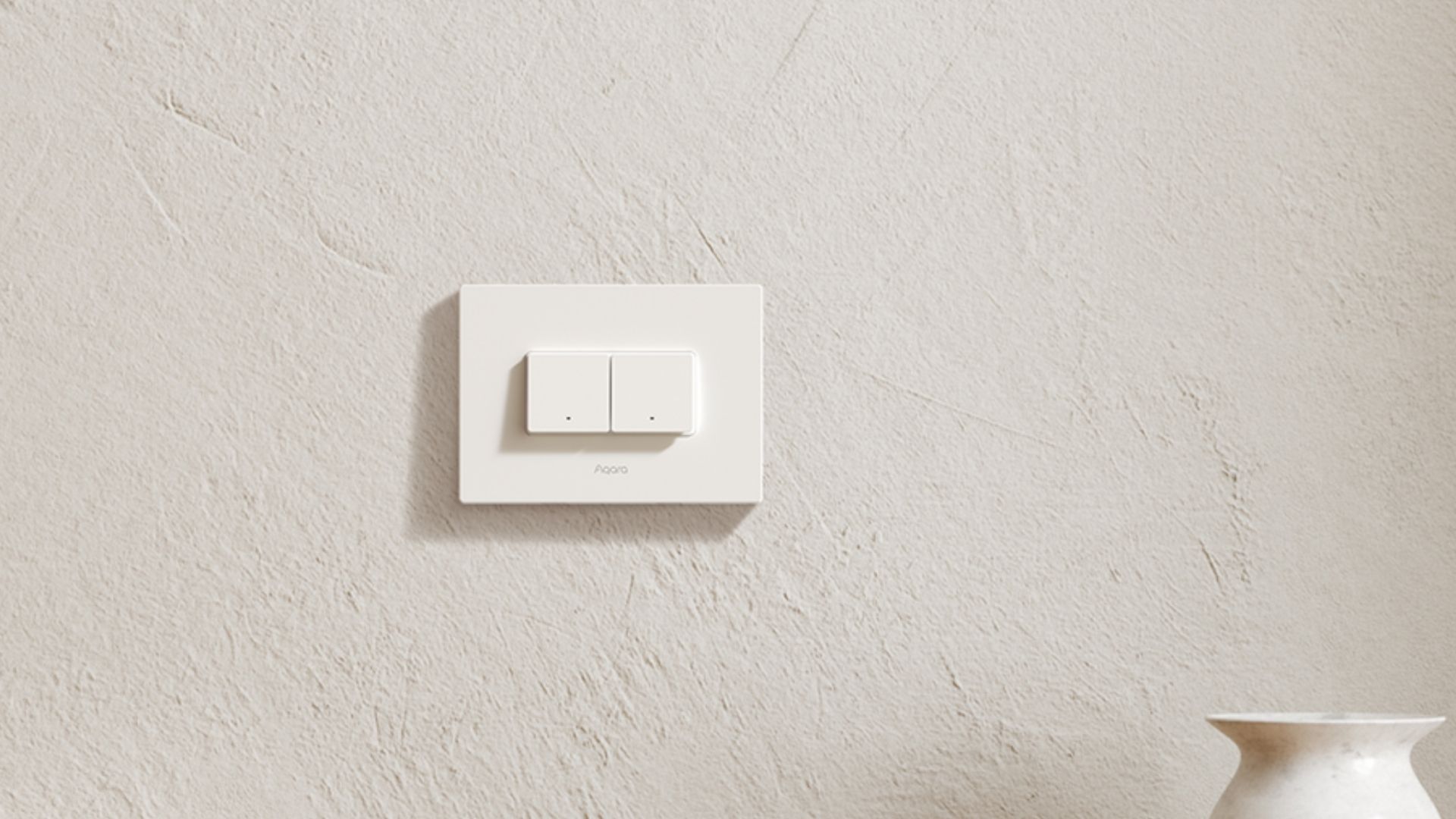
Designed for ultimate compatibility and convenience, the Aqara Light Switch H2 supports both Zigbee and Matter over Thread protocols for effortless integration into third-party ecosystems.
Easily switch your lights and other connected devices on or off, whether manually, wirelessly or through automations, with simple and reliable control.
Available in Horizontal and Vertical configurations, each with 1,2 or 3 channel options, it adapts perfectly to your setup. Smart and versatile for any room.
Key Features
- Thread/Zigbee Support: The switch offers dual protocol support for maximum flexibility. In Thread mode, no Aqara hub is needed to connect to third-party Matter ecosystems¹, while Zigbee mode² unlocks exclusive Aqara features and ensures backward compatibility with classic Aqara Zigbee hubs. The flexible protocol switching³ allows you to enjoy Matter integration or Aqara’s advanced functionalities according to your preference.
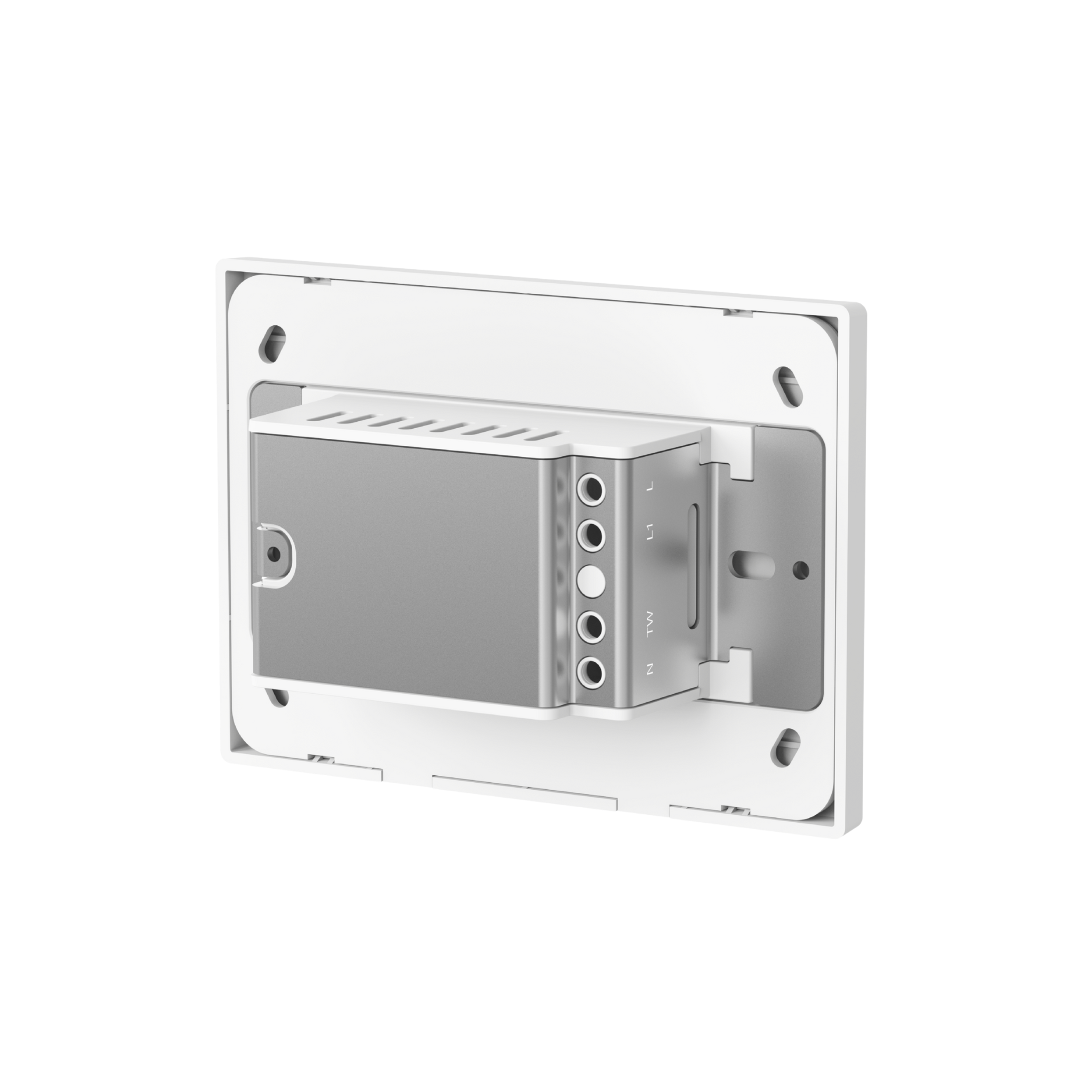
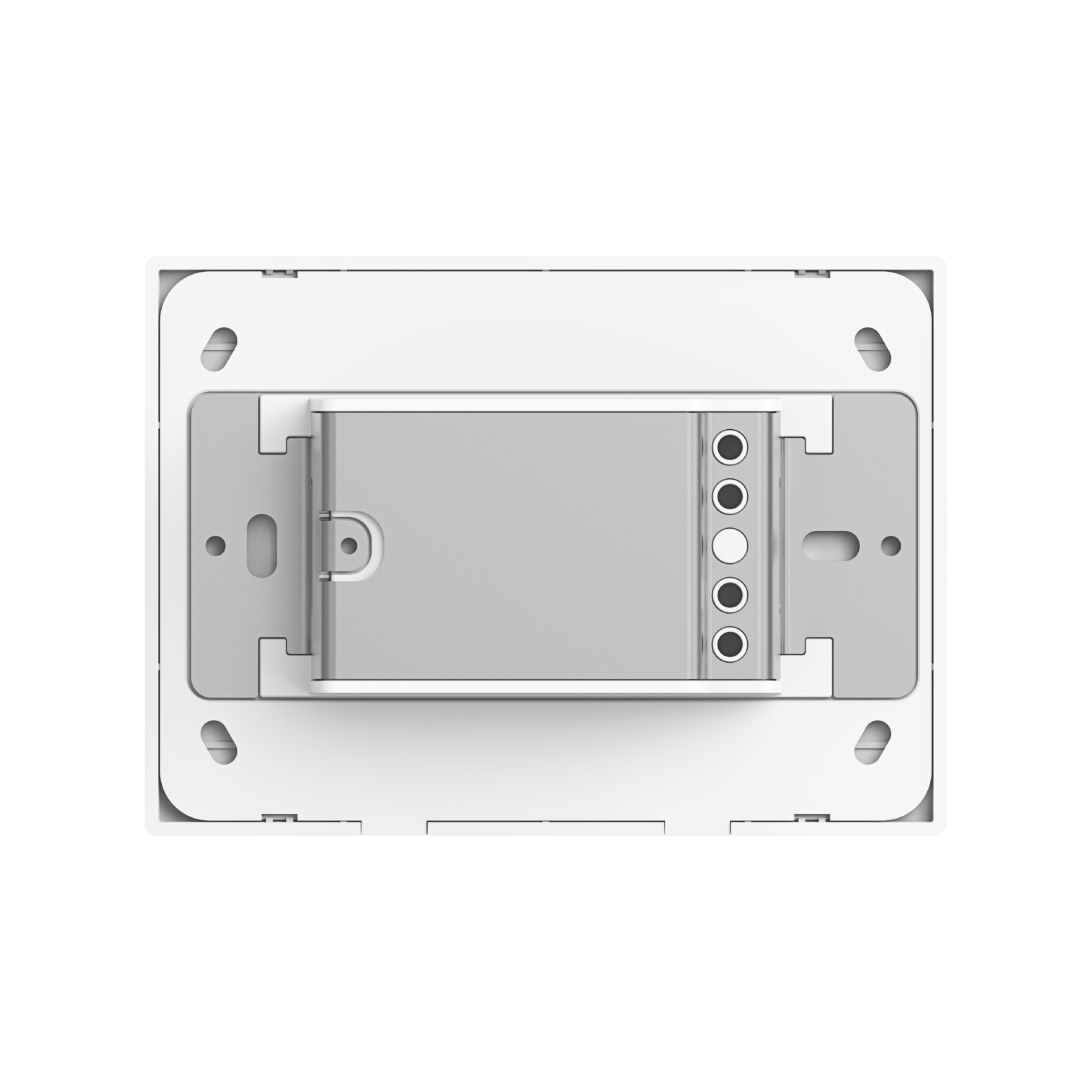
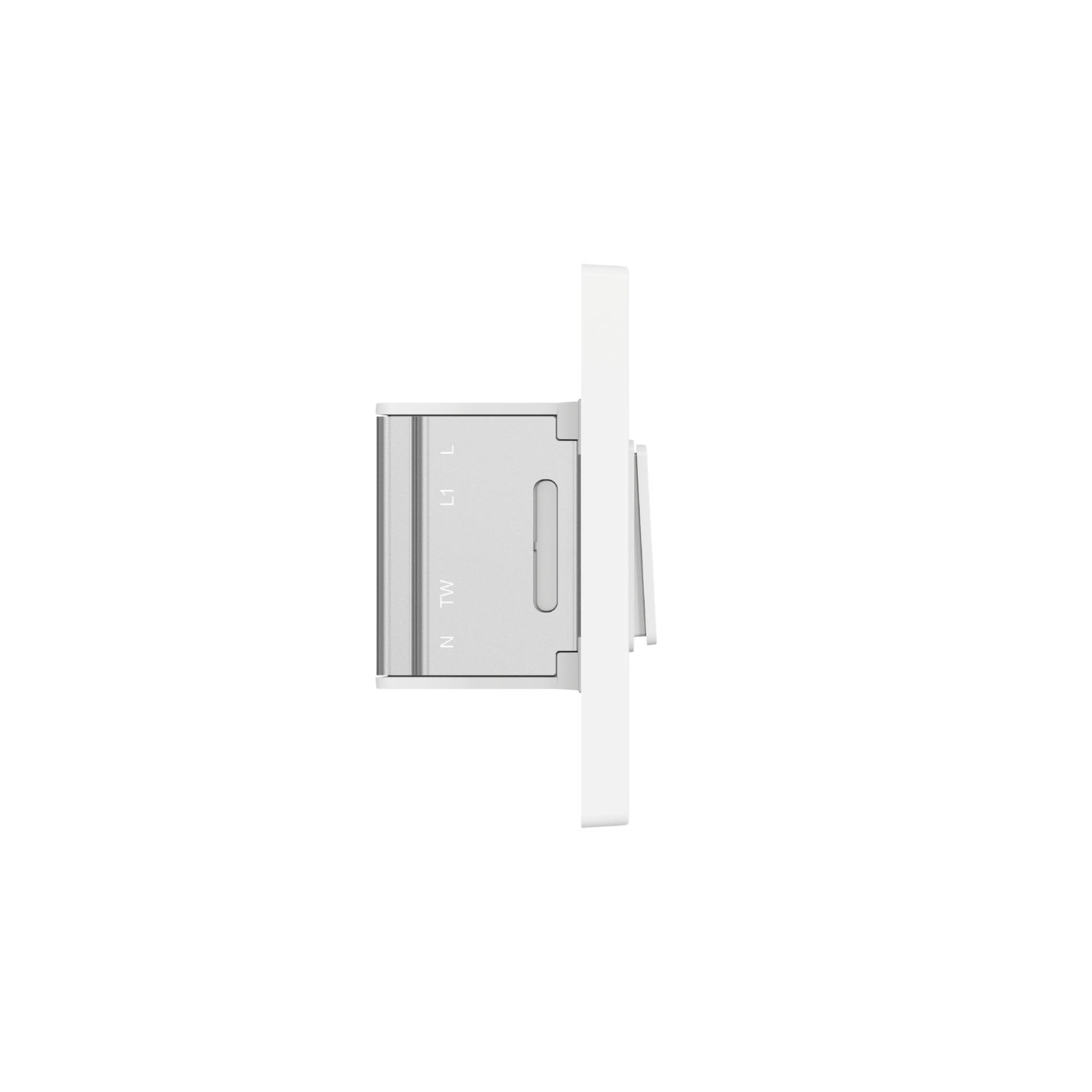
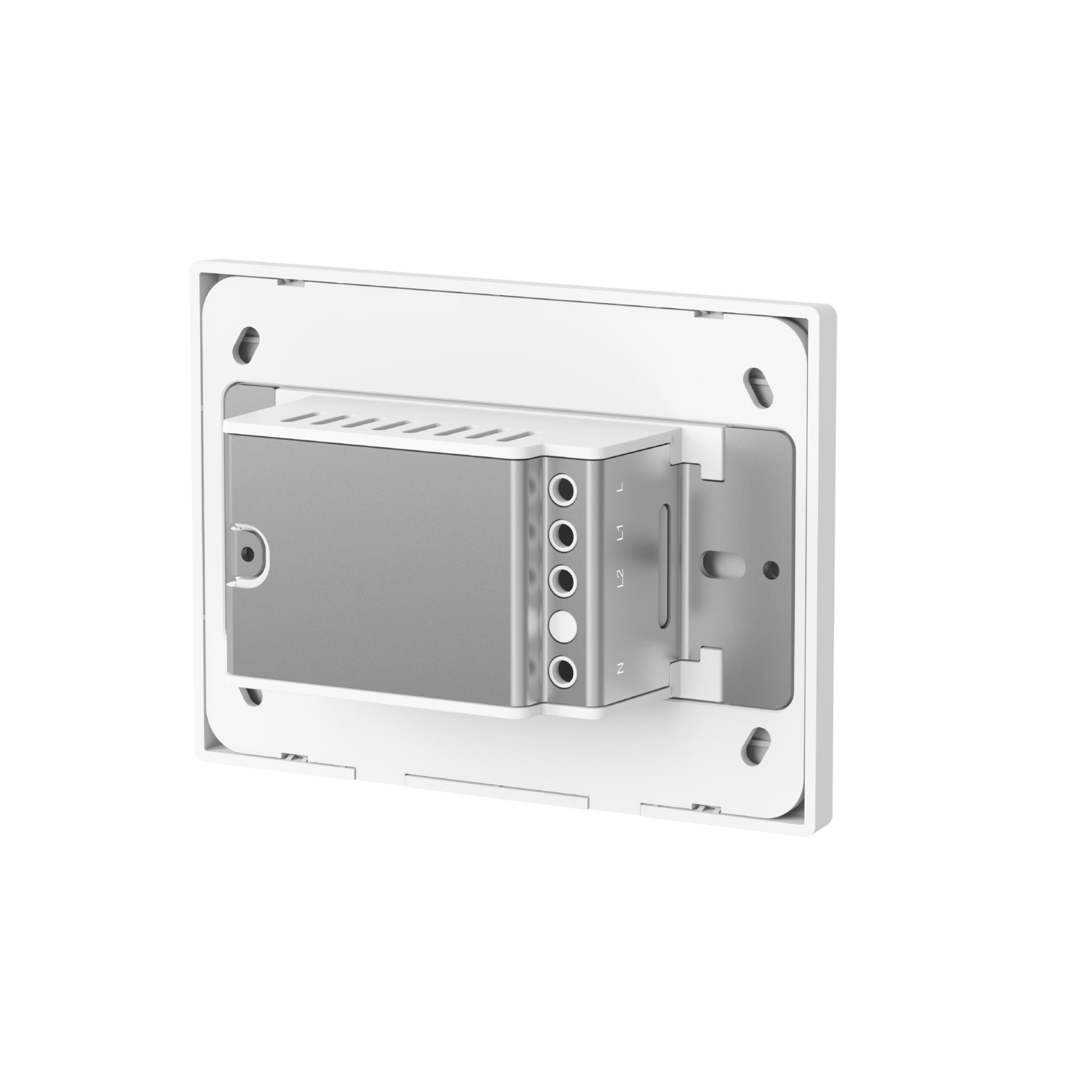
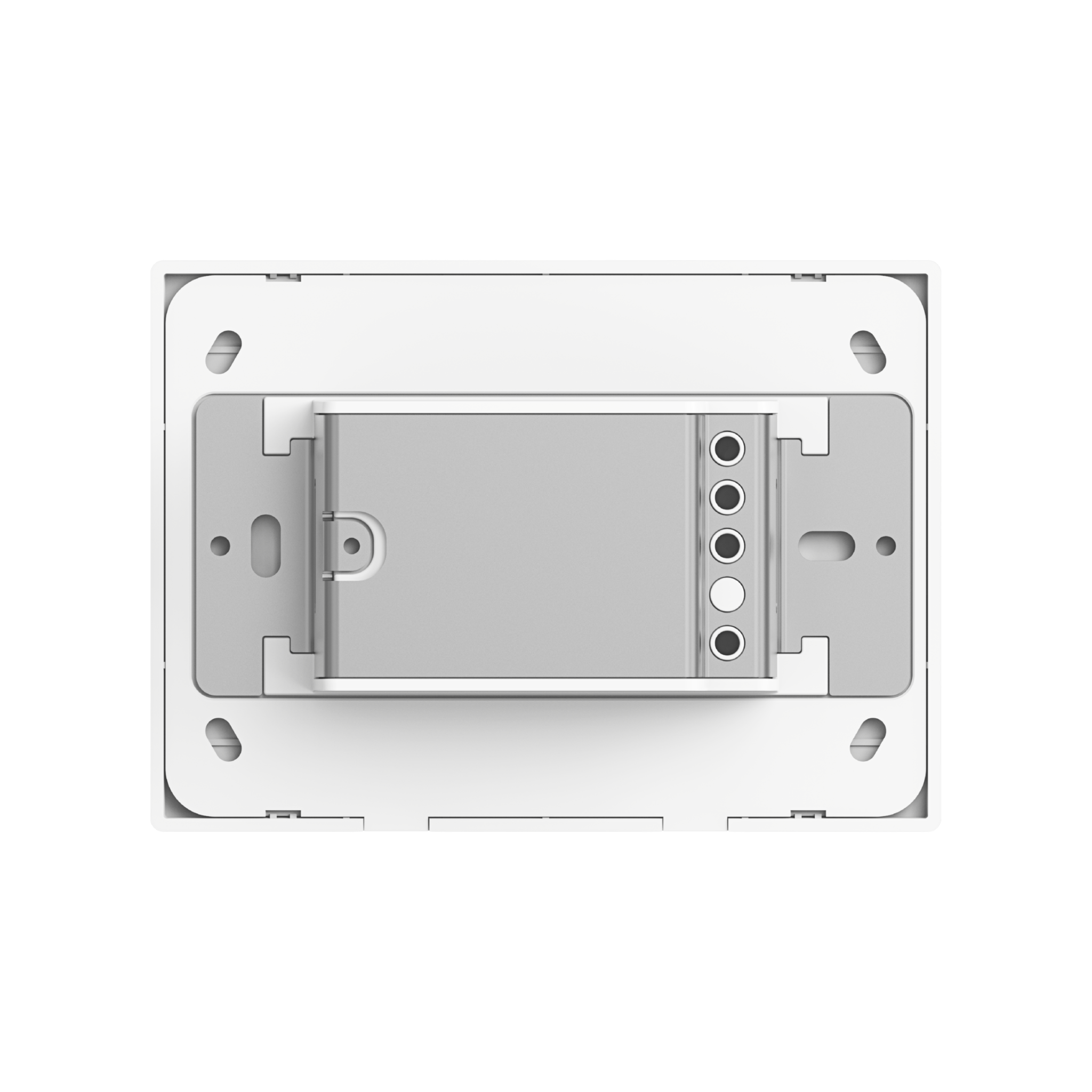
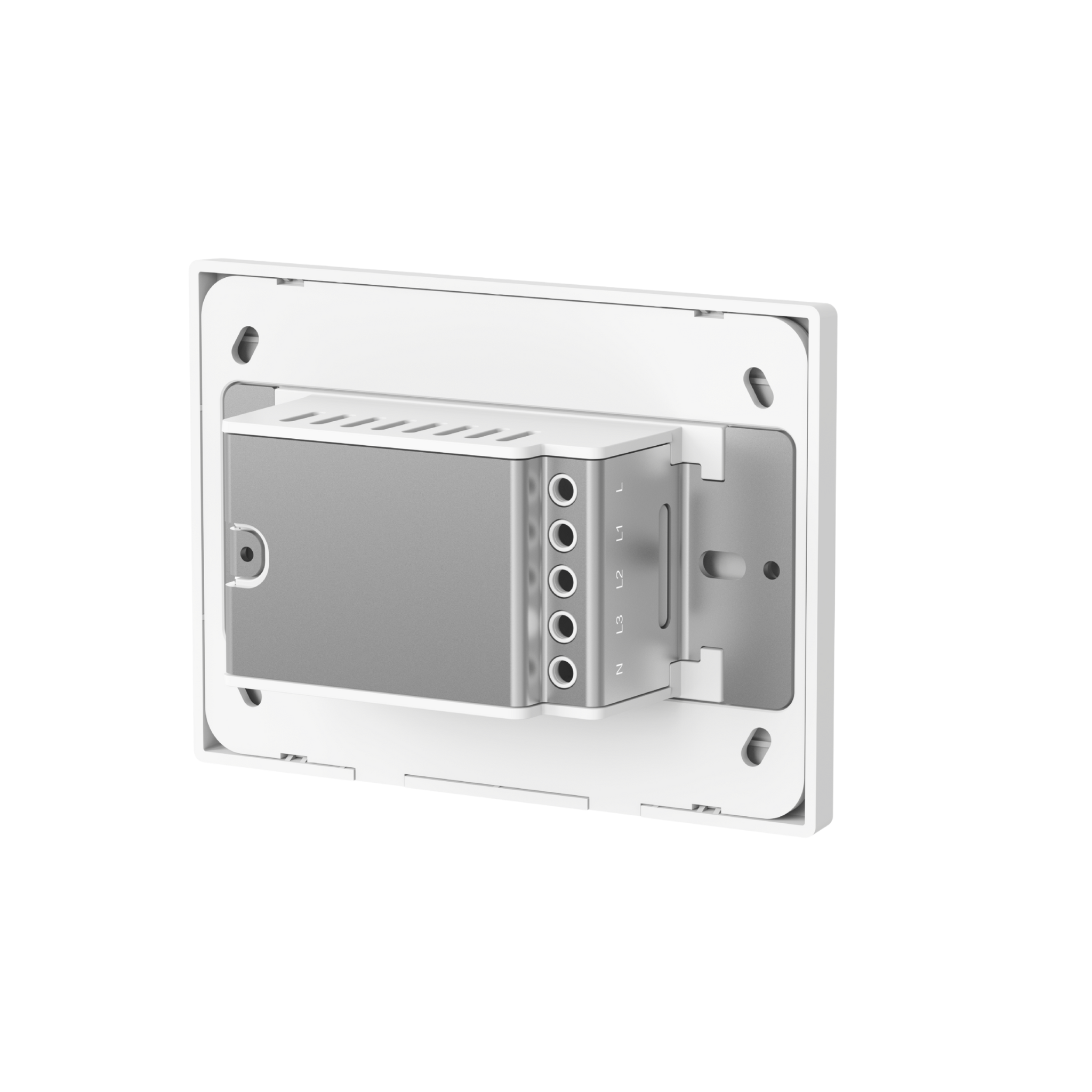
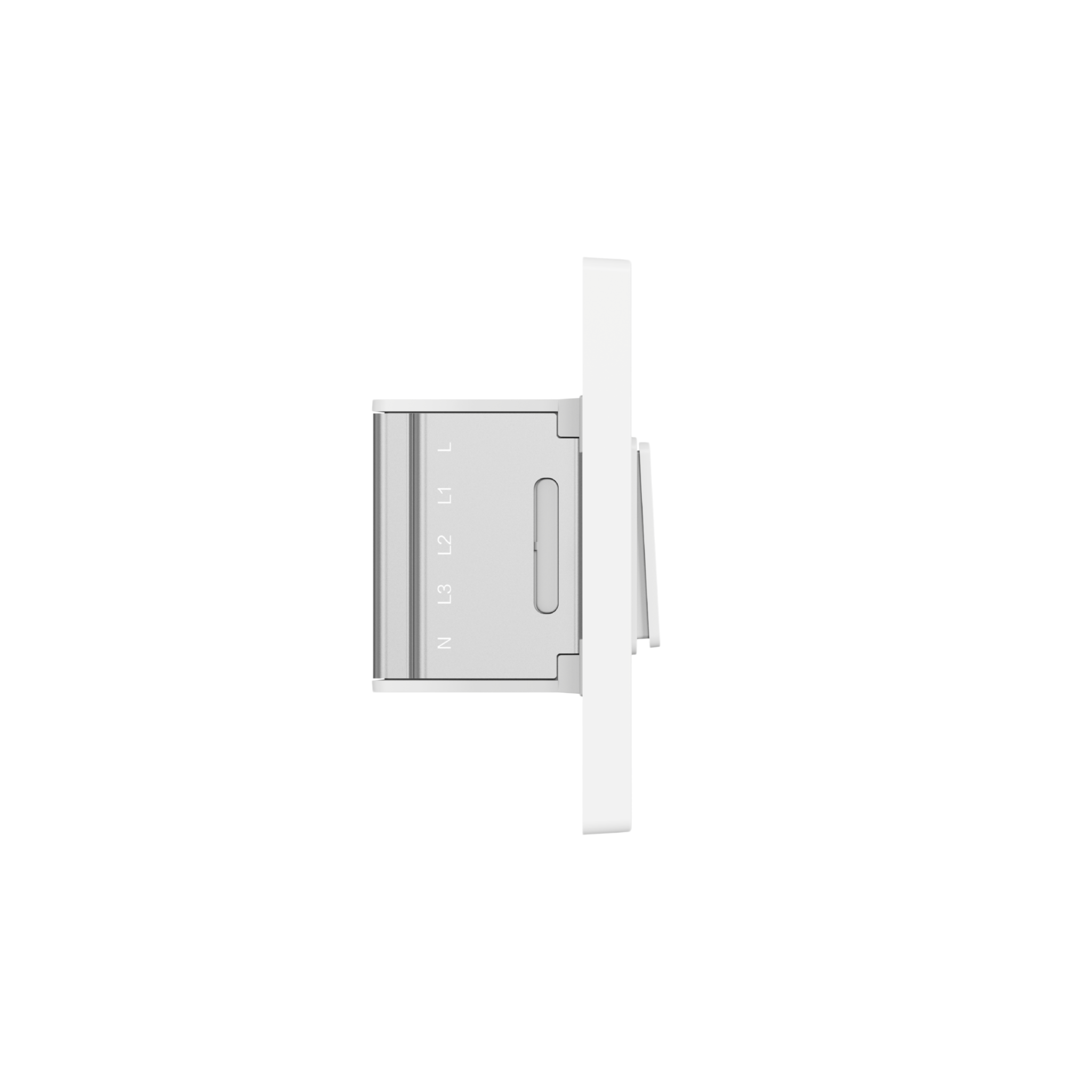
- Works With or Without Neutral Wire: Whether your home has a neutral wire or not, this switch makes installation simple and stress-free. It supports both no-neutral and with-neutral setups, giving you complete flexibility. Homes without a neutral wire can enjoy easy installation, while homes with a neutral wire benefit from advanced features like overload protection and power monitoring⁴, enhancing safety and efficiency.
- Customise Buttons for More Wireless Control: Go beyond basic on/off functionality. You can decouple or lock the relay to turn buttons into wireless triggers, then use single, double, and long presses to control multiple devices. One switch can become a powerful hub for your entire smart home⁵.
- Manage up to 3 Separate Lighting Circuits: Control up to three circuits with multifunctional buttons. Each button provides both relay and wireless control, giving you flexible management for multiple lighting circuits and smart home automations with ease.
- Track and Record Your Energy: With a neutral wire, the switch can monitor power consumption of connected devices and provide daily, weekly, or monthly energy reports in the Aqara Home app⁶. Use these insights to optimise electricity usage, create energy-saving plans, and improve sustainable energy use.
- Control Home Lighting Your Way: Effortlessly manage your home lighting anytime, anywhere. Use voice commands, the app, or schedules to tailor your lighting to your lifestyle. Whether relaxing at home or away, create the perfect ambience to suit your needs.
Note:
* To use the device with a Matter ecosystem, a Matter Controller and Thread Border Router for that ecosystem are required.
** Aqara Zigbee hub required.
*** Switching protocols requires a factory reset of the device.
**** Some advanced features may not be available in third-party Matter ecosystems. For full functionality, we recommend Zigbee mode with an Aqara hub.
***** Button functionality varies by SKU:
• 2 Buttons, 1 Channel: Left button only
• 2 Buttons, 2 Channels: Both buttons
• 4 Buttons, 3 Channels: Left three buttons
****** Power monitoring requires neutral wiring and may not be available in some third-party Matter ecosystems. For full functionality, we recommend Zigbee mode with an Aqara hub.
Specifications (Horizontal)
| Model | WS-K12D (2 Buttons, 1 Channel), WS-K13D (2 Buttons, 2 Channels), WS-K14D (4 Buttons, 3 Channels) |
| Wireless Protocols | Thread, Zigbee, Bluetooth |
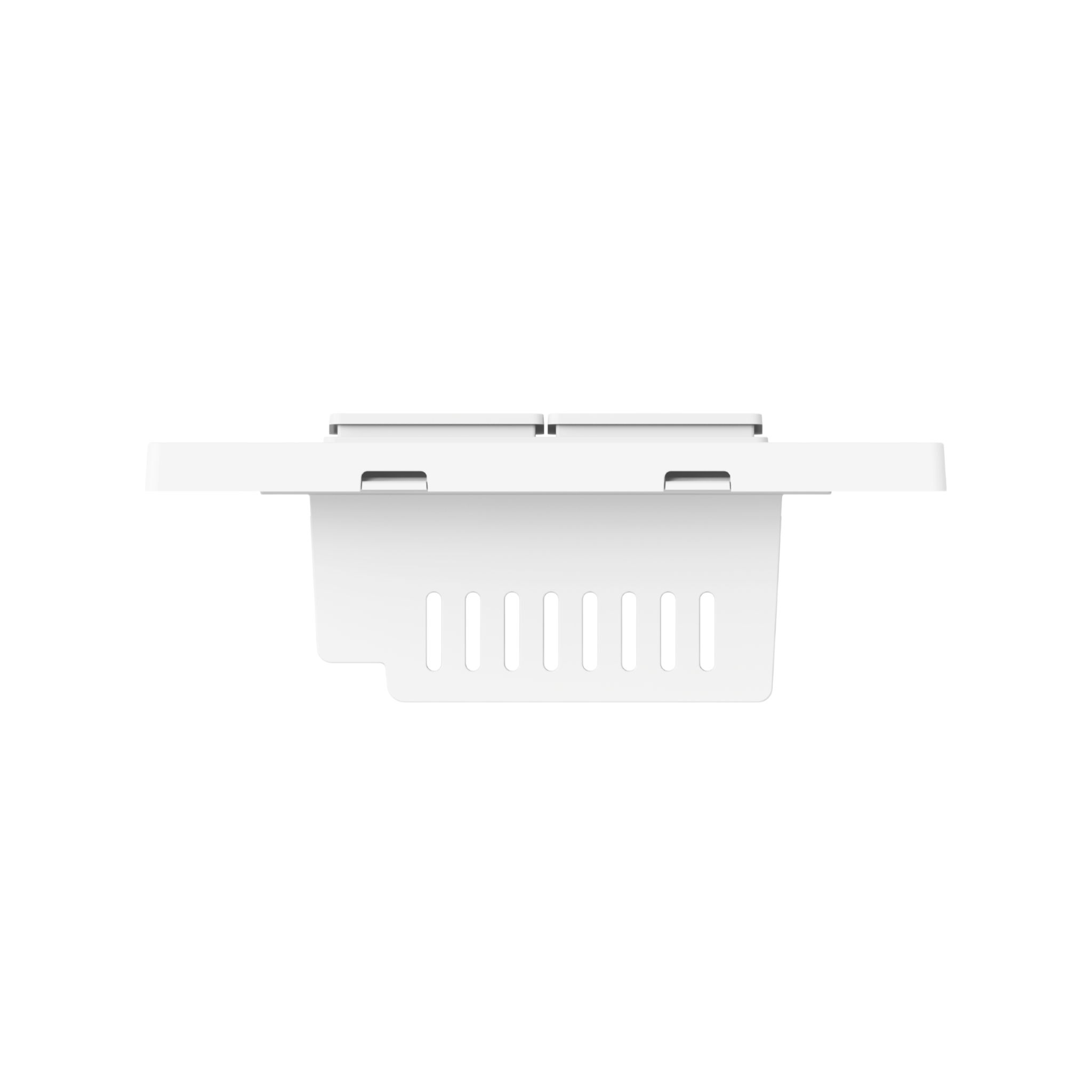
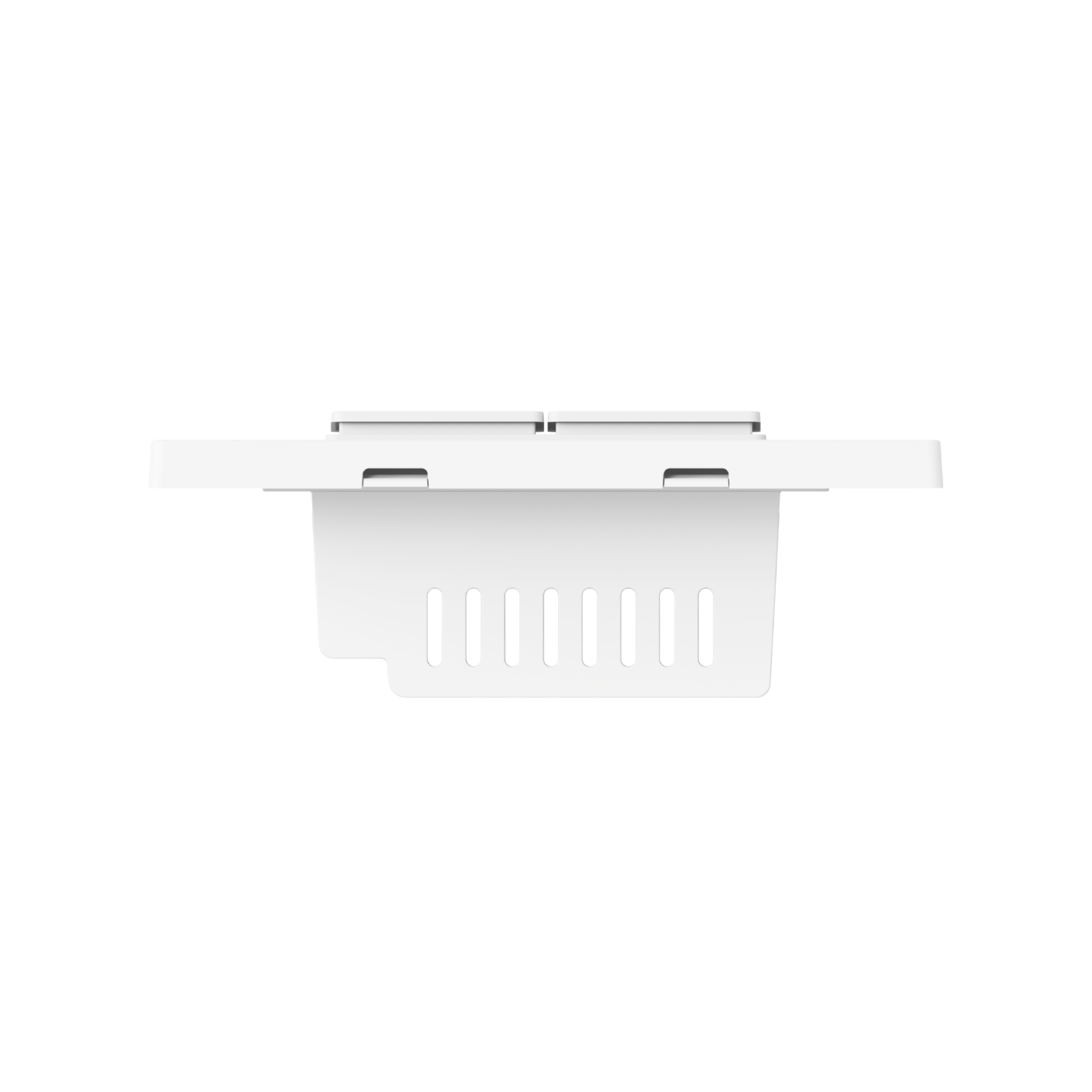
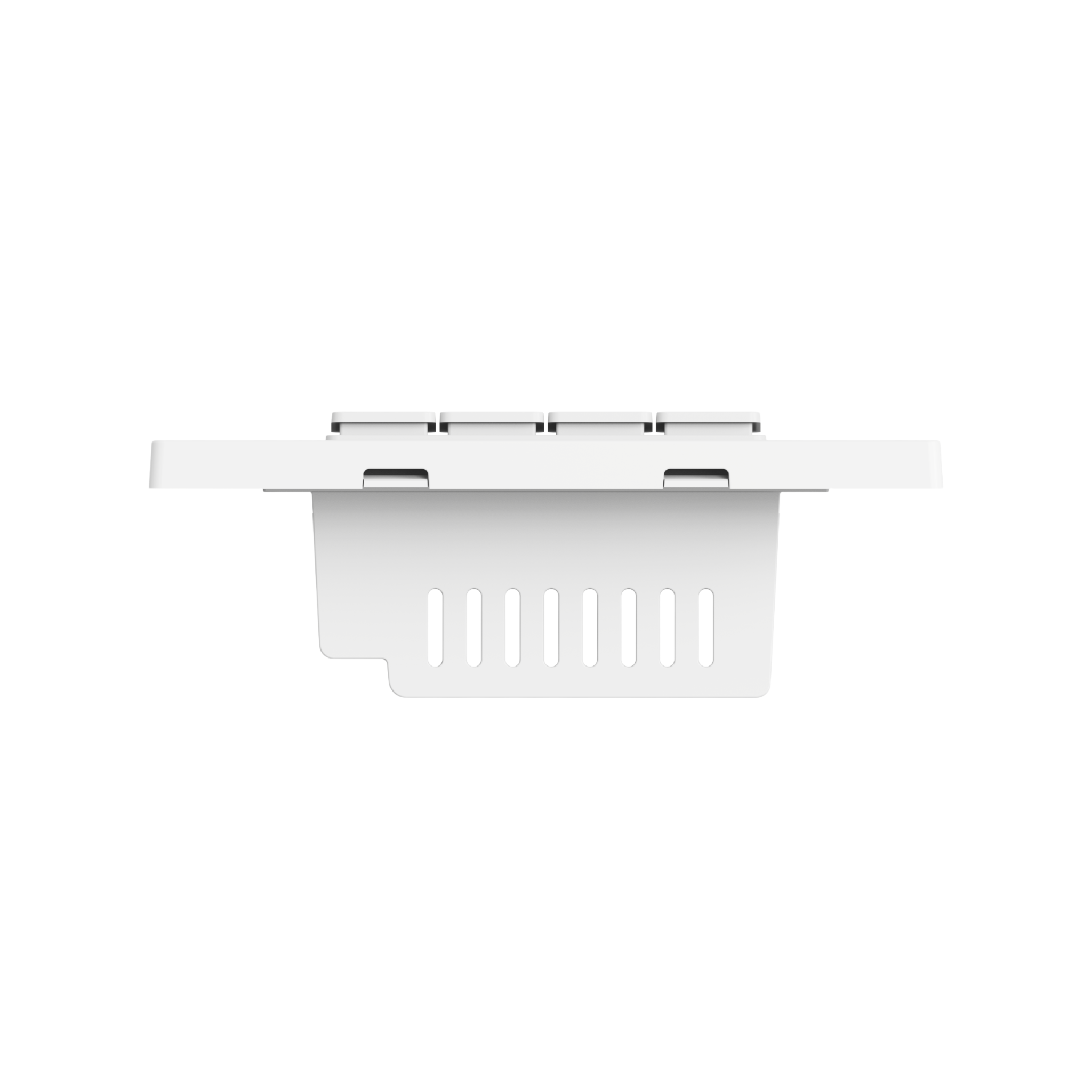
| Dimensions | 119 × 86 × 42 mm (4.72 × 3.39 × 1.65 in.) |
| Electrical Rating | 110-240 VAC, 50/60 Hz, Max. 10 A (Resistive Load), µ |
| Minimum Power | 5W (No Neutral), Unlimited (With Neutral), general purpose |
| Thread Operation Frequency | 2400-2483.5Mhz |
| Thread Maximum Output Power | ≤ 13 dBm |
| Bluetooth Operation Frequency | 2400-2483.5Mhz |
| Bluetooth Maximum Output Power | ≤ 13 dBm |
| Operating Temperature | 0°C ~ 40°C (32°F ~ 104°F) |
| Operating Humidity | 0 ~ 95% RH, no condensation |
| What is in the Box | Light Switch H2 Horizontal × 1, Compliance Statement × 1, User Manual × 1, Screw Kit × 1, Wire Nuts Kit × 1, Wiring Sticker Sheet × 1 |
Automations and Complementary Products
Click a product image to go to its page details
Scene: Easy Wireless Lighting Access
Control your living room ceiling lights without leaving your bed. One button toggles the main light, double press handles the side light — all wirelessly and effortlessly.
| Required Automation Products: | Light Switch H2 |
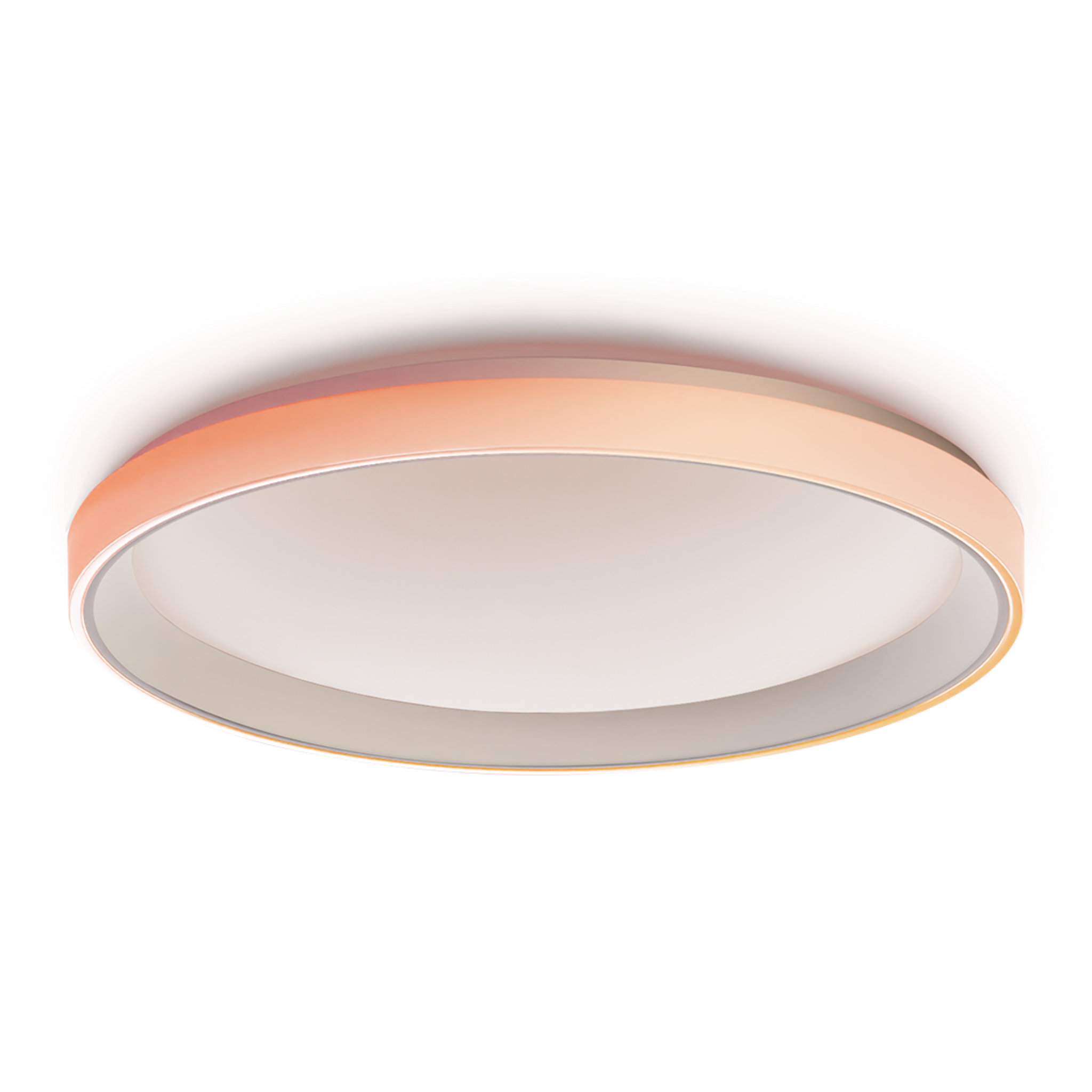 Ceiling Light T1M |
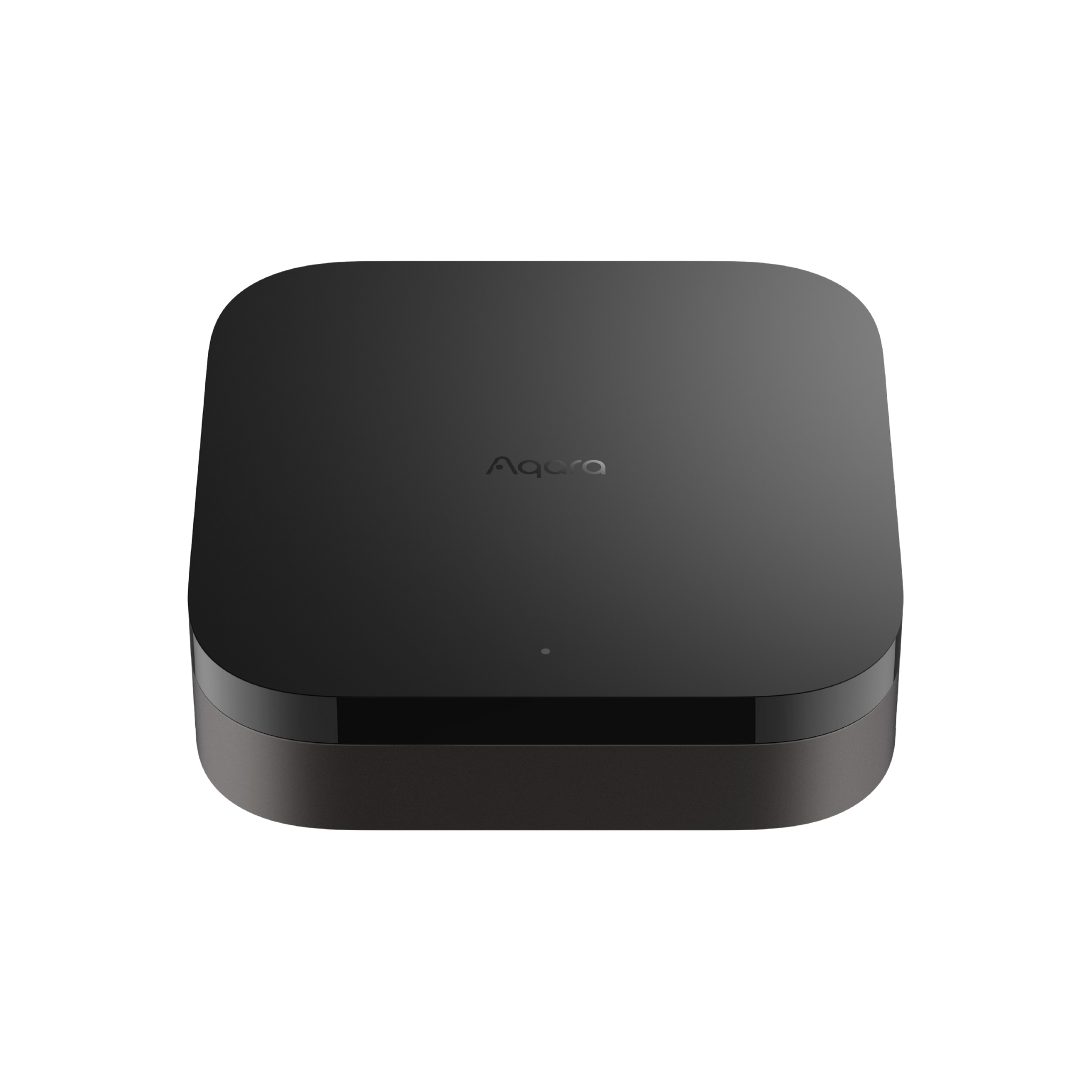 Hub M3 |
Automation Setup
WHEN (Trigger) Button 2 is pressed // THEN (Action) Turn on/off Ceiling Light - Main Light
WHEN (Trigger) Button 2 is double-pressed // THEN (Action) Turn on/off Ceiling Light - Side Light
Scene: Smart Light Timeout
Keep your lights smart and efficient. Automatically turn lights on when someone enters a room and off when they leave, saving energy and adding convenience.
| Required Automation Products: | Light Switch H2 |
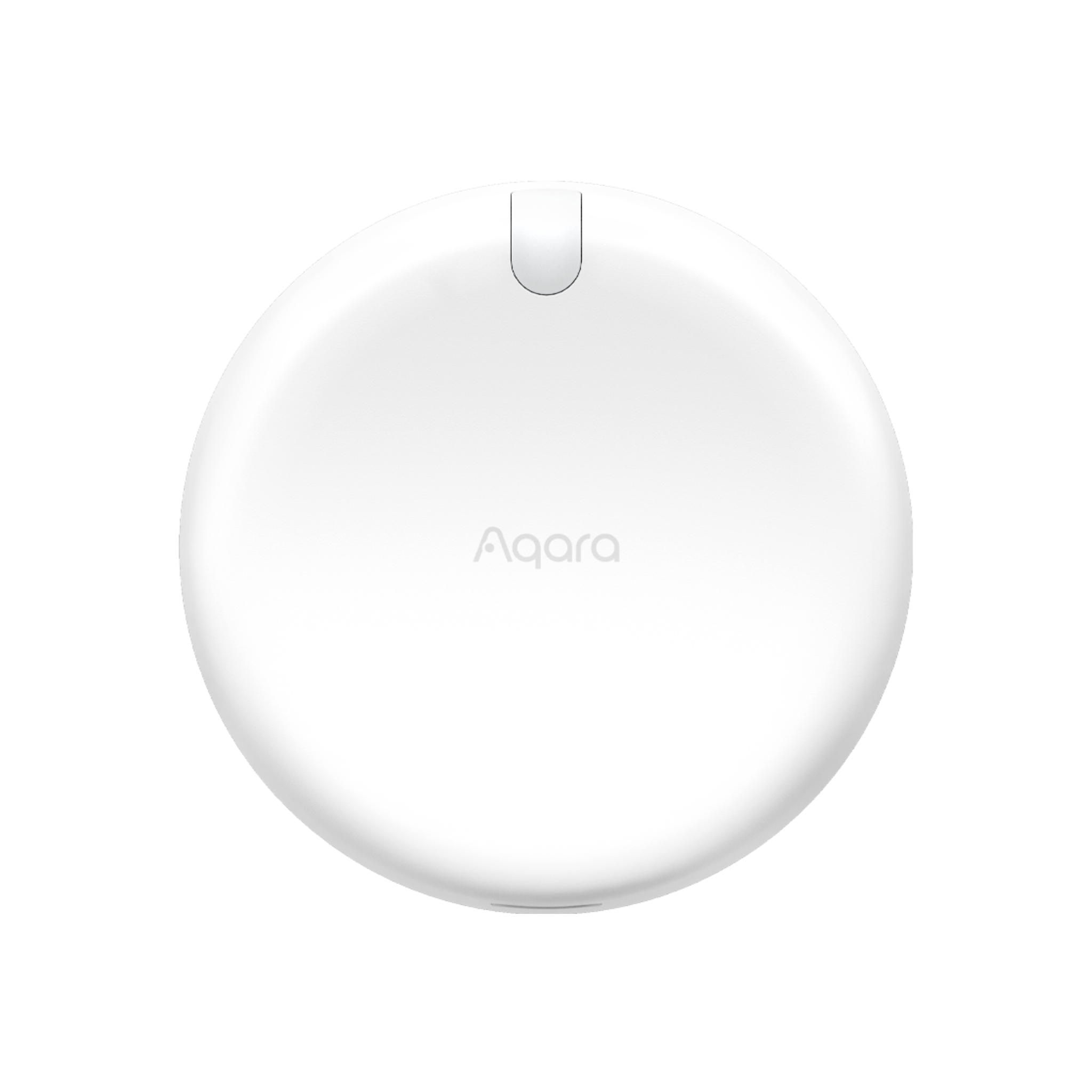 Presence Sensor FP2 |
Hub M3 |
Automation Setup
WHEN (Trigger) Presence is detected IF (Condition) below 20 Lux // THEN (Action) Turn on light
WHEN (Trigger) Absence is detected over set minutes IF (Condition) above 100 Lux // THEN (Action) Turn off light
Scene: Energy-Saving Routine
Never worry about leaving lights on again. Automatically switch off all connected lights when no one is home, keeping your home energy-efficient and your bills lower.
| Required Automation Products: | Light Switch H2 |
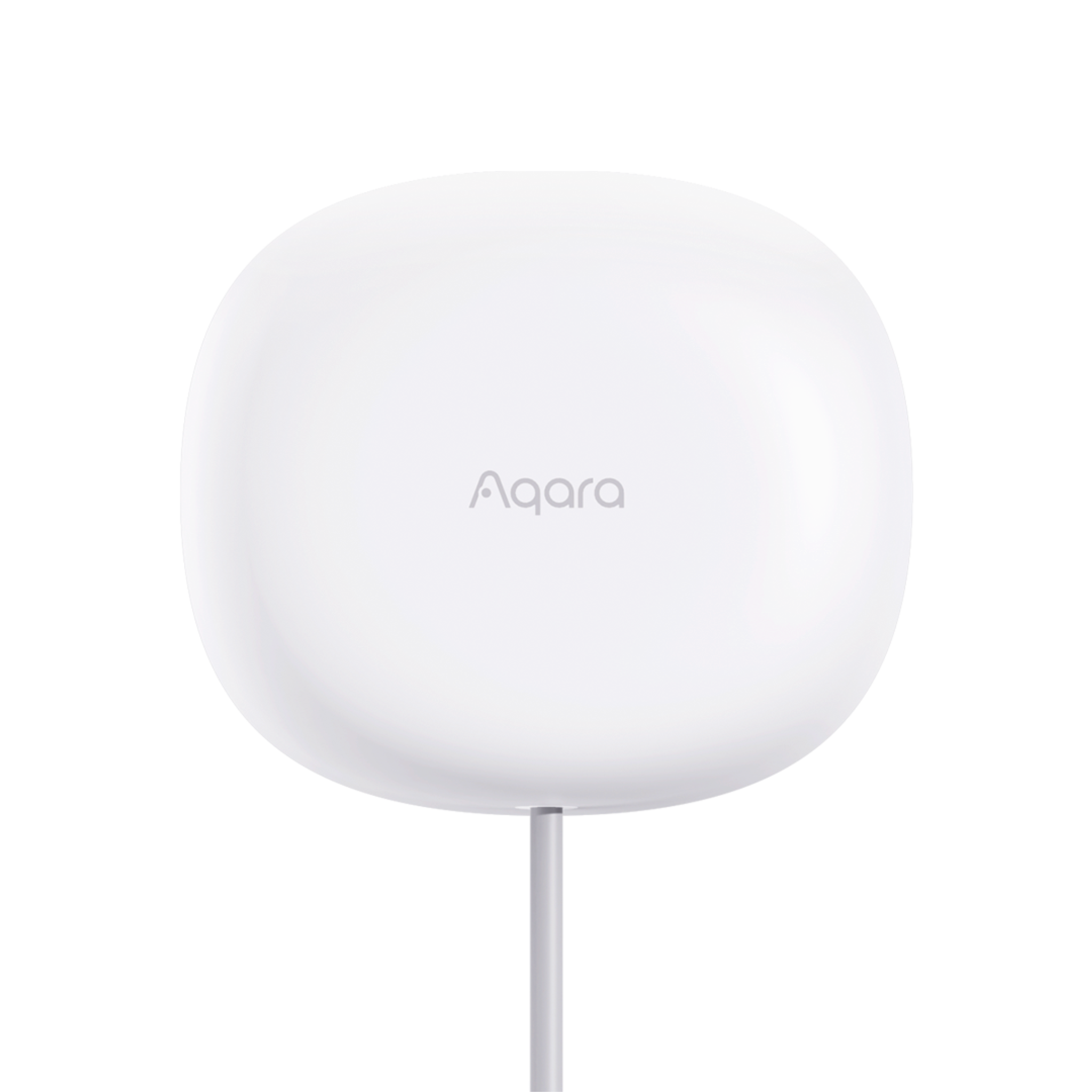 Presence Sensor FP1E |
Hub M3 |
Automation Setup
WHEN (Trigger) Weekdays at 09:00 IF (Condition) Absence (nobody is at home) // THEN (Action) Turn off all connected lights & enable Away Mode
Product Support Documents
- Step by step installation instruction video:
Installation Video (00:11:14) - Product User Manual:
User Manual (PDF) - Product FAQs:
Frequently Asked Questions (PDF)