
Hub M3
- Control your smart home with the Aqara Hub M3. Local operation, dual-band Wi-Fi, PoE, and 360° IR blaster for seamless integration with Aqara & Matter devices.
 Focus on Privacy and Encrypted Storage |
 Edge Computing and Local Automations |
 IR Blaster with Feedback and Learning |
 Superior Wired and Wireless Connectivity |
 Focus on Privacy and Encrypted Storage |
 Pwerful Speaker and Custom Ringtones |
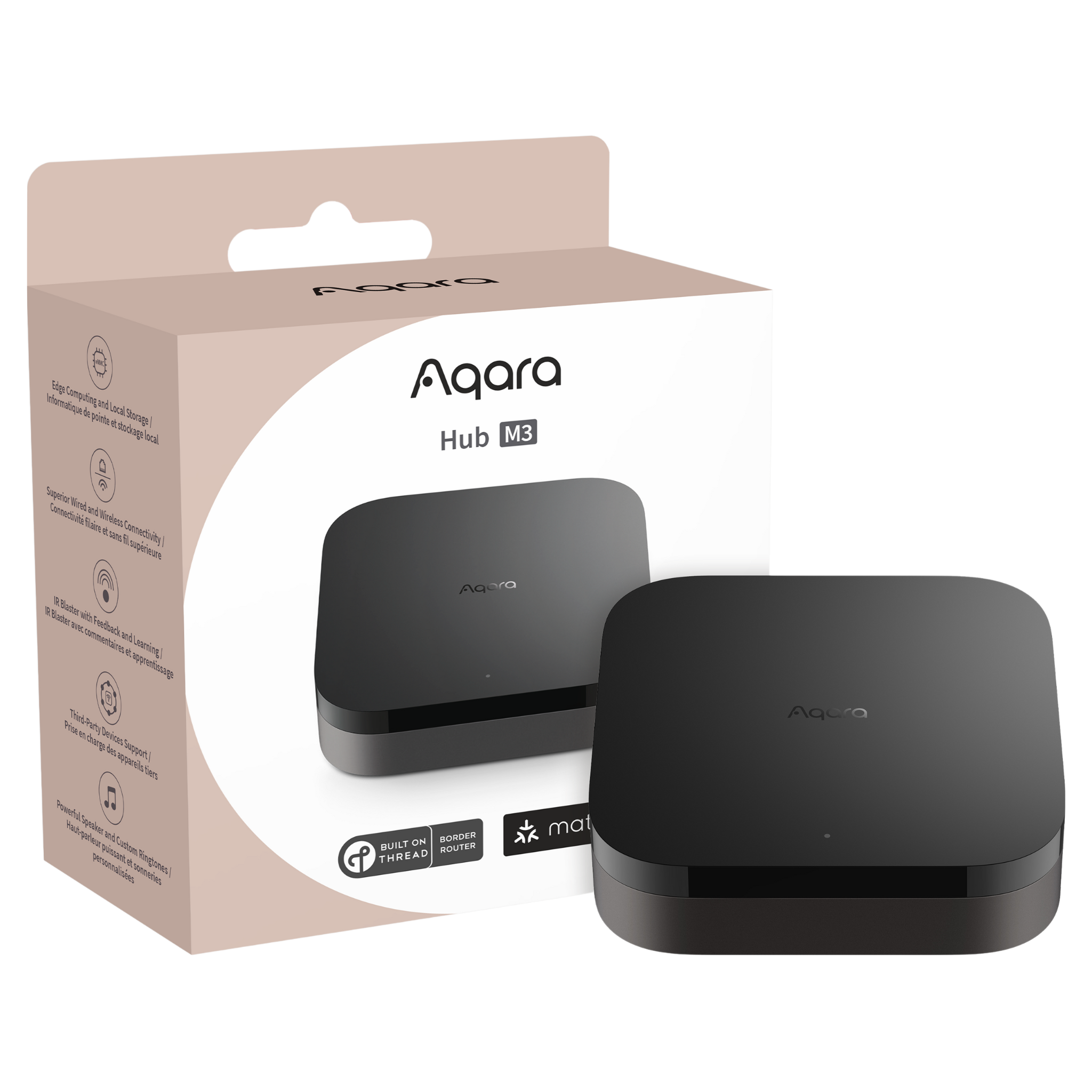
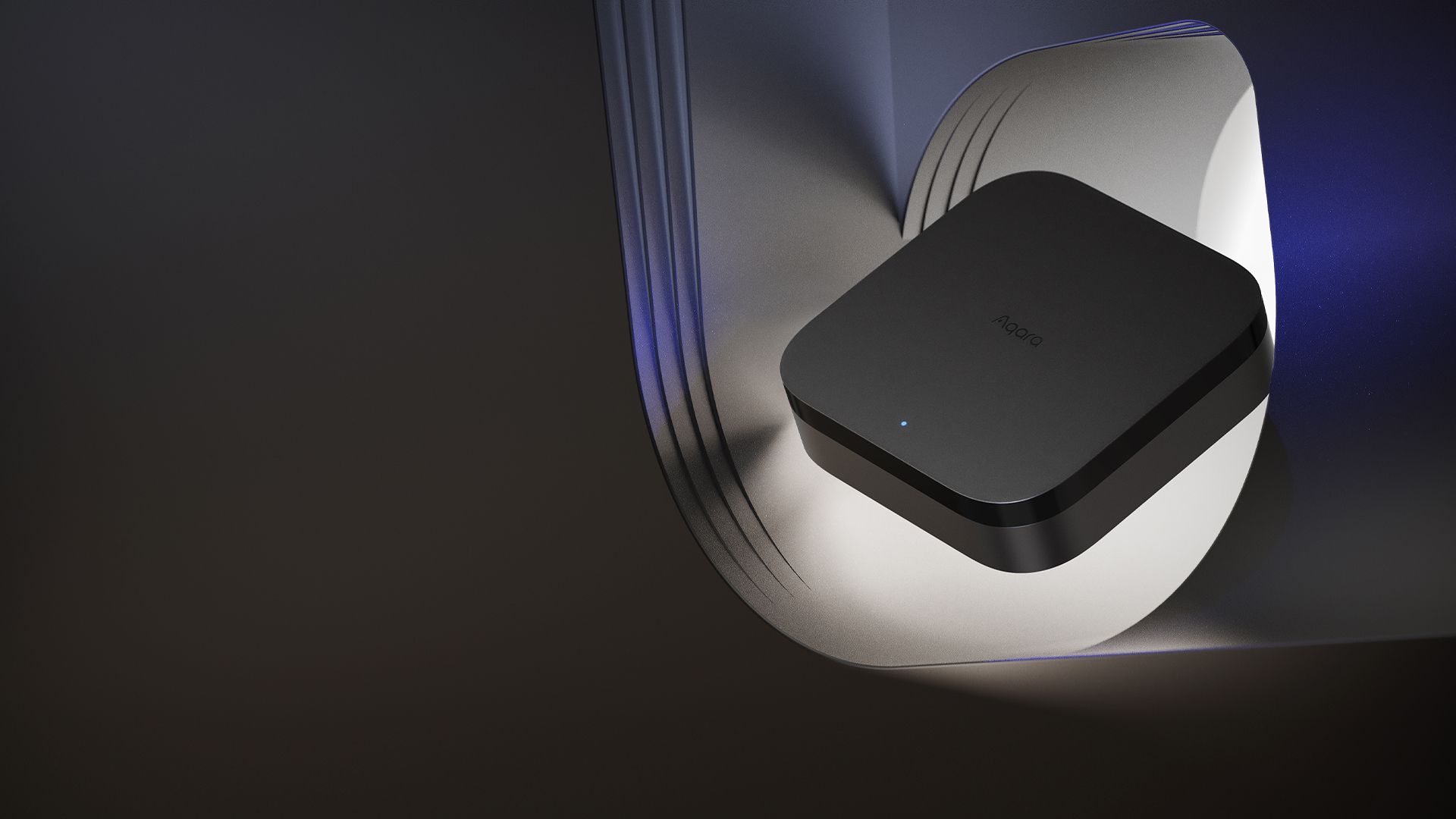
Product Info
Description
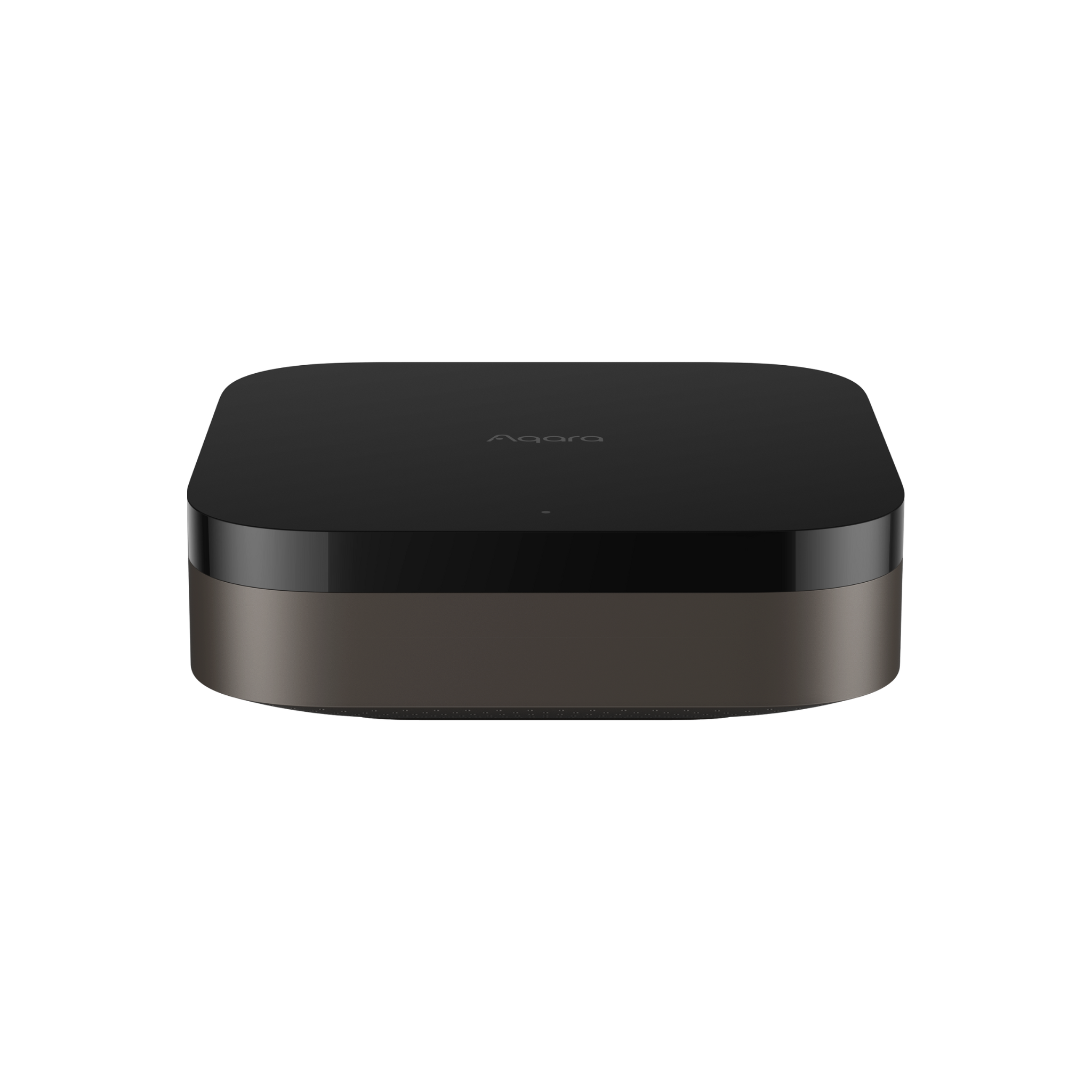
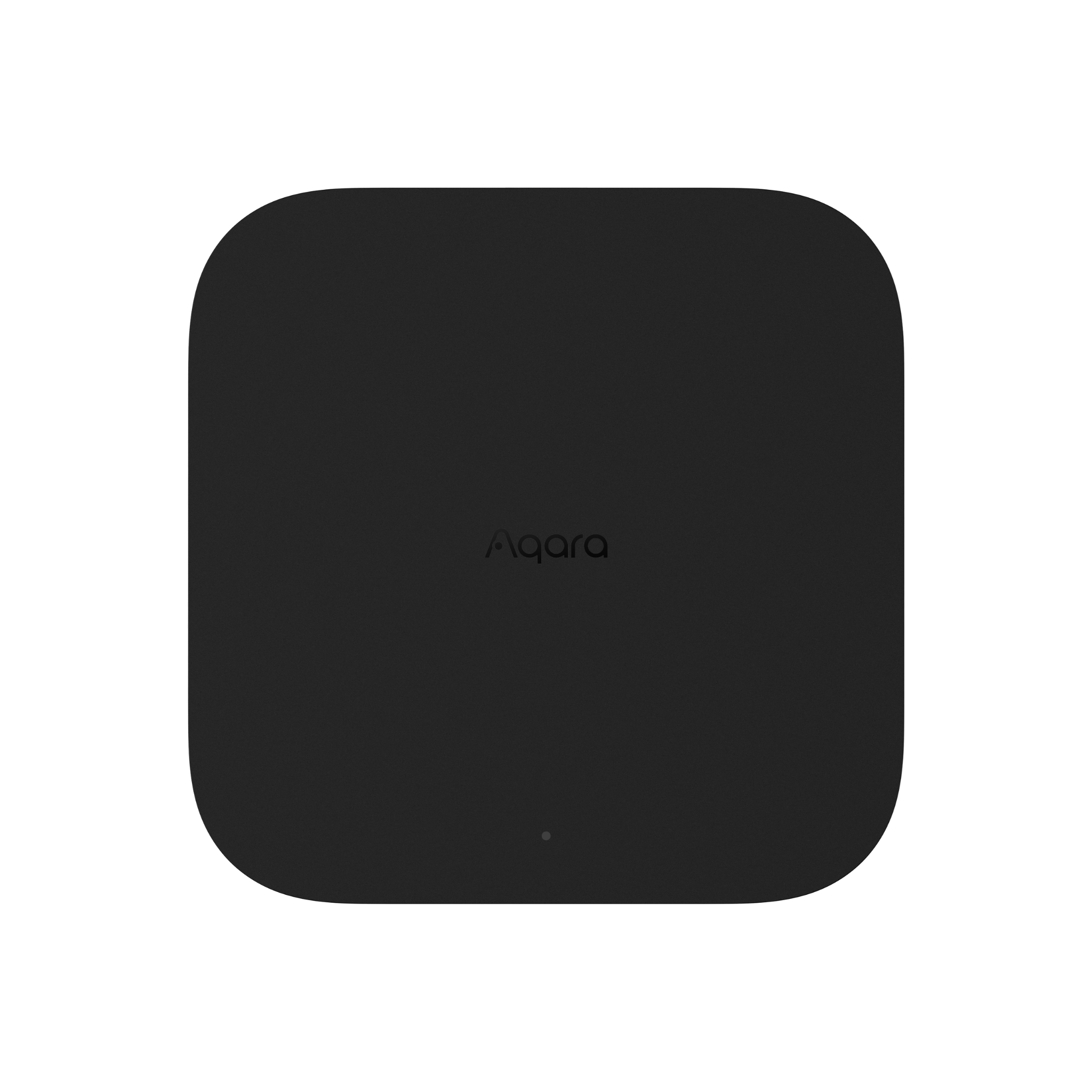
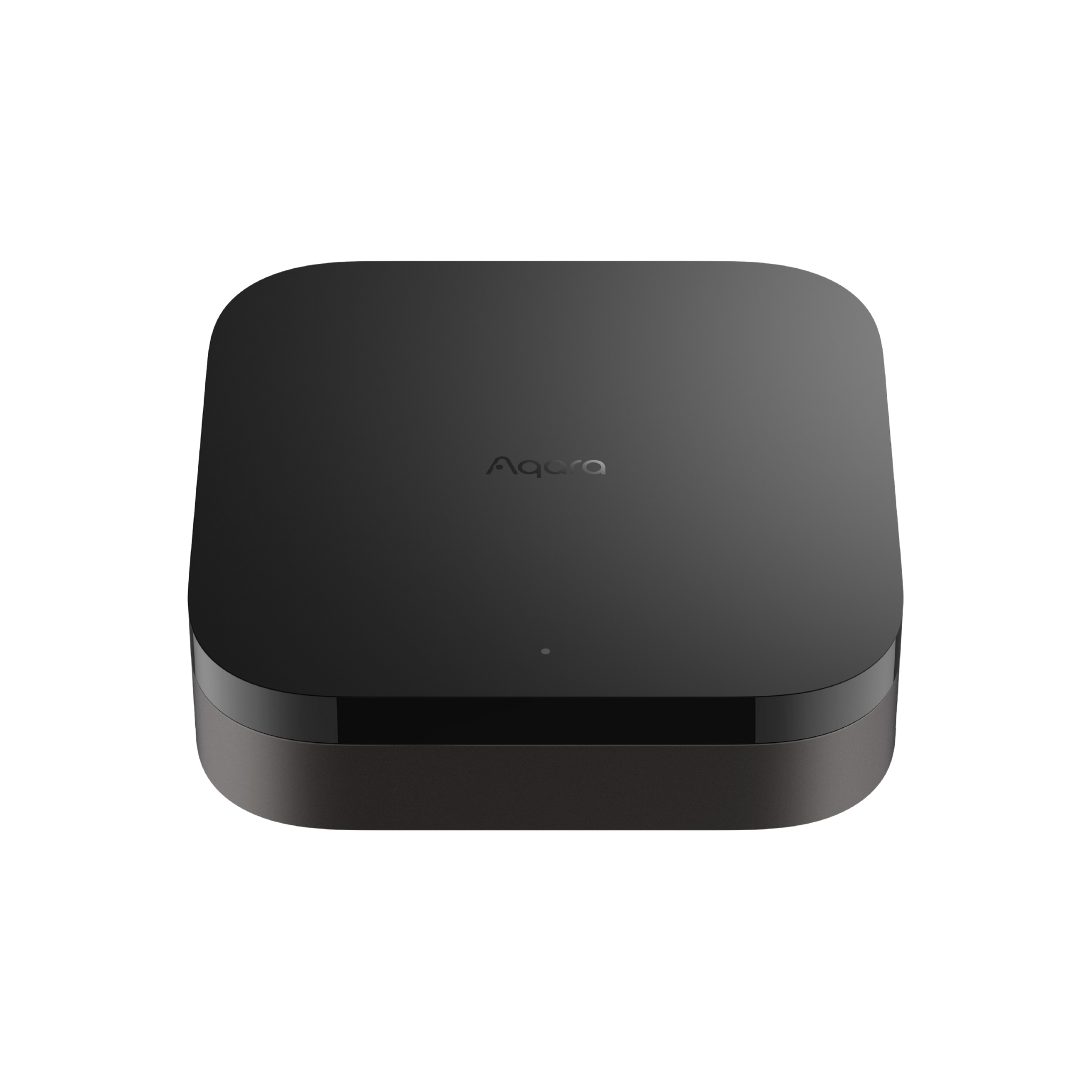
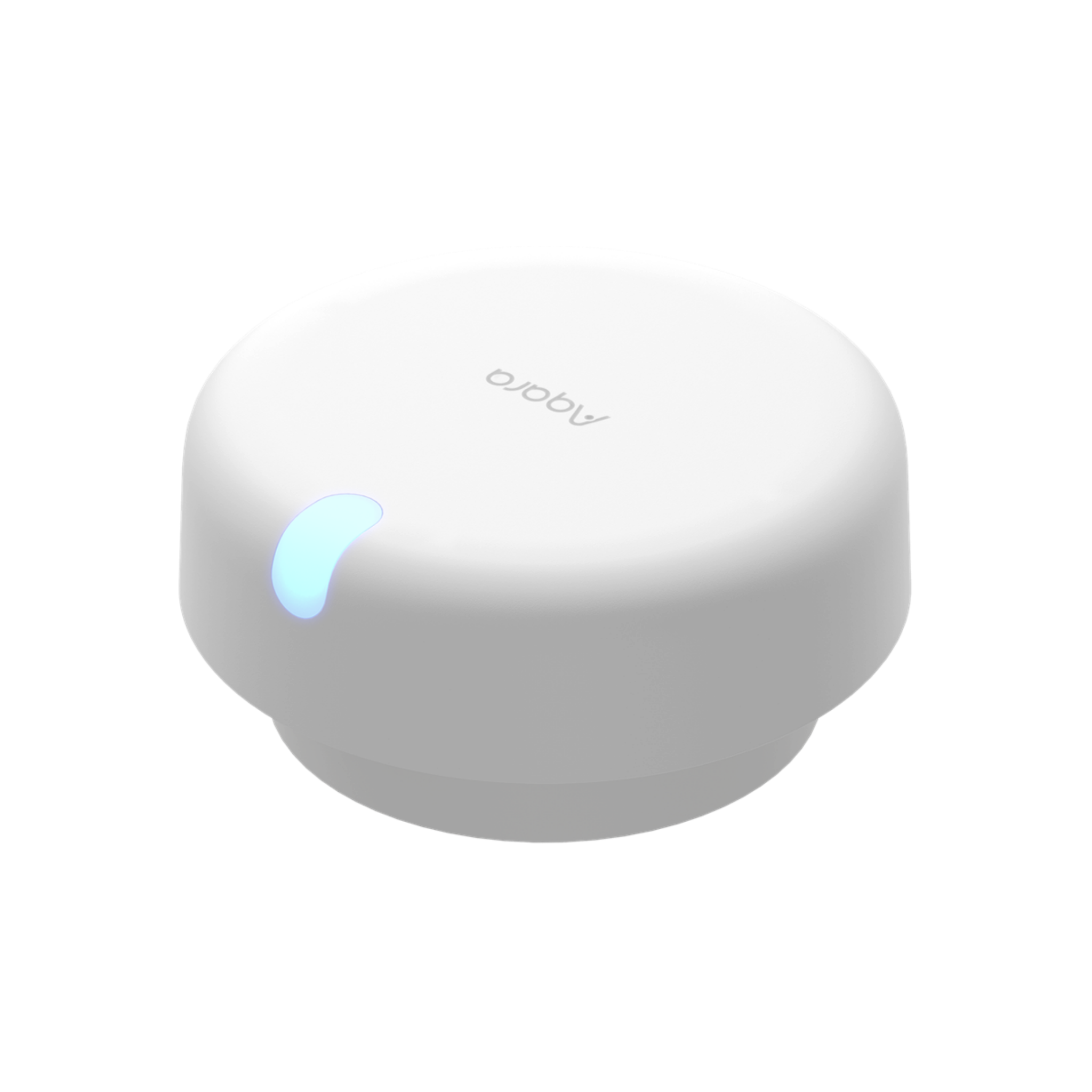
The Aqara Hub M3 is a powerful smart home controller that brings convenience, privacy, and seamless integration to your home. With no need for an internet connection or additional hubs, it operates locally to ensure your data stays secure.
The hub supports dual-band Wi-Fi and PoE for flexible connectivity and features a 360° IR blaster, allowing you to control your air conditioner and other devices with ease. It also connects with Aqara products and, for the first time, third-party Matter devices, creating a unified and easy-to-manage smart home ecosystem.
Whether you're a tech enthusiast or new to smart home automation, the Aqara Hub M3 offers simple setup and reliable performance.
Key Features
- Edge Computing for Fast, Local Automation: Edge Computing for Fast, Local Automation: The M3 shifts key automations from the cloud to local control*, improving speed, reliability, and overall smart home performance. Its hub replacement feature ensures a smooth upgrade path from older Aqara models without losing control of your setup. **
- Multi-Protocol Support with Matter Compatibility: Simplify your smart home with the M3 Hub—your central bridge for Aqara Zigbee and Thread devices. Enjoy seamless integration into the Matter ecosystem, without worrying about protocol compatibility. ***
- Matter-Enabled IR Controller for Smart AC Control: Matter-Enabled IR Controller for Smart AC Control: Control IR and AC thermostat devices with ease via Matter—bringing Apple Home’s first IR support. Place the M3 near your air conditioner and see real-time updates in the Aqara app, from temperature changes to mode adjustments.
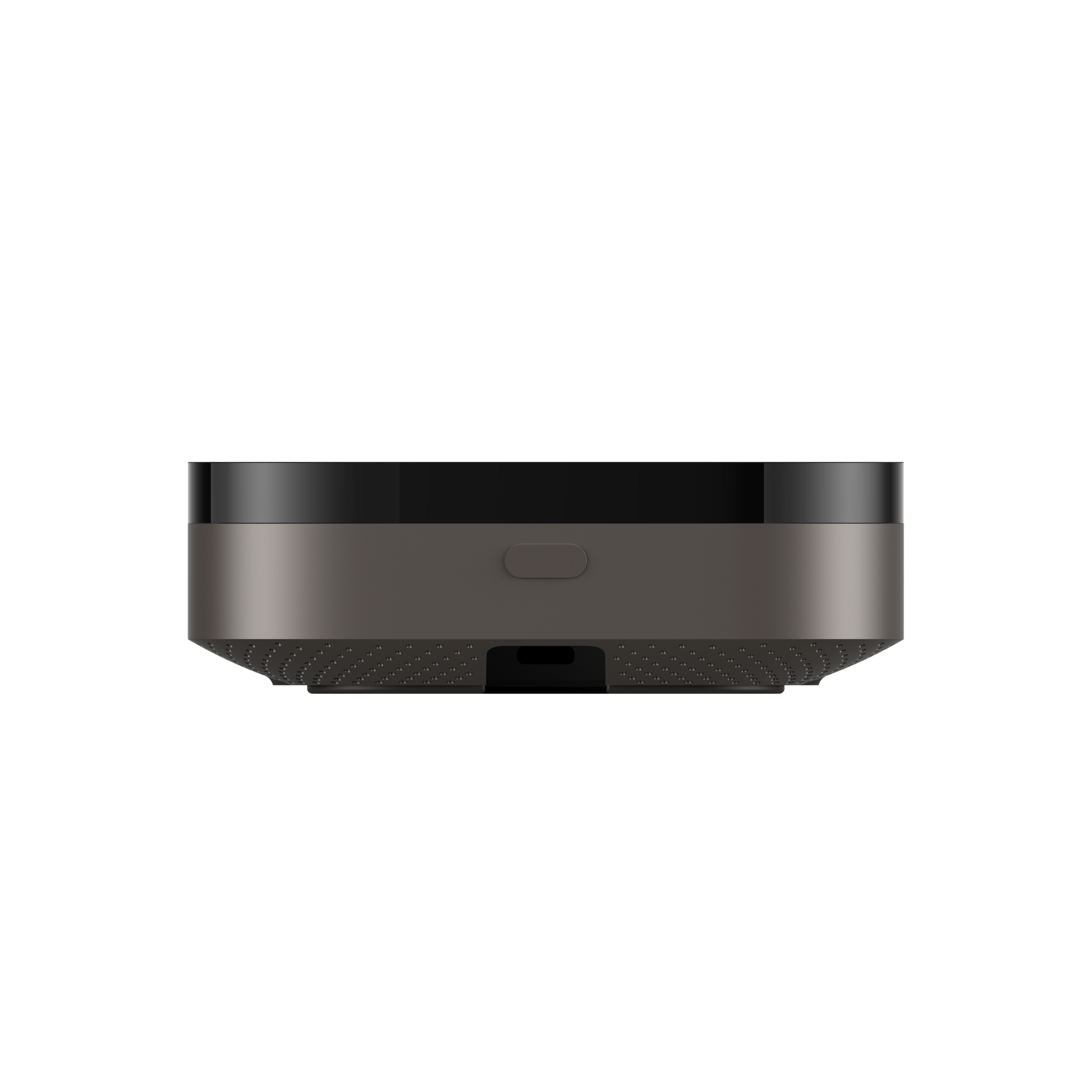
- Reliable Wired & Wireless Connectivity: Stay connected with dual-band Wi-Fi and a built-in RJ45 Ethernet port. Power the M3 via USB-C or PoE, giving you the flexibility to install it wherever it suits you best. ****
- Privacy-Focused with Encrypted Local Storage: Your data stays yours. The M3 protects your personal information with secure on-device storage, keeping it private and out of the cloud.
- Easy Setup, Flexible Placement: Designed for effortless installation, the M3 supports various power and network options. Whether you’re a smart home novice or expert, setting up is quick and intuitive—no matter the space. *****
- Built-In Speaker for Alerts & Announcements: Stay informed with custom audio notifications. The M3’s speaker can play alerts or personalised ringtones—for example, sounding an alarm when motion is detected—helping you stay on top of what matters.
Note:
* Some automations (e.g. push notifications, weather, geofencing) still require cloud connectivity.
** Reconfiguration needed for automations/scenes with migrated devices. Google Home and Alexa integrations retain settings.
*** Third-party support currently in Lab phase—limited to select Philips Hue, Leviton, and Google Nest device types.
**** USB power adapter (2A) not included.
***** Optimal performance requires minimal obstacles and additional Zigbee repeaters where needed.
Specifications
| Category | Hub |
| Colour | Black |
| Model | HM-G01D |
| Power Input | 5V⎓2A |
| Dimensions | 105 x 105 x 36.5 mm (4.13 x 4.13 x 1.44 in.) |
| PoE Input | 48V⎓0.27 A |
| Wireless Protocols | Wi-Fi IEEE 802.11 a/b/g/n/ac 2.4 GHz/5 GHz, Zigbee/Thread IEEE 802.15.4, Bluetooth 5.1 |
| Operating Temperature | -10℃~50℃ |
| Operating Humidity | 0~95% RH, no condensation |
| What is in the Box | Hub M3 x1, User Manual x1, USB-A to USB-C Cable x1, Screws & Anchors Kit x1, Bracket x1 |
Automations and Complementary Products
Click a product image to go to its page details
Scene: The Perfect Upgrade to Your Existing Aqara Setup
Upgrade your Aqara system with the M3 as the lead hub for local automation or migrate all Zigbee devices for a stronger setup.
| Required Automation Products: | Hub M3 |
Scene: Smart Air Conditioning with a Climate Sensor
Thanks to its built-in IR blaster, the M3 can control your IR air conditioner directly. Pair it with an Aqara Climate Sensor to trigger cooling or heating based on room temperature. Best of all, it works with Apple Home, Alexa, and Google Home via Matter for seamless control.
| Required Automation Products: | Hub M3 |
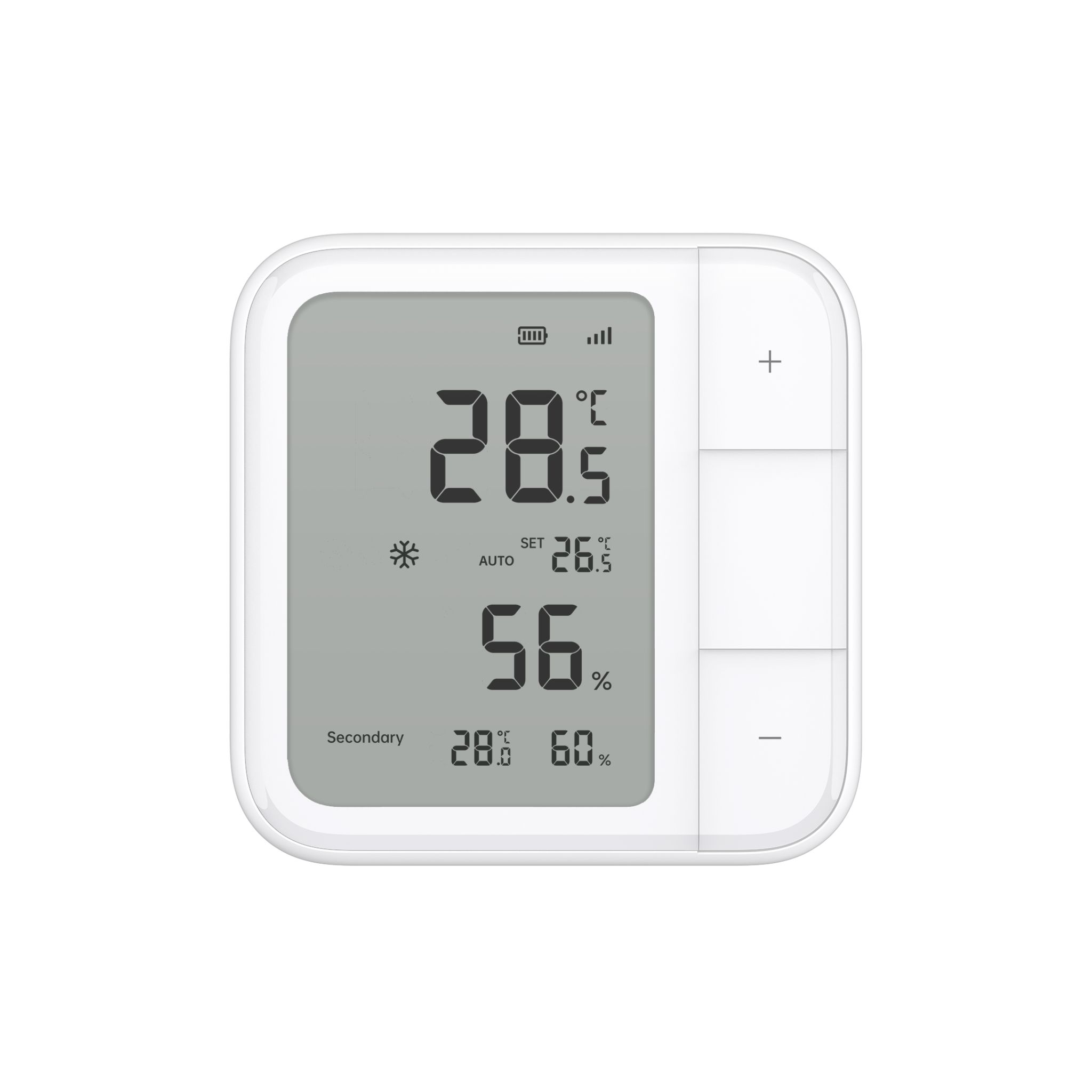 Climate Sensor W100 |
 IR Controller (Air Conditioner) |
Automation Setup
IF (Condition) - Temperature > X // THEN (Action) - Turn on Air Conditioner and set temperature to X
IF (Condition) - Temperature > X // THEN (Action) - Turn off Air Conditioner
Scene: Save Energy with Precise Presence Detection
Use the FP2 Presence Sensor to detect when no one’s in a room or area. For example, if no one is on the first floor, the M3 can automatically switch your thermostat to energy-saving mode—keeping comfort high and power bills low, all with reliable local automation.
| Required Automation Products: | Hub M3 |
 Presence Sensor FP2 |
IR Controller (Air Conditioner) |
Automation Setup
IF (Condition) - IF Absence is detected in on the first floor // THEN (Action) - THEN Set the first floor thermostat to energy-saving mode
Scene: Automatic Lighting Based on Motion and Brightness
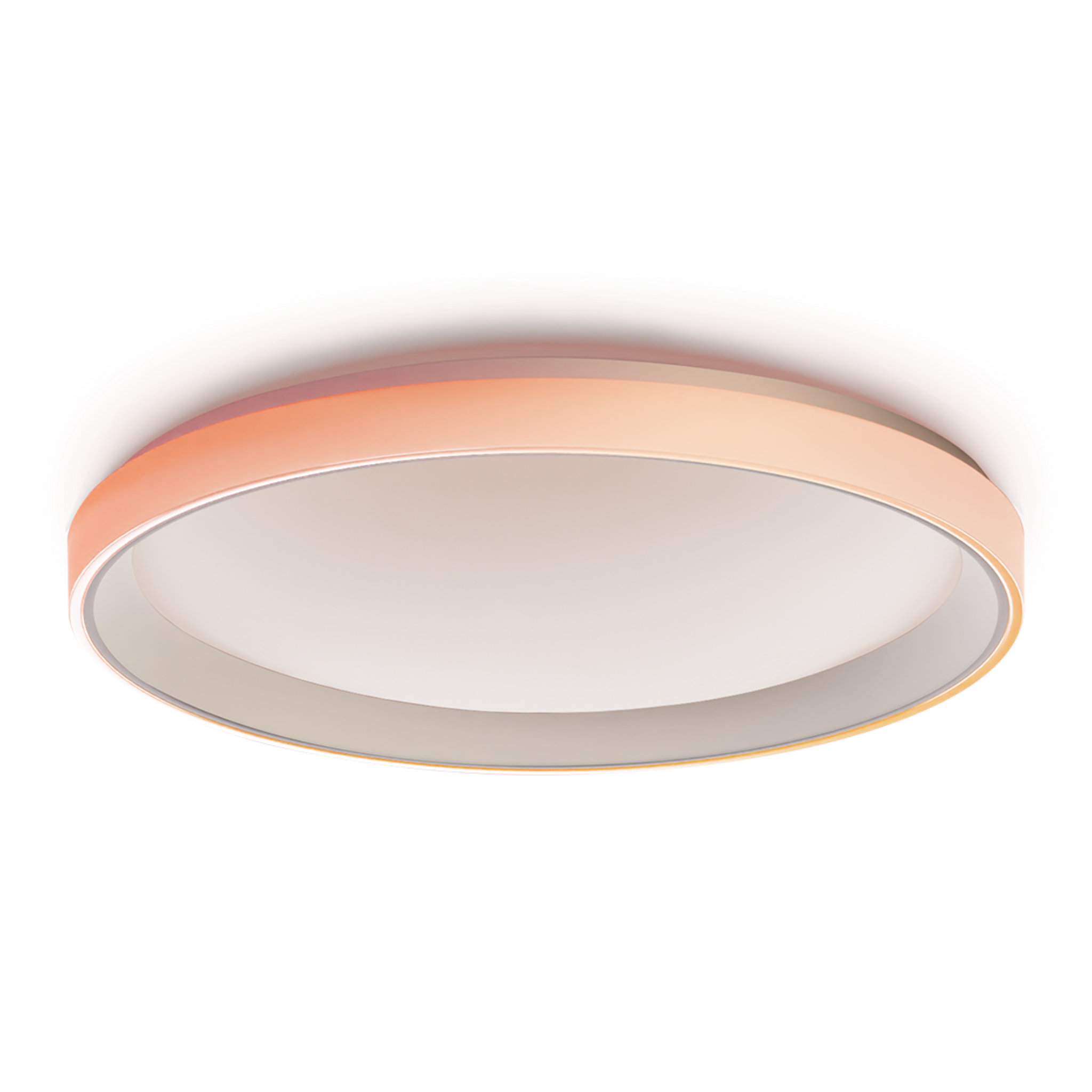
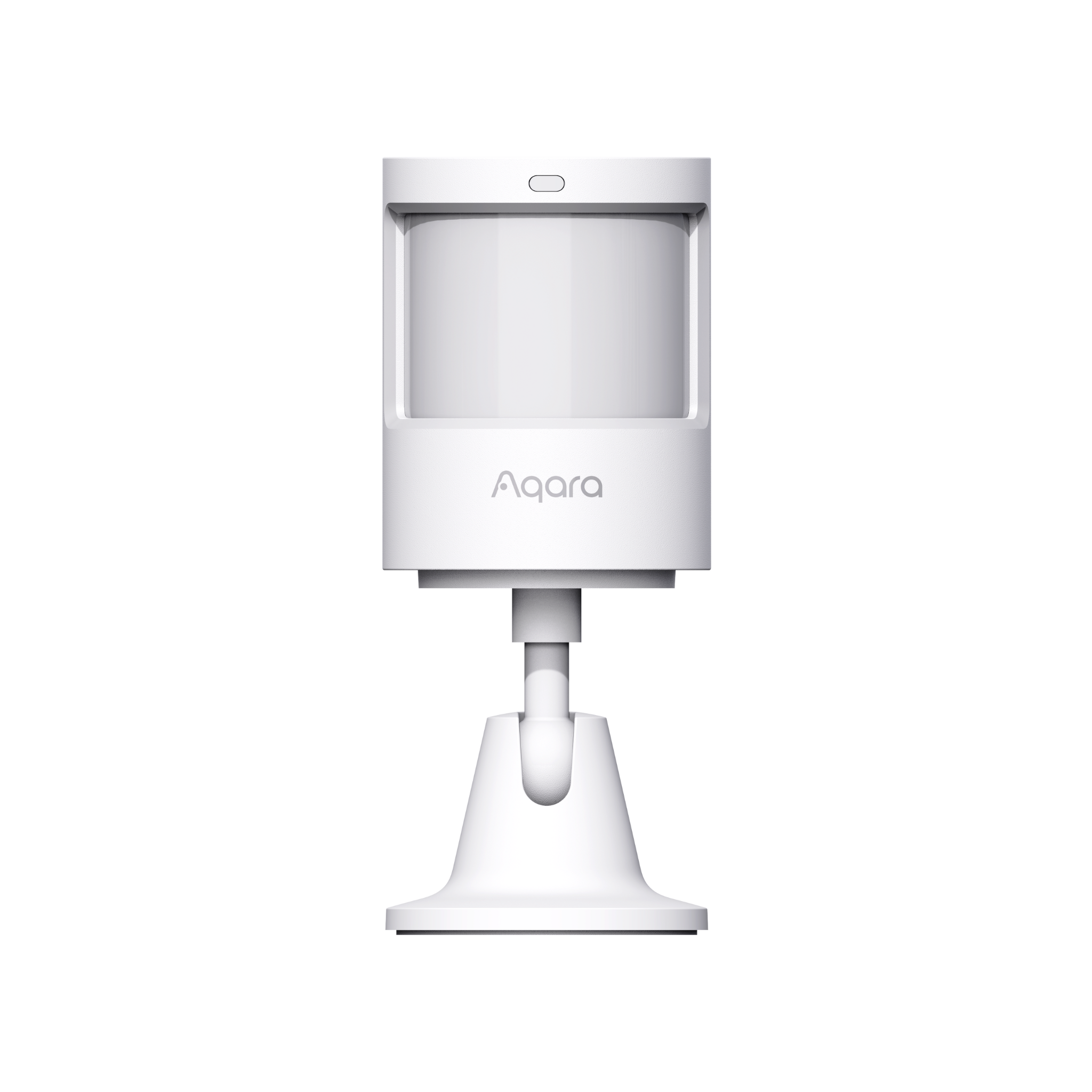
Let your lights work smarter. When motion is detected and the room's brightness drops below 100 lux, the M3 can trigger your ceiling light to turn on in a bright cold white setting. You can also schedule the light to adapt its colour temperature throughout the day for a natural circadian rhythm.
| Required Automation Products: | Hub M3 |
 Ceiling Light T1M |
 Motion & Light Sensor P2 |
Automation Setup
IF (Condition) - IF Motion is detected // When - WHEN Brightness is lower than 100 lux // THEN (Action) – THEN Turn on the Ceiling Light // THEN Set the Ceiling Light to Bright Cold White
Product Support Documents
- Step by step installation instruction video:
Installation Video (00:06:14) - Product User Manual:
User Manual (PDF) - Product FAQs:
Frequently Asked Questions (PDF)