
Roller Shade Driver E1
- Automate your blinds with the Roller Shade Driver E1. Enjoy smart scheduling, app and voice control, Zigbee compatibility, and integration with your home..
 2-Month Battery Life |
 USB-C for Charging or Power Supply |
 One-Button Control |
 User-Defined Opening/Closing |
Product Info
Description
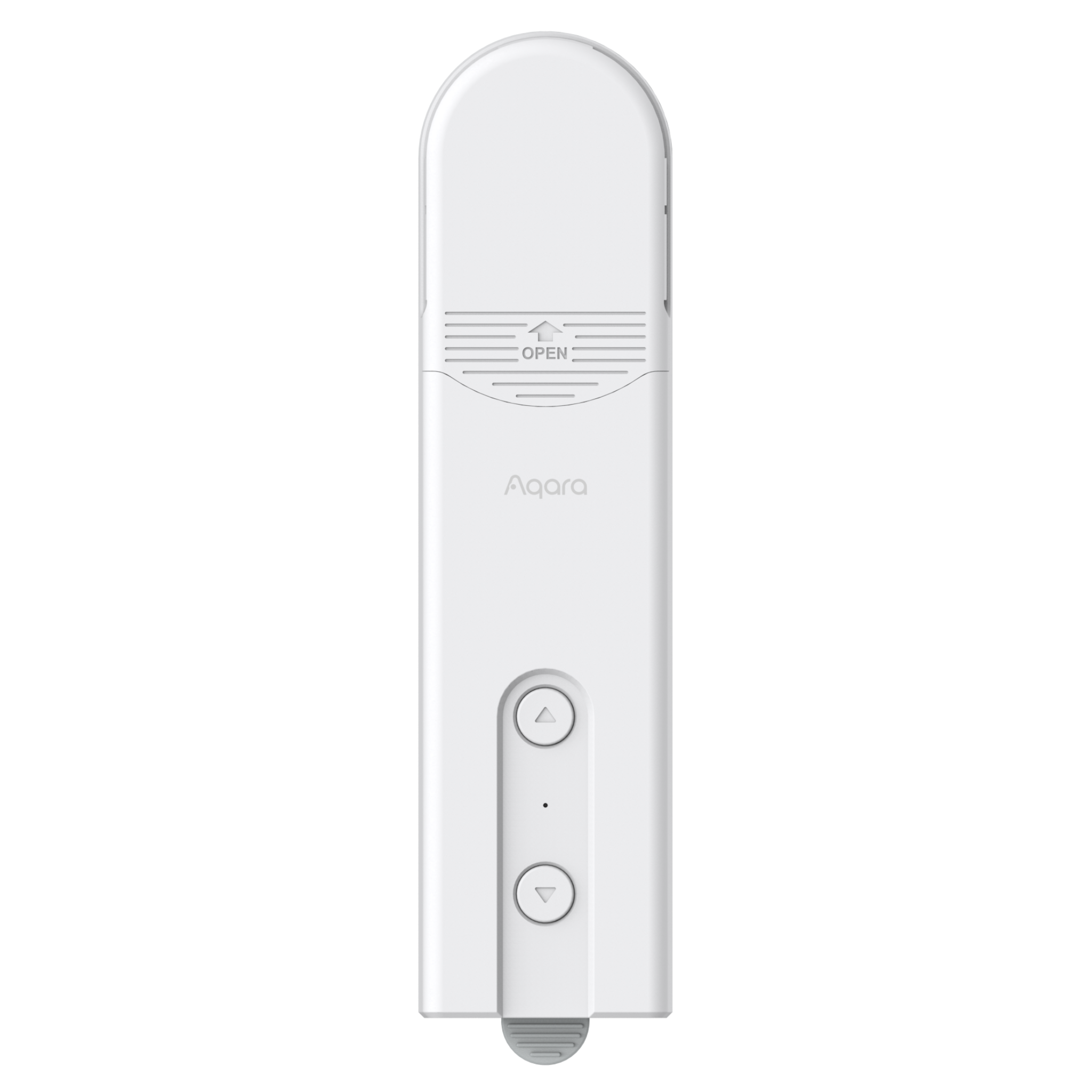
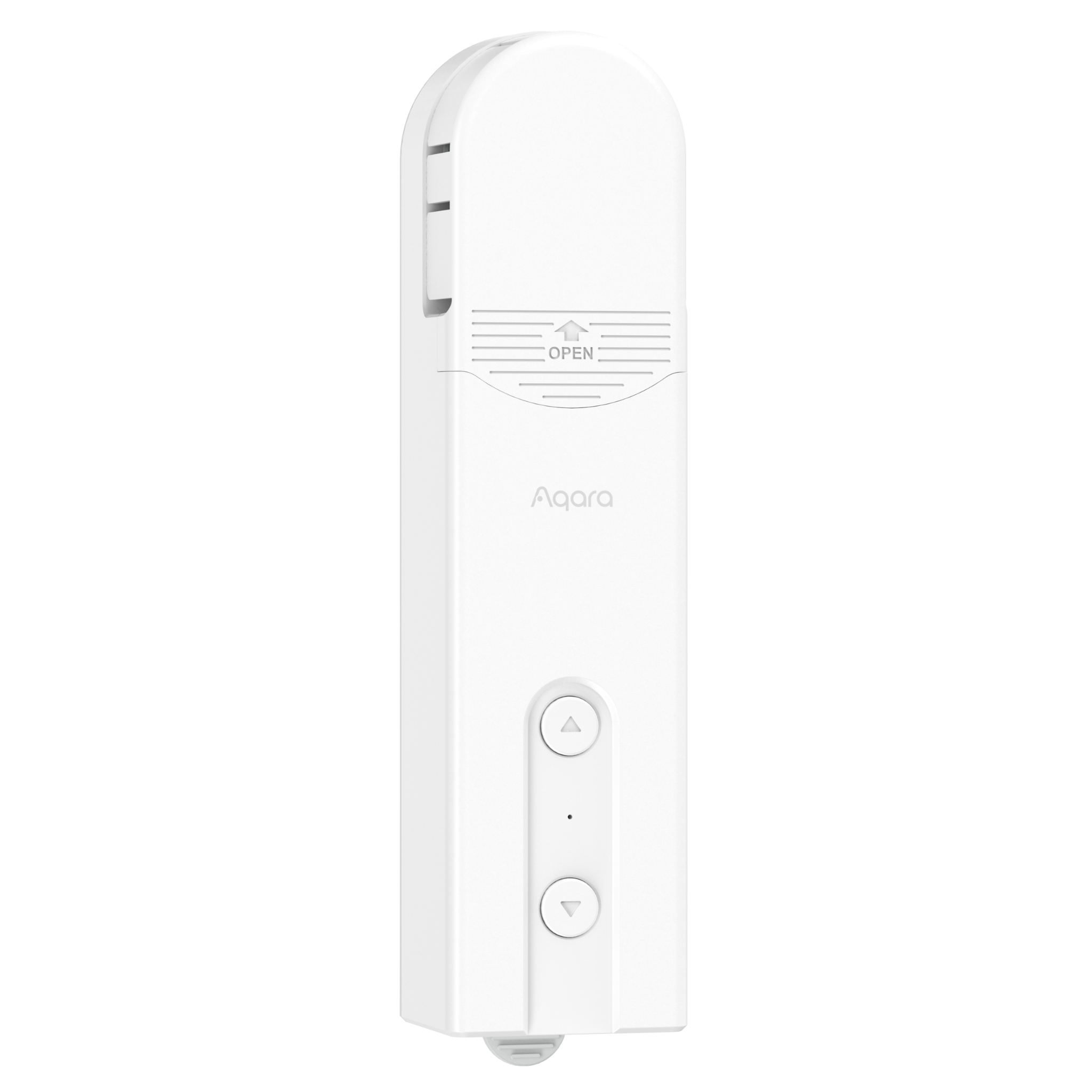
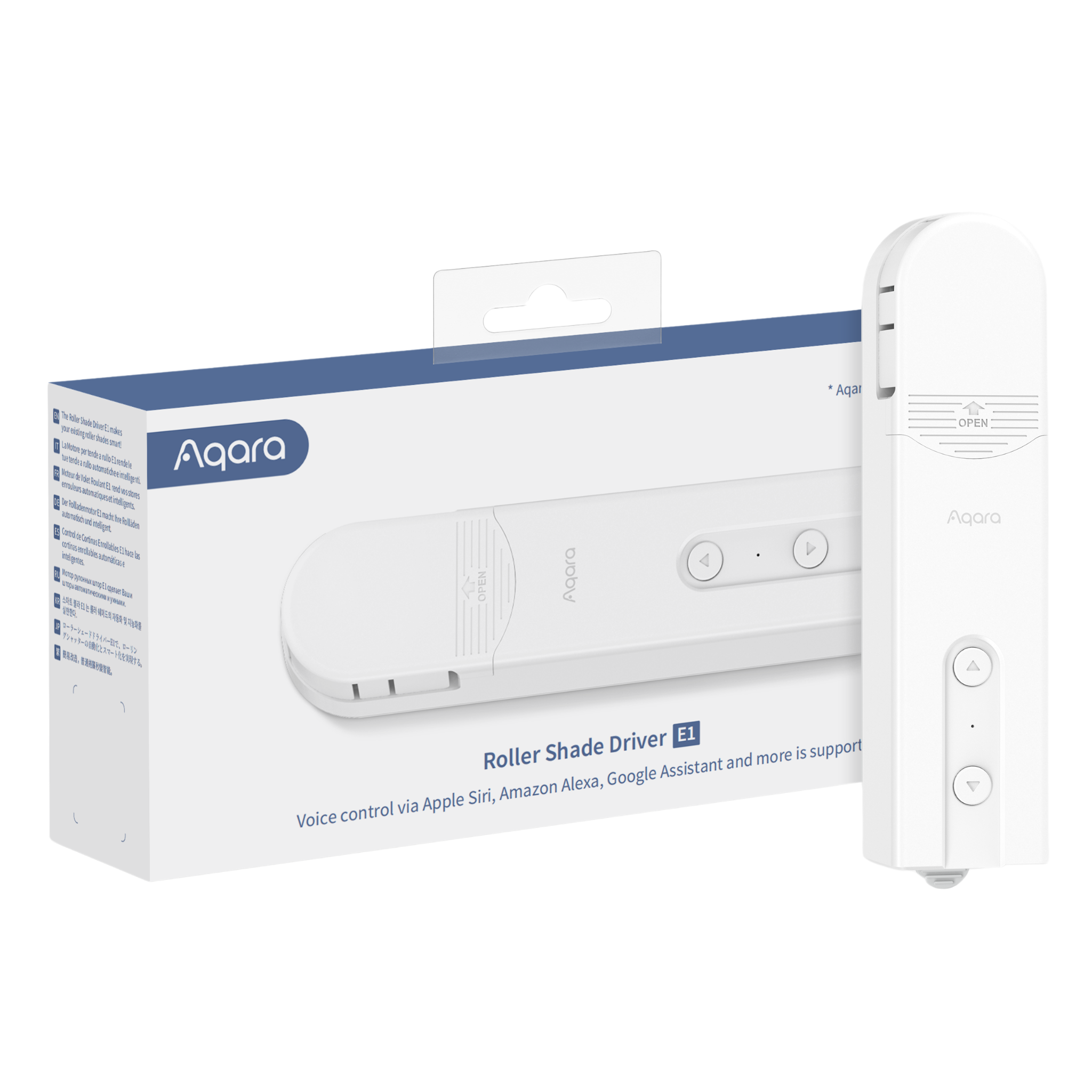
The Aqara Roller Shade Driver E1 is a smart home device designed to automate window treatments effortlessly. This compact and sleek driver is compatible with most standard roller shades, allowing you to control them remotely through a smartphone app or via voice commands with smart assistants like Apple HomeKit, Amazon Alexa, and Google Assistant.
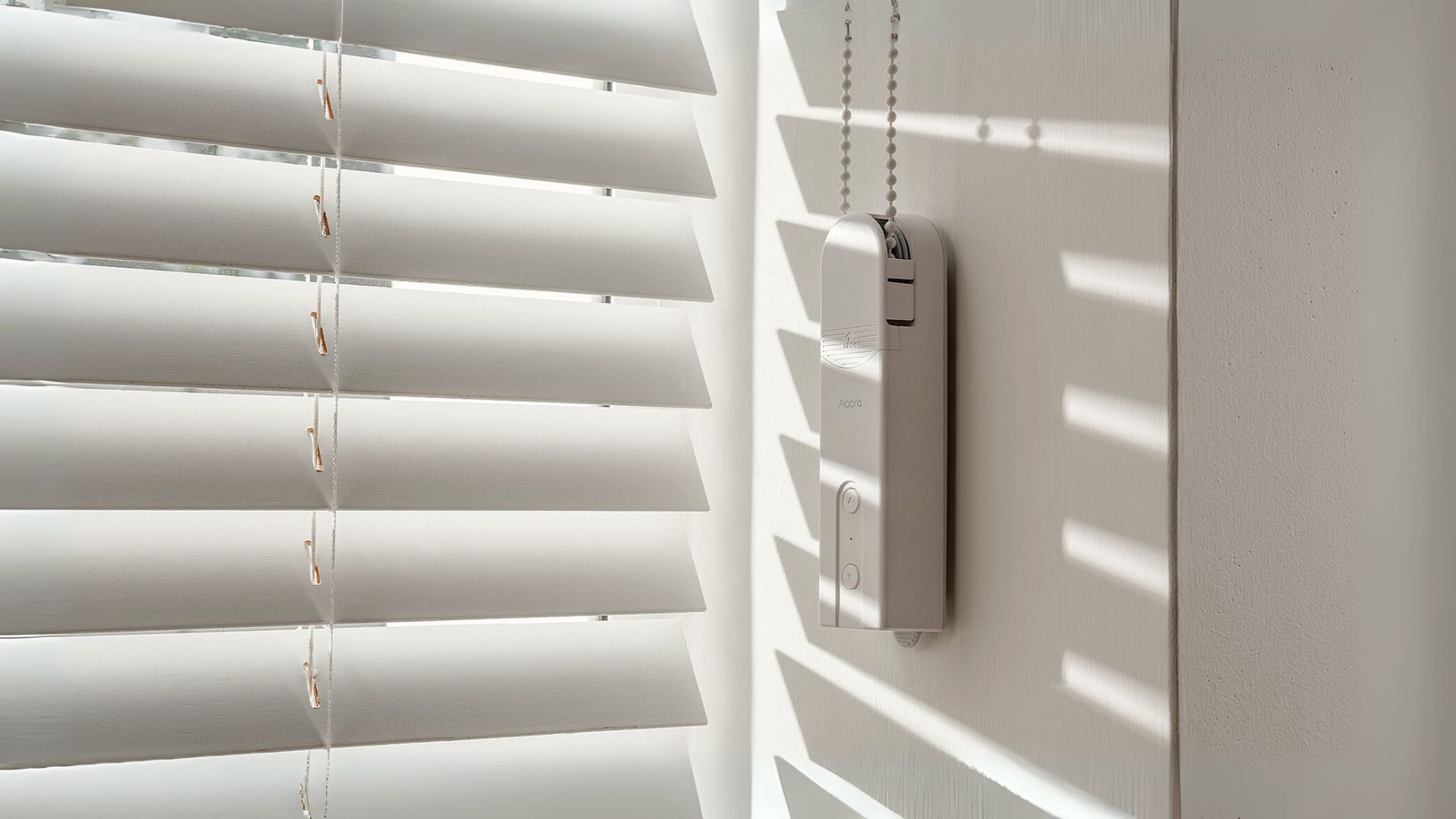
Key features include smart control for easy operation from anywhere, scheduling options to automatically open or close shades at specific times, and reliable wireless connectivity via Zigbee, which conserves energy. The driver is designed for straightforward installation on existing roller shades without the need for complex tools or professional help, and its battery-powered design offers flexibility in placement without requiring hardwiring.
With its unobtrusive and stylish appearance, the Aqara Roller Shade Driver E1 enhances your home's comfort and convenience, making it an ideal addition to any smart home setup.
Key Features
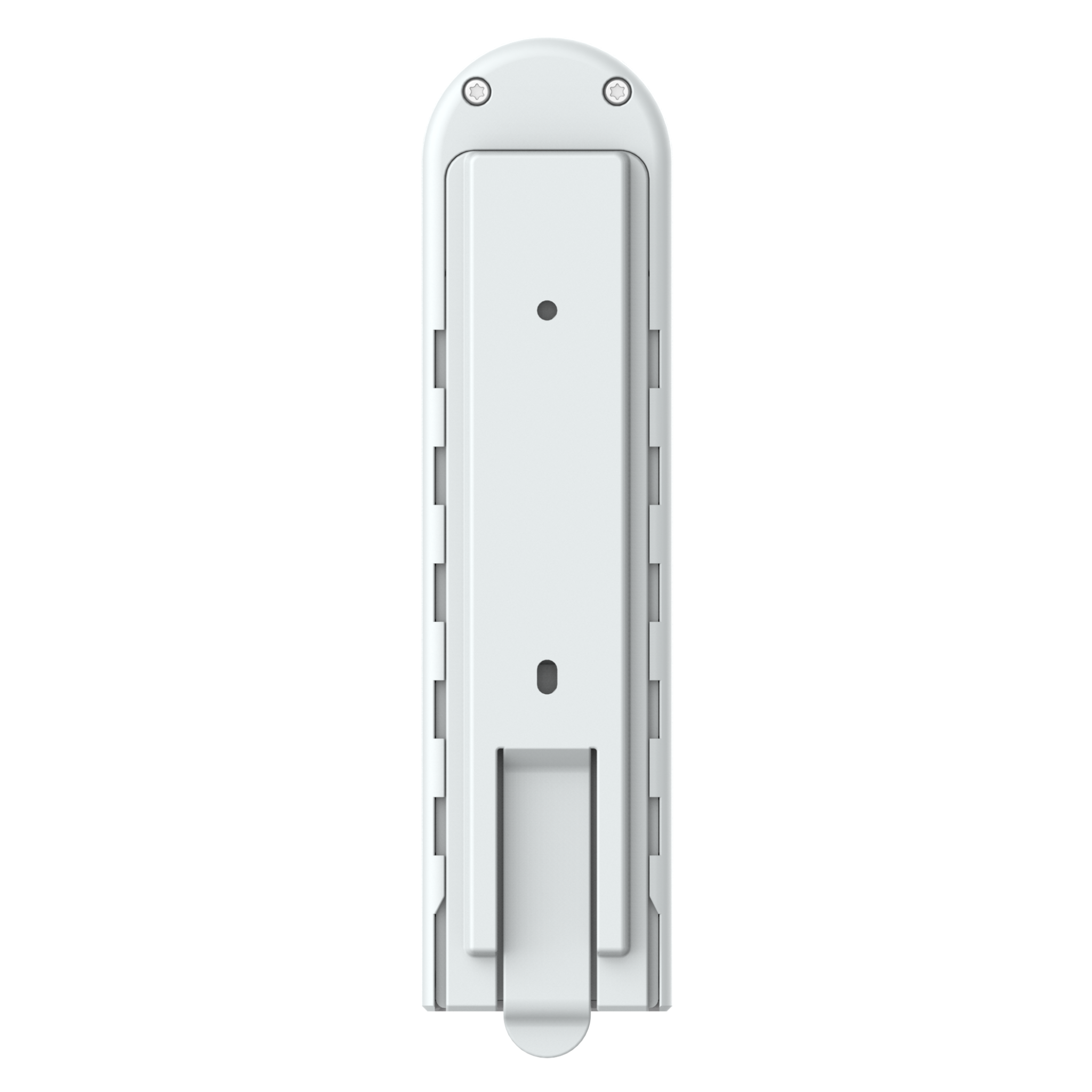
- Easy Setup: Mount to the wall, attach the adapter, and insert the beaded cord—quick and simple.
- Zigbee 3.0: Fast, stable, and energy-efficient connection with advanced compatibility.
- Wide Compatibility: Works with HomeKit, Alexa, Google, IFTTT, and more.
- Custom Settings: Pre-set open/close percentages for personalized light control.
- Long Battery Life: Up to 2 months on a single charge.
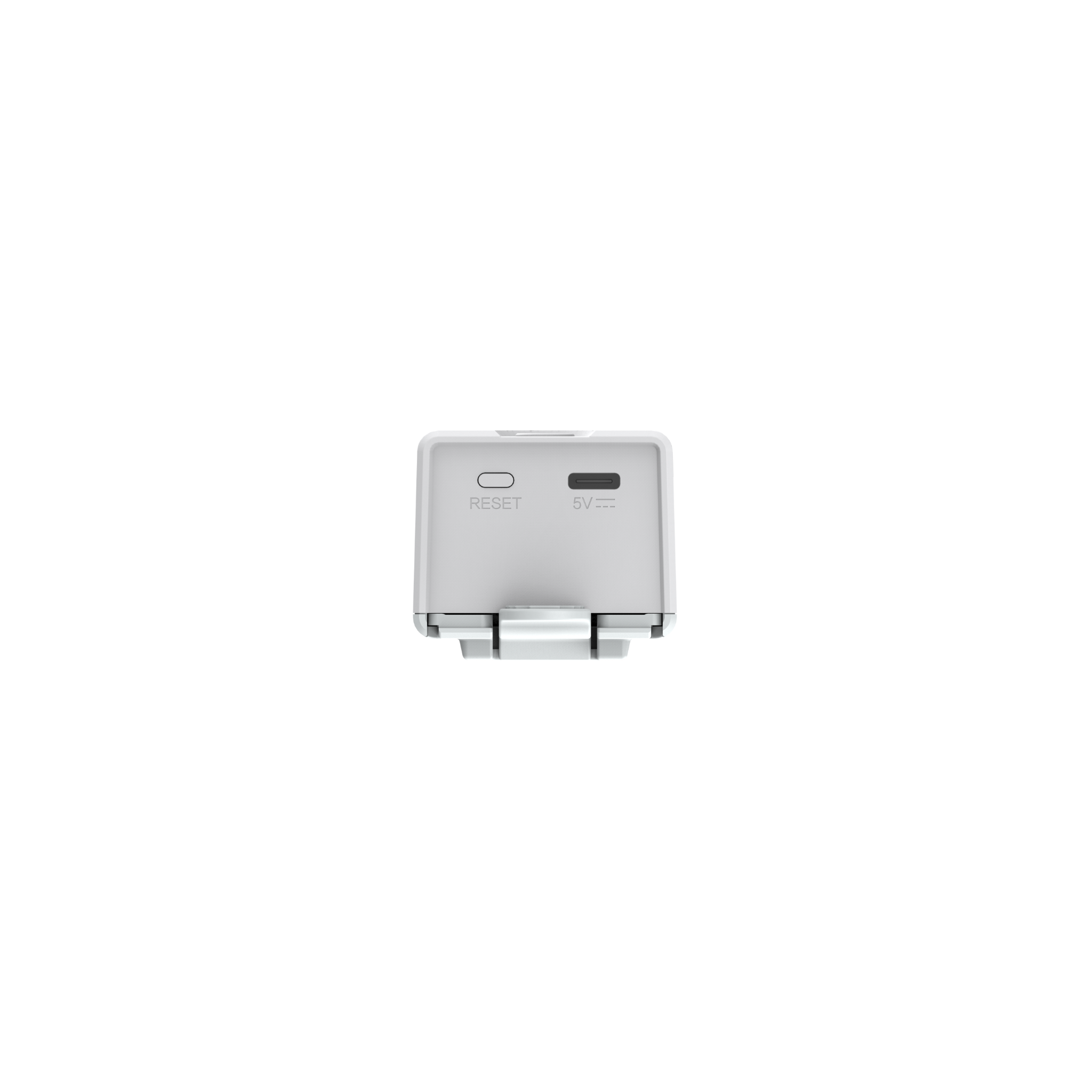
- USB Type-C: Charge or use continuous power with the versatile USB-C port.
- One-Button Control: Operate via Aqara app or Mini Switch.
- Smart Automations: Set up automations for independent operation.
- 4 Cord Adapters: Includes adapters for various beaded cords.
Note:
* Based on rolling/unrolling a Roller shade of 1.8m*1.8m once a day.
Specifications
| Category | Curtain Control |
| Colour | White |
| Model | RSD-M01 |
| Wireless Protocols | Zigbee 3.0 IEEE 802.15.4 |
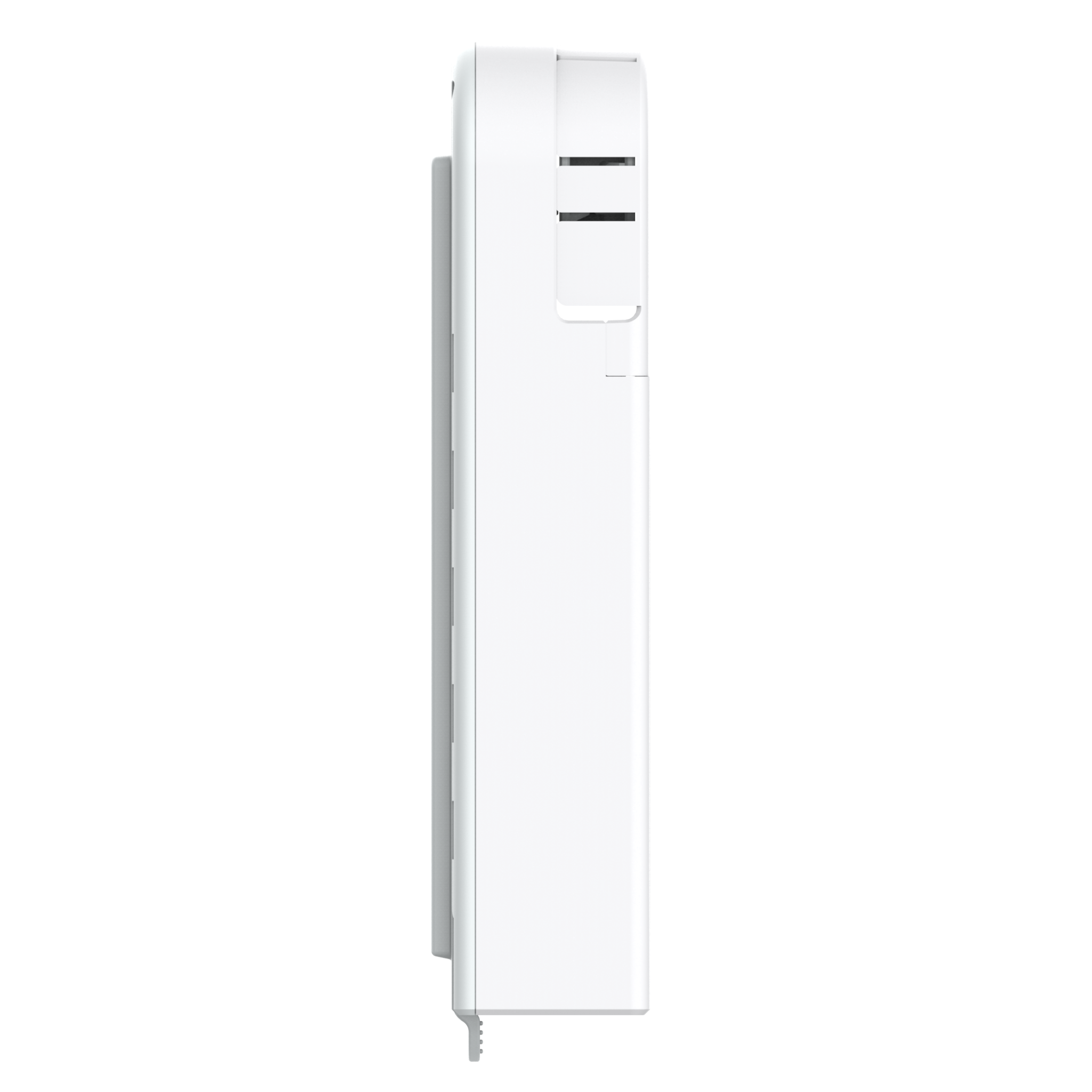
| Dimensions | 42 x 37 x 165 mm (1.69 x 1.52 x 6.89 in.) |
| Operating Temperature | -10°C ~ 55℃ (14°F ~ 131°F) |
| Operating Humidity | 15% ~ 95% RH, no condensation |
| Ports | USB-C |
| Battery Type | Lithium battery (not replaceable) |
| Rated Input | 5V⎓1A |
| Total Power Consumption | 5W (MAX) |
| Standby Time | Two months (based on controlling a roller shade of 1.8m x 1.8m up and down once a day) |
| Standard | GB/T 12350-200 |
| What is in the Box | Aqara Roller Shade Driver E1 x1, Screw x2, Expansion Tube x2, Double-Faced Adhesive Tape x1, Spare Rotating Plate x3, USB-C to USB-A Cable x1 |
Automations and Complementary Products
Click a product image to go to its page details
Scene: Automatic Unrolling for Bright Sunlight:
When the afternoon sun becomes too bright and hot, the Temperature and Humidity sensor T1 detects the increase in heat and automatically unrolls the roller shade, enhancing your comfort and conserving cooling energy. In the evening, the roller shade opens automatically as the Door and Window Sensor recognizes your return home.
| Required Automation Products: | Roller Shade Driver E1 |
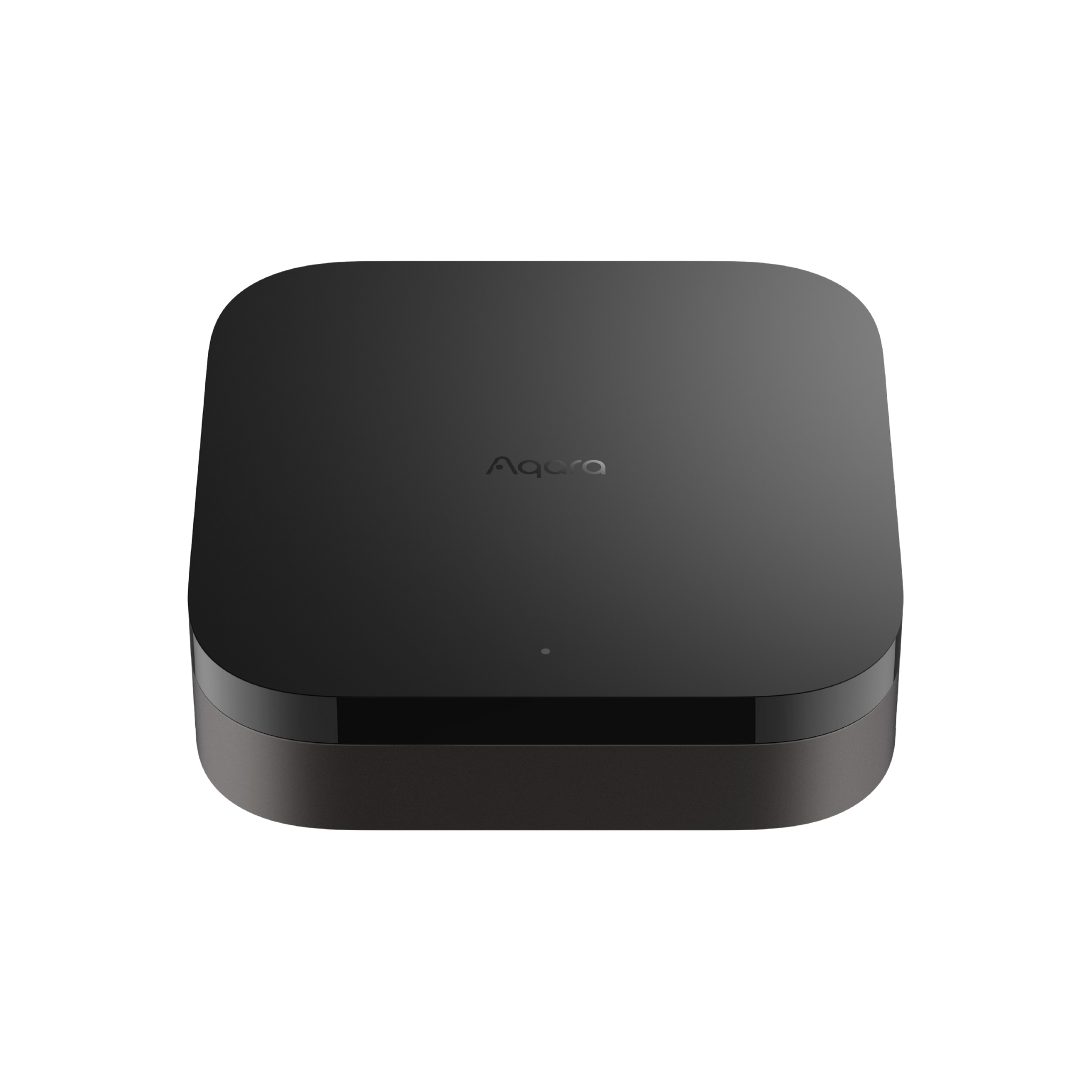 Hub M3 |
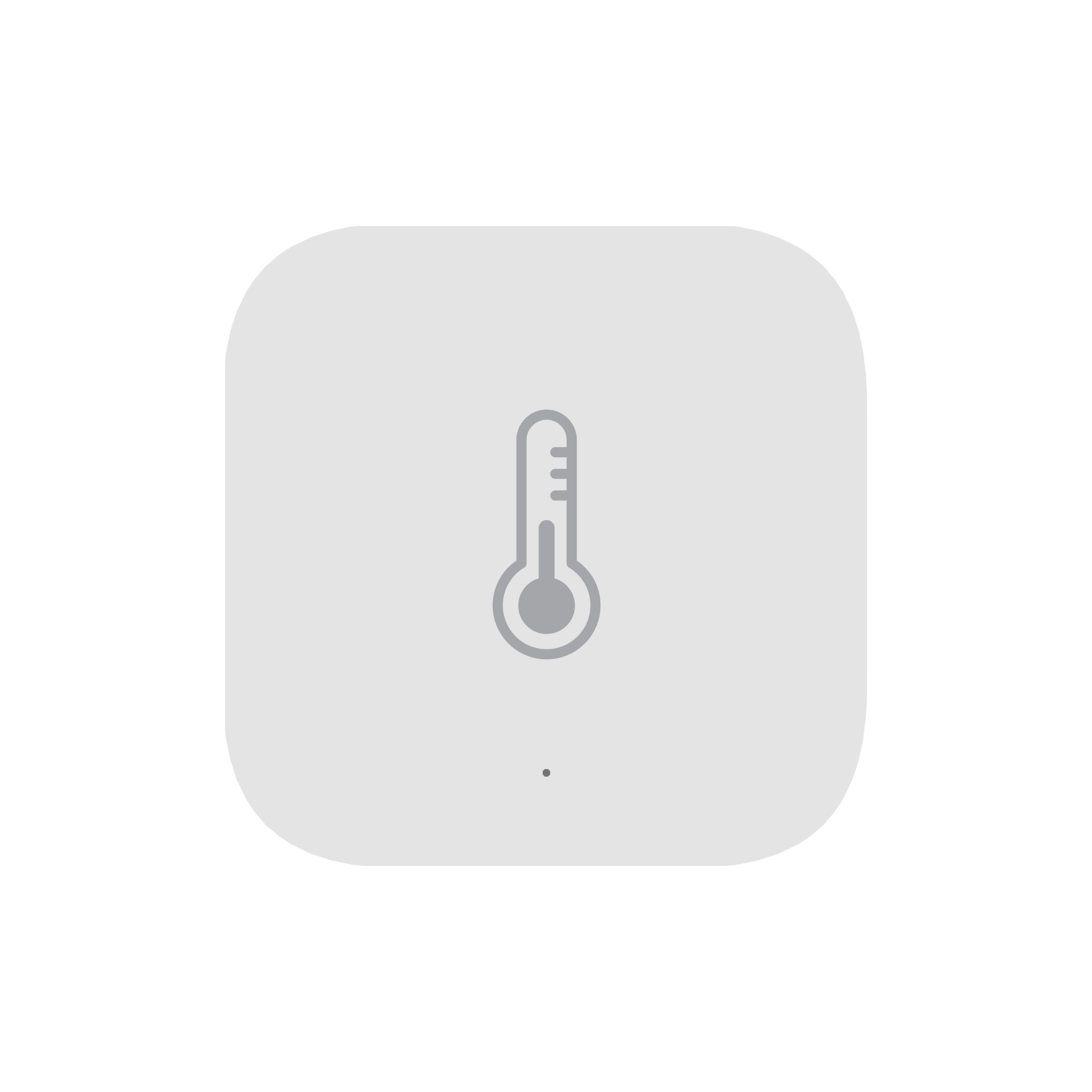 Temperature and Humidity Sensor T1 |
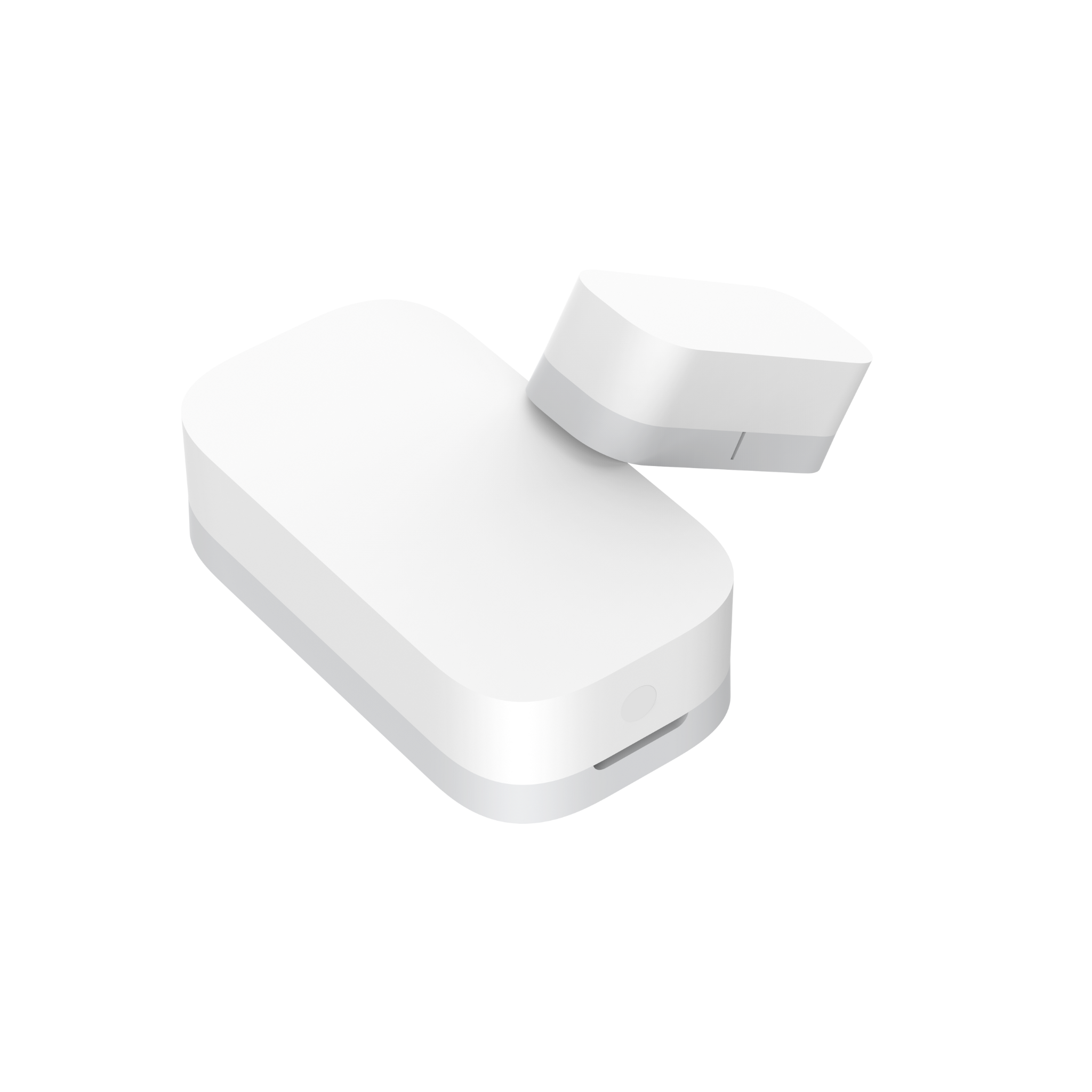 Door and Window Sensor T1 |
Scene: Roller Shades Close for Bedtime
The Motion Sensor positioned above your bed detects when you're settling in for the night and triggers the Roller Shade Driver E1 to close your roller blinds, ensuring a more restful sleep.
| Required Automation Products: | Roller Shade Driver E1 |
Hub M3 |
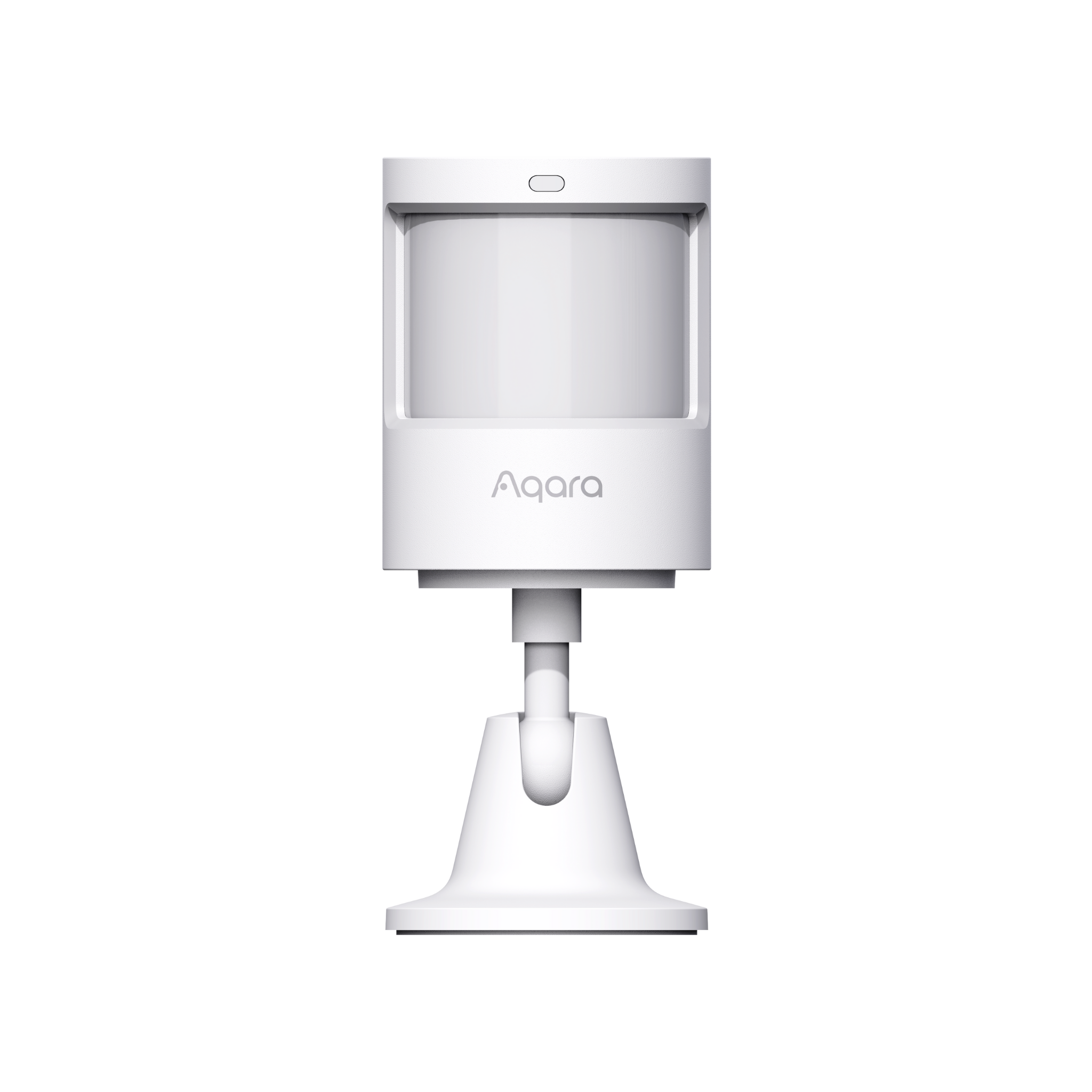 Motion Sensor |
Scene: Scheduled Roller Shade Adjustments
On weekday mornings, the roller shades automatically roll up just before you wake up for a pleasant start to your day. Conversely, they remain down during weekends, allowing you to enjoy a few extra hours of sleep.
| Required Automation Products: | Roller Shade Driver E1 |
Hub M3 |
Product Support Documents
- Step by step installation instruction video:
Installation Video (00:03:44) - Product User Manual:
User Manual (PDF) - Product FAQs:
Frequently Asked Questions (PDF)