
Panel Hub S1 Plus Desktop
- The Aqara Panel Hub S1 Plus Desktop is a premium desktop control panel, Matter Bridge and Zigbee hub for whole-home smart control.
 Zigbee Hub and Matter Bridge |
 Supports Apple Home |
 In-Built Siri Voice Control |
 6.9" IPS LCD Screen |
 2.4/5 GHz Dual-Band Wi-Fi |
 USB-C Plug-In Powered |
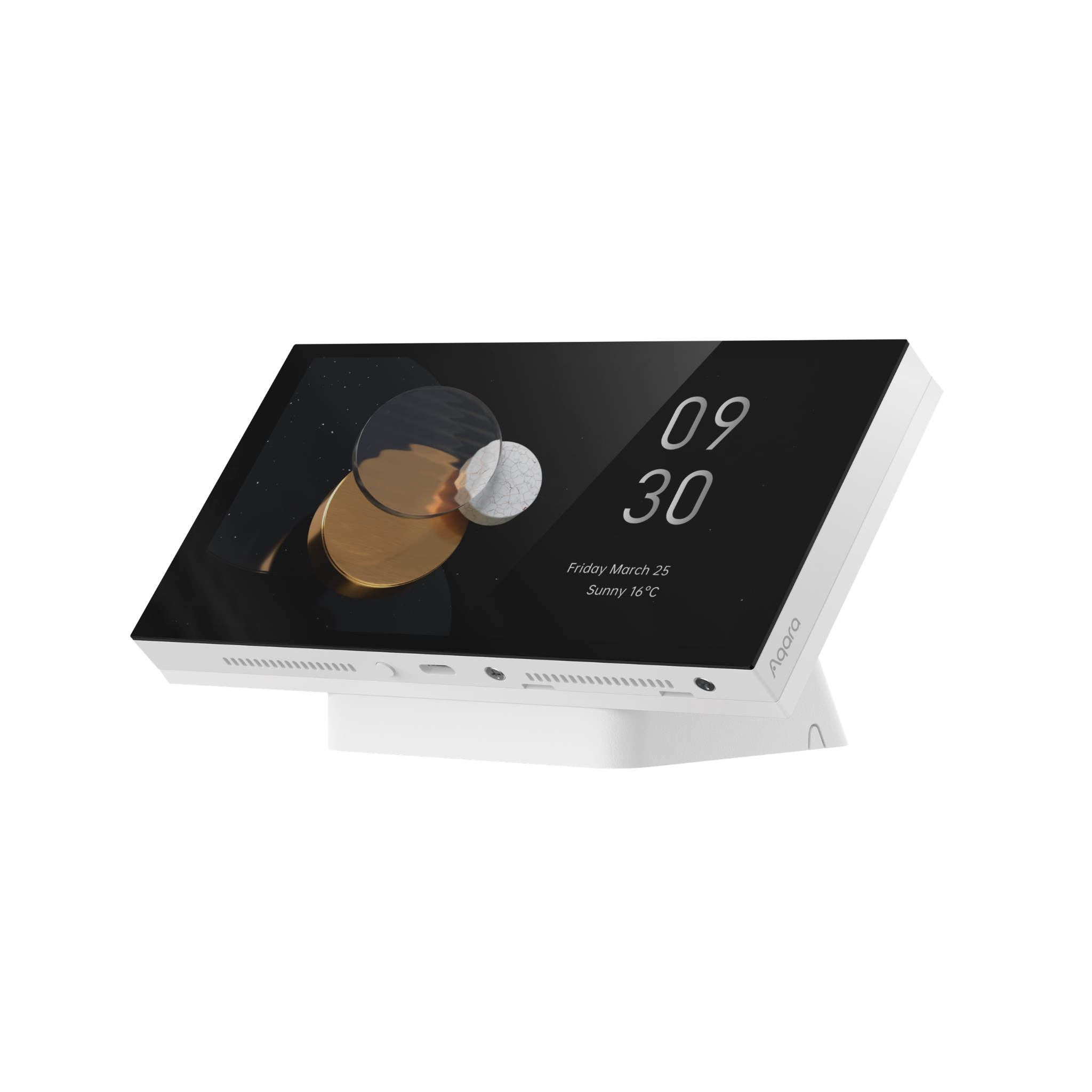
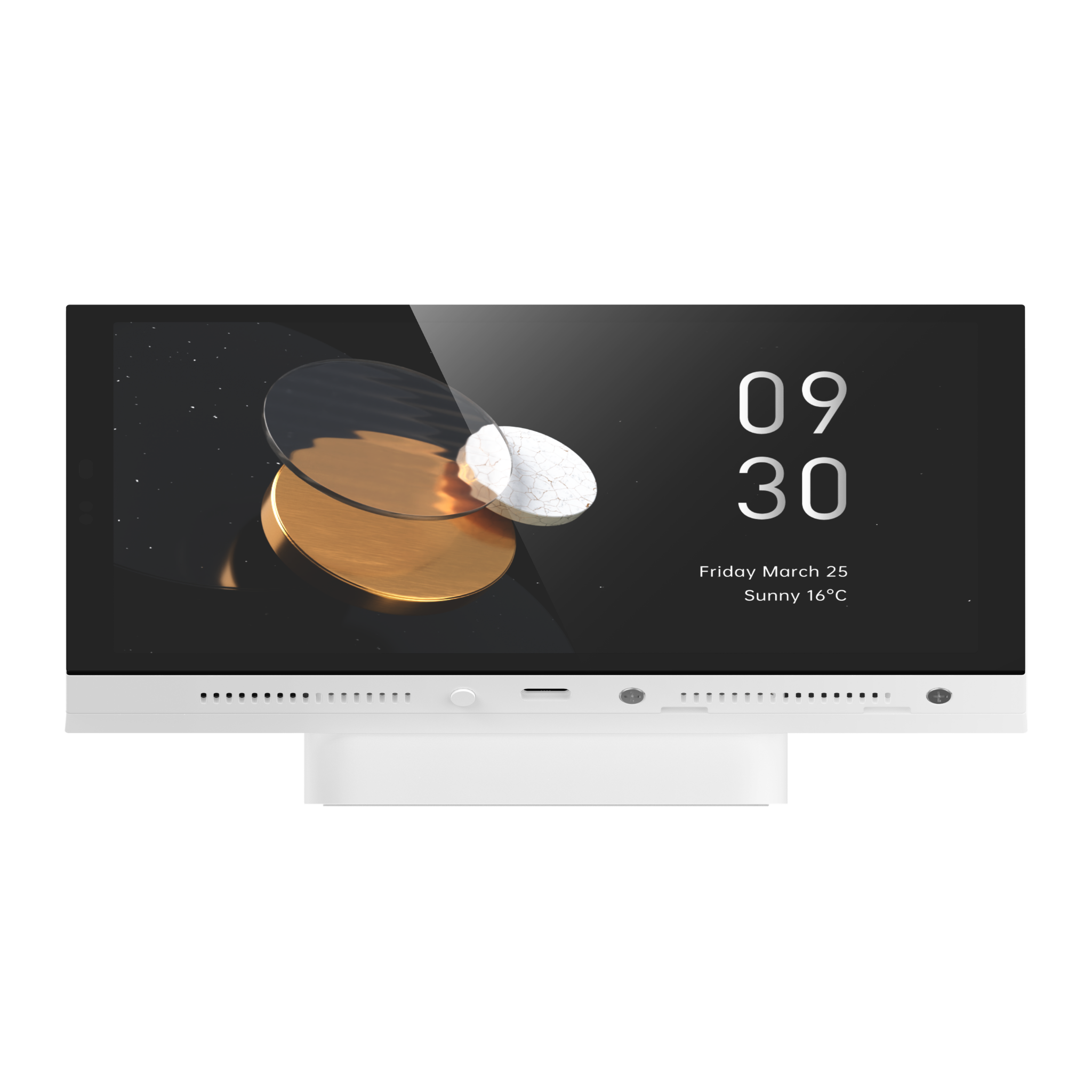
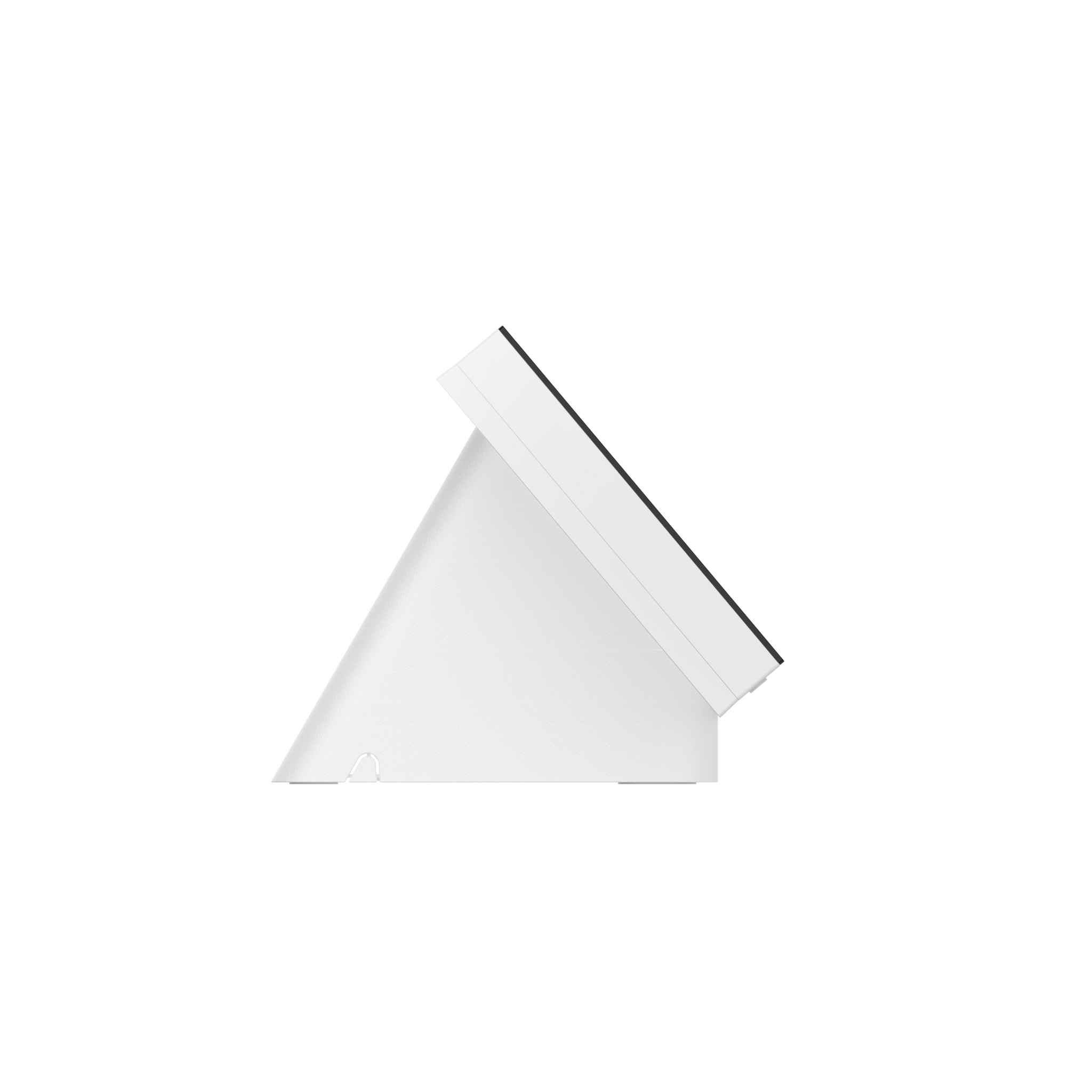
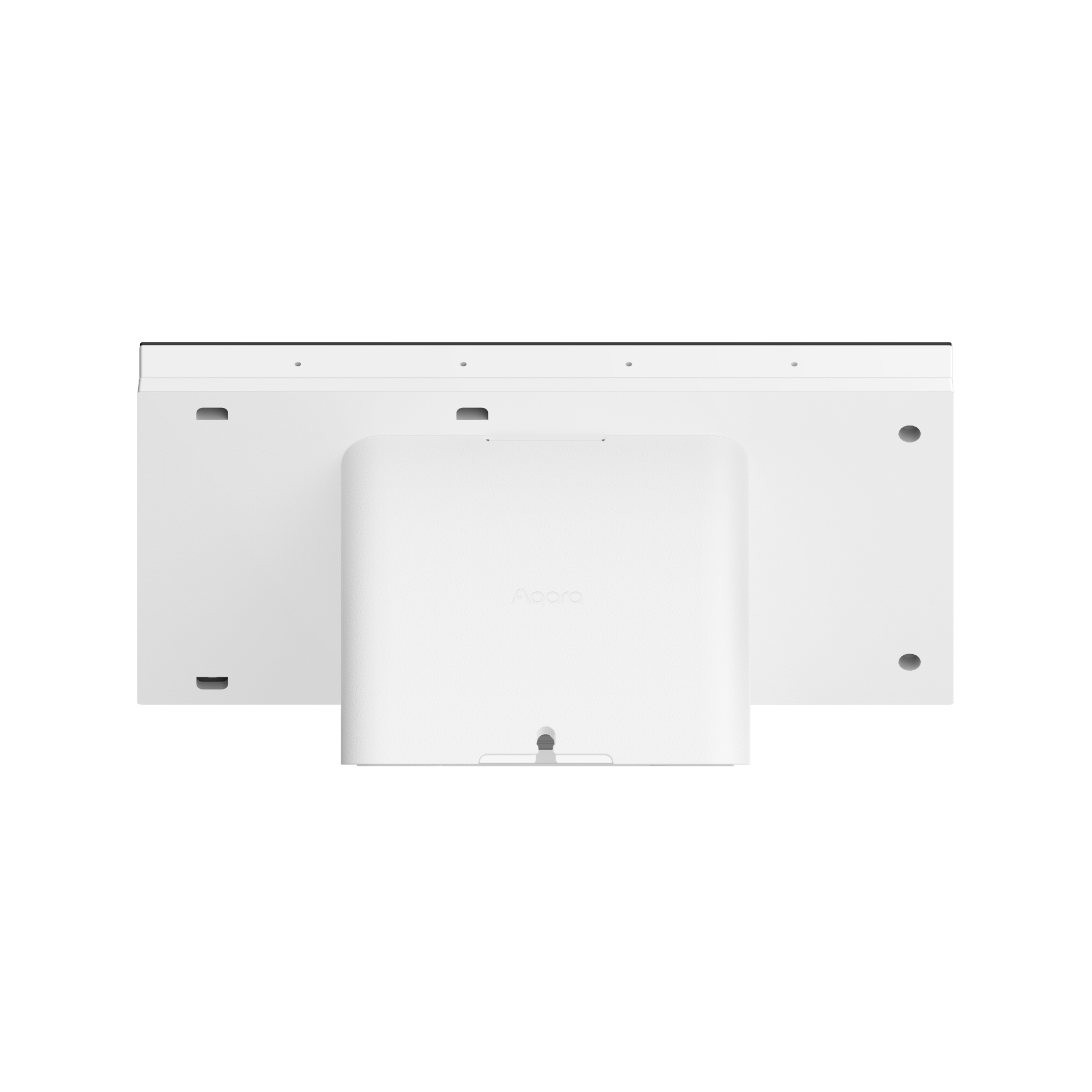
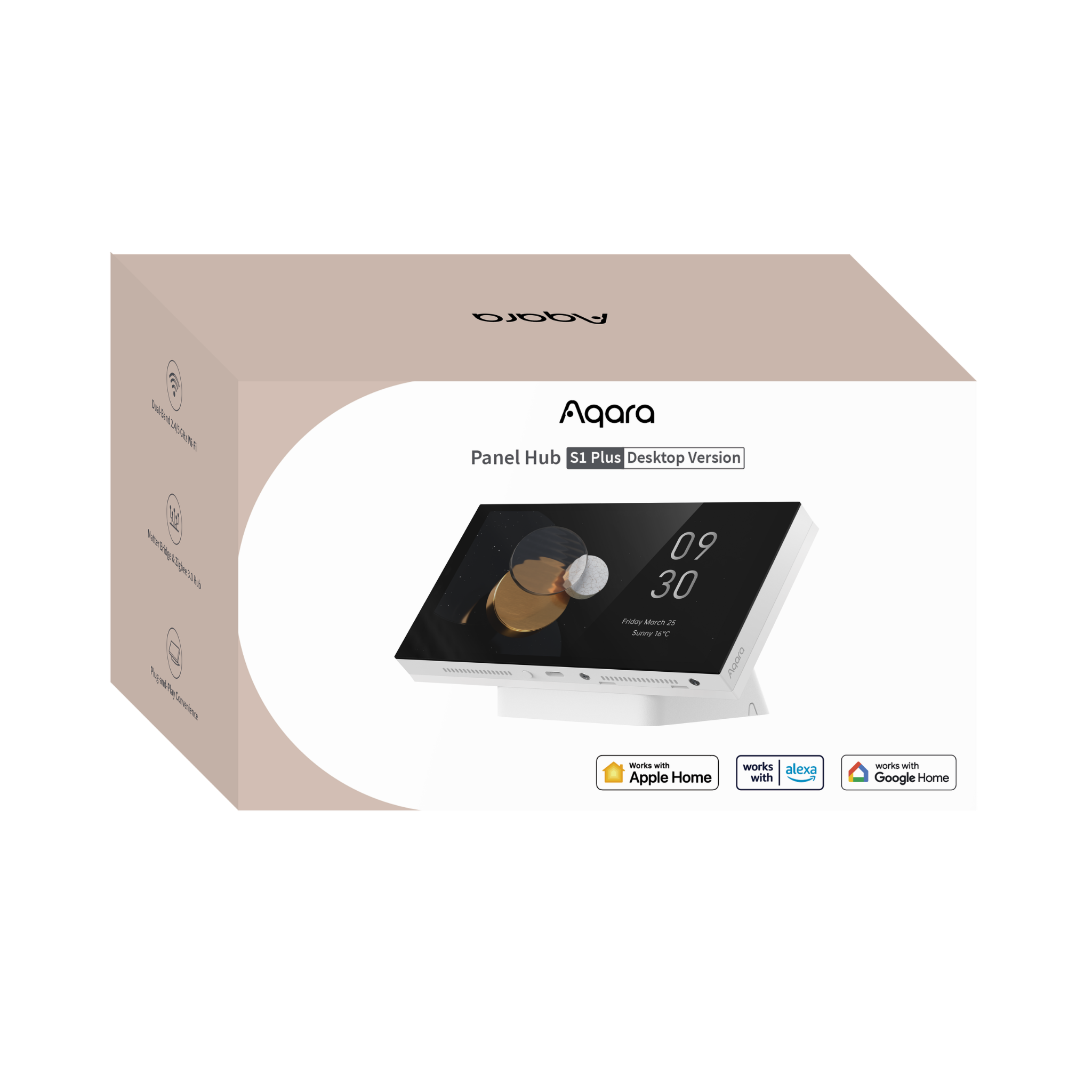
 == $0
Product Info
Description
The Aqara Panel Hub S1 Plus (Desktop) is a premium whole-home smart control panel designed for desktop and tabletop use. It brings compatible Aqara smart home devices together in one central place, with a large 6.9-inch touchscreen and 6 wireless buttons for controlling lighting, scenes, temperature settings, curtains, smart devices and selected Aqara camera feeds.
The Aqara Panel Hub S1 Plus also works as both a Matter Bridge and Aqara Zigbee hub, helping supported Aqara Zigbee devices connect with major smart home ecosystems such as Apple Home, Google Home, Amazon Alexa, Samsung SmartThings and other Matter-compatible platforms.
Key Features
- Centralised Smart Home Control: Bring compatible Aqara and Matter devices together on one shared screen. Control lighting, curtains, climate, locks and scenes without moving between multiple phone pages, then group everyday actions into simple one-tap routines. Create up to 10 dashboards with up to 60 device or scene cards on each.
- Built-in Siri Voice Control: Use Siri directly from the panel for hands-free Apple Home control. Run scenes or adjust compatible lights, locks and other devices without reaching for your phone. A HomePod or HomePod mini configured as the Apple Home hub is required.
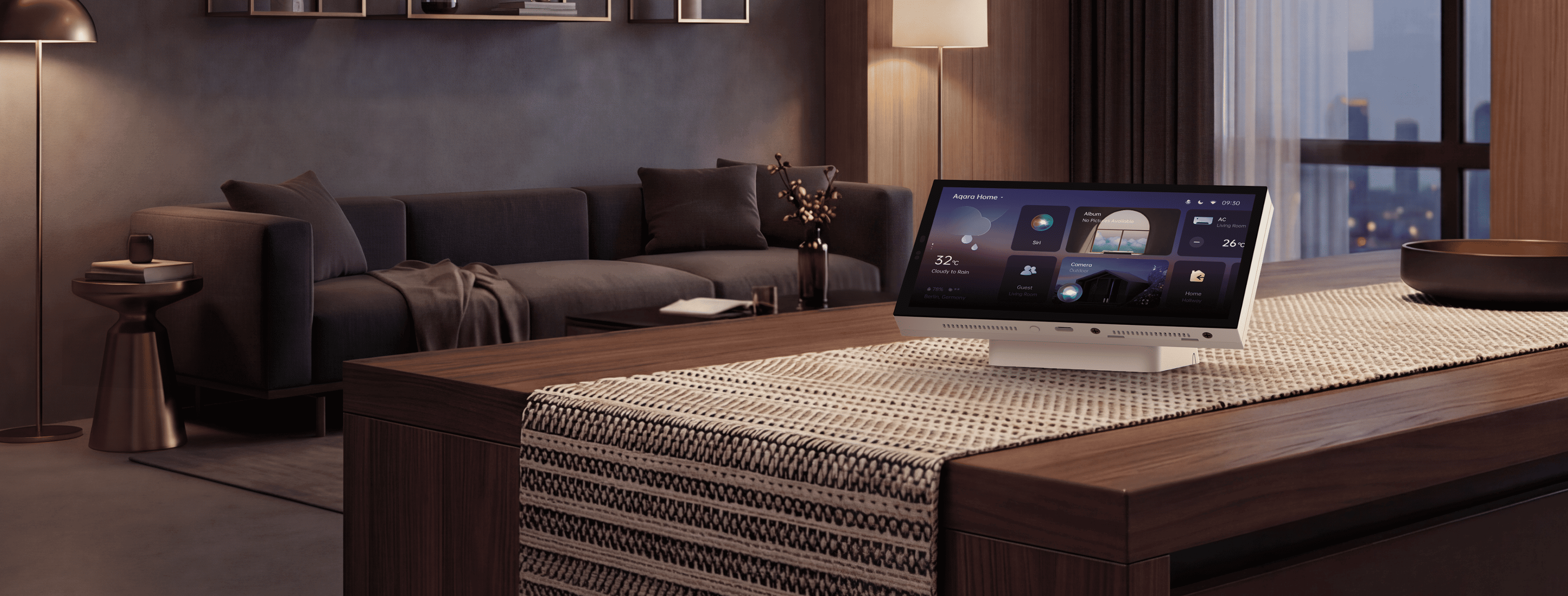
- Easy USB-C Desktop Setup: No wall wiring or electrician is needed. Connect USB-C power and place the panel on a desk, kitchen bench, bedside table or shelf. Its engineered tilt gives a natural viewing angle, while dual-band 2.4/5 GHz Wi-Fi supports flexible placement around the home.
- Camera Streaming & Doorbell Unlock: View compatible Aqara camera and doorbell feeds directly on the panel. Doorbell video can pop up automatically so you can see who is there, and supported Aqara smart locks can be unlocked from the same screen after visual confirmation.
- Matter Bridge for a More Connected Home: Use the S1 Plus as an Aqara Zigbee 3.0 hub and Matter Bridge, helping supported Aqara Zigbee devices work across wider smart home ecosystems. Up to 6 wireless switches can also be exposed to Matter platforms for quick scene and device control.
- Dashboards Built Around Your Household: Create up to 10 dashboards with up to 60 device or scene cards on each. Auto-generated layouts make setup easier, while editable card sizes, custom icons, device names, themes and screensavers let you tailor the panel to the way your household uses it.
- Wakes as You Approach: The screen can wake automatically as you come near, with an adjustable activation range up to approximately 1.5 metres. Automatic brightness keeps the display comfortable to view, while auto-off when idle reduces unnecessary screen activity.
Note:
* Adding Matter devices to the Aqara Home app requires an Aqara Matter Controller.
** Check the current compatibility list for supported device types and models.
*** Maximum device or scene cards per dashboard: 60.
**** Siri requires a HomePod or HomePod mini configured as the Apple Home hub.
***** At launch, only compatible Aqara cameras can be streamed, one feed at a time.
****** Maximum number of customisable dashboards: 10.
Specifications
| Model | MP-K05D |
| Dimensions | 172.6 × 100.5 × 89.8 mm |
| Display | 6.9-inch IPS LCD, 1440 × 720 resolution |
| Touch | Capacitive multi-touch |
| Power Input | USB-C 5V / 2A |
| Wi-Fi | Wi-Fi 5, IEEE 802.11 a/b/g/n/ac/ax, 2.4 GHz / 5 GHz dual-band |
| Wireless Protocols | Zigbee 3.0 (IEEE 802.15.4), Bluetooth |
| Matter | Zigbee 3.0 Hub; Matter Bridge for Aqara Zigbee devices; up to 6 Matter wireless switches |
| Ecosystem Support | Apple Home, Alexa, Google Home, SmartThings and Home Assistant (Matter Bridge) |
| Customisable Dashboards | Up to 10 dashboards; up to 60 device/scene cards each; editable sizes, icons and names |
| Camera Streaming | Aqara cameras and doorbells; automatic doorbell pop-up; supported lock control from live view |
| Placement & Sensors | USB-C tabletop; engineered tilt; proximity wake; automatic brightness |
| What is in the Box | Panel Hub S1 Plus × 1, USB-C to USB-C Cable × 1, User Manual × 1 |
Automations and Complementary Products
Click a product image to go to its page details
Scene: One-Tap Out the Door
Heading out for work, the school run or a weekend away? One tap on the S1 Plus can get the house sorted before you leave - switching off the lights, closing the curtains, setting the climate to Away Mode and arming security.
| Required Automation Products: | Panel Hub S1 Plus Desktop |
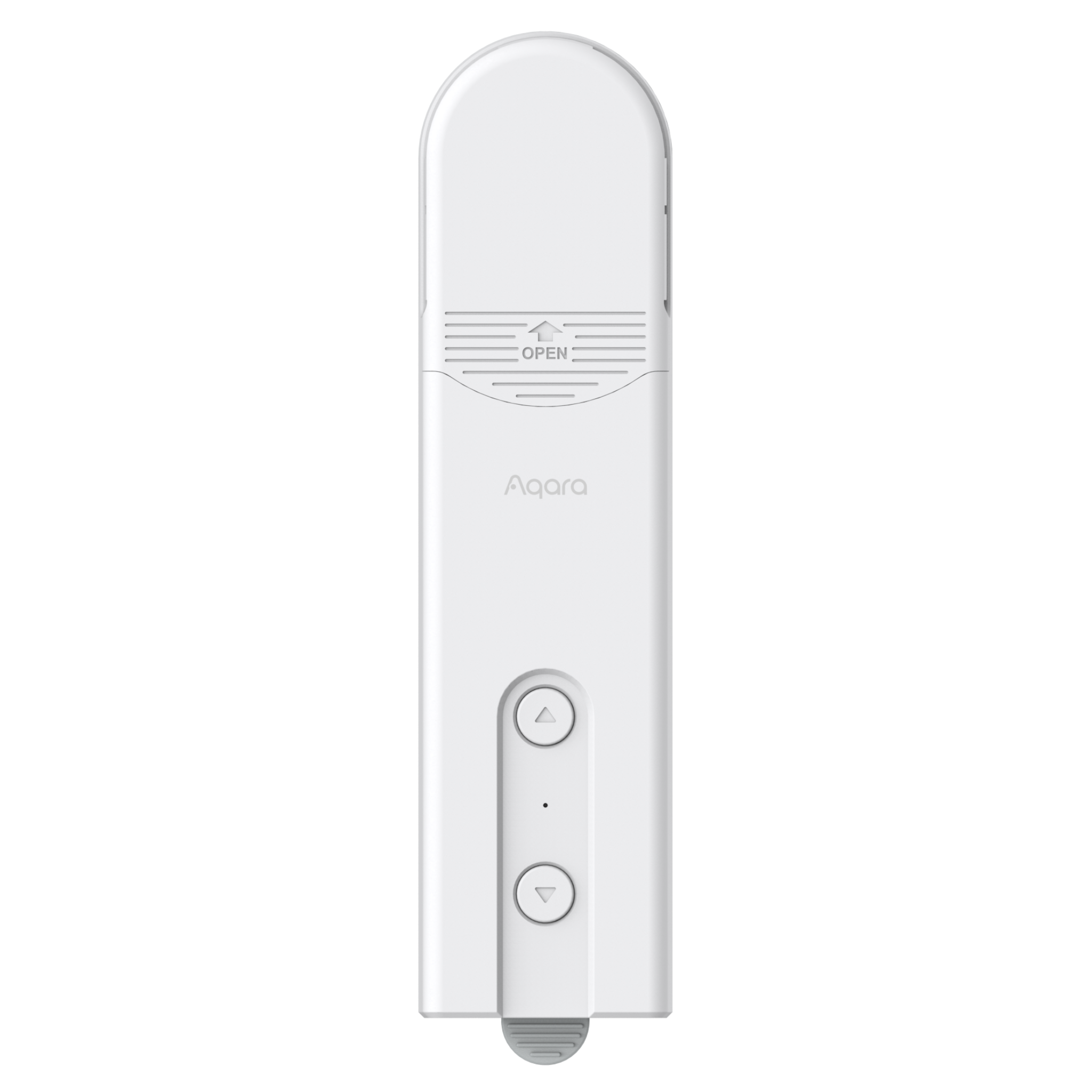 Roller Shade Driver E1 |
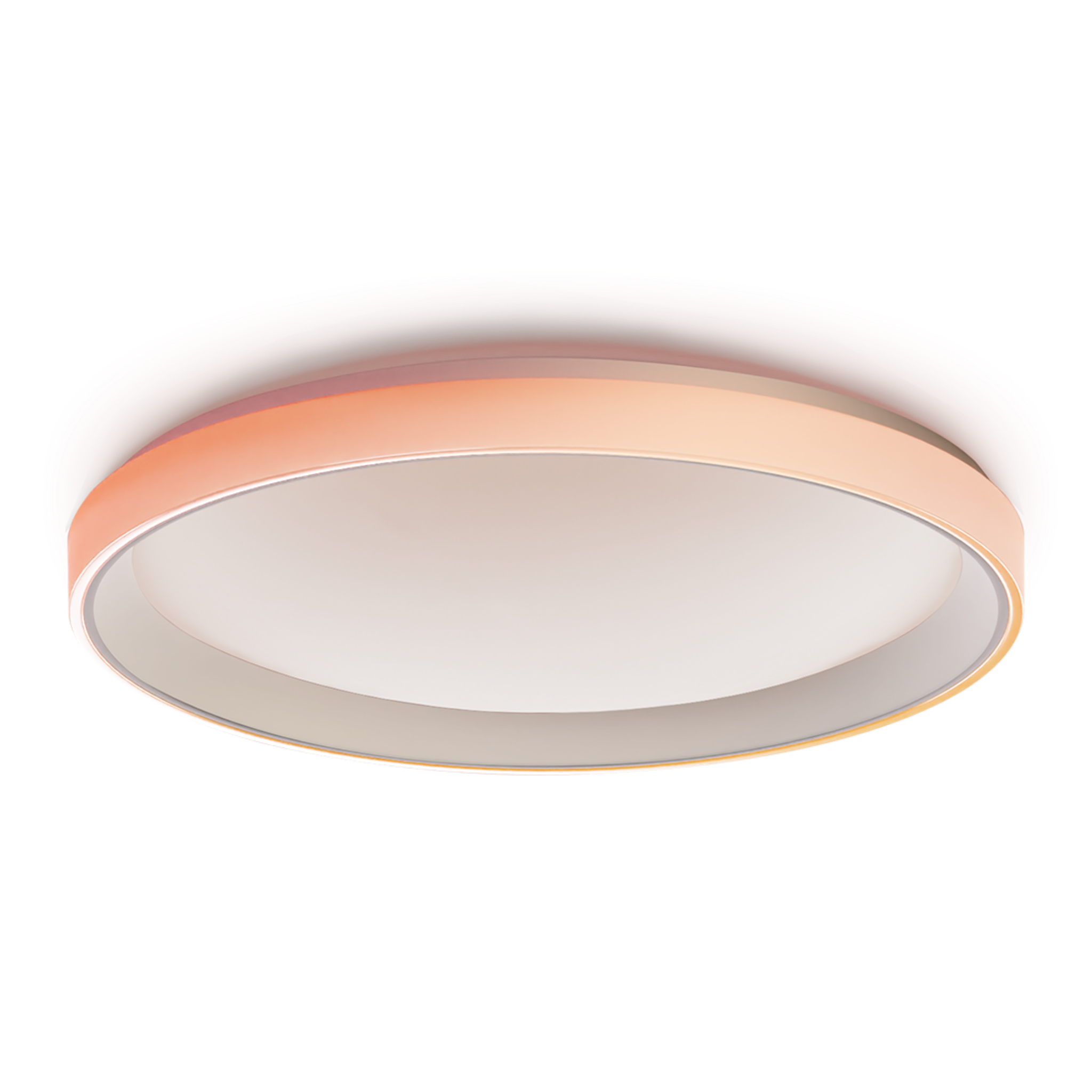 Ceiling Light T1M |
 Smart Door Lock A100 |
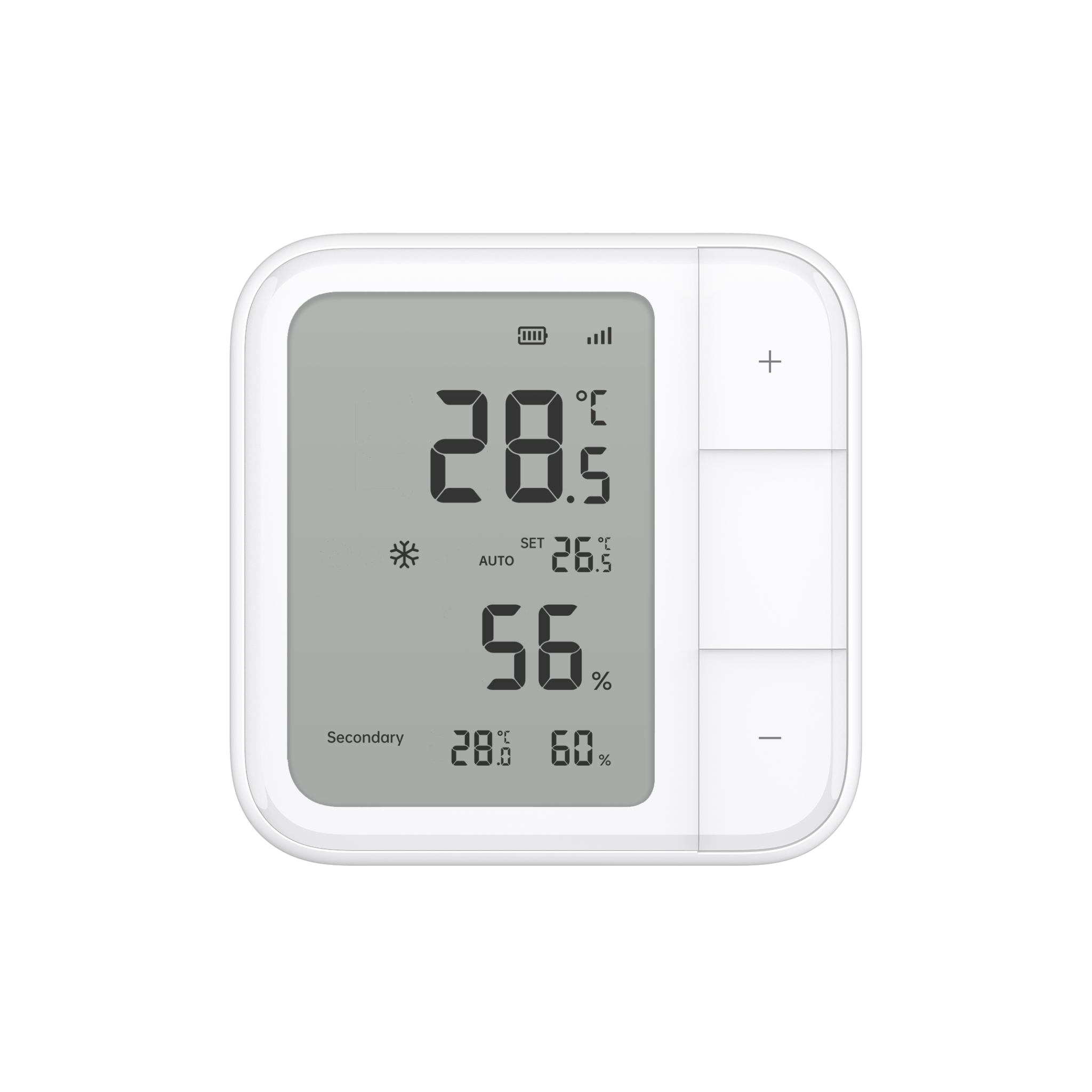 Climate Sensor W100 |
Automation Setup
WHEN: "Leaving Home" scene is tapped on the connected Panel Hub S1 Plus // THEN (Action): Turn off selected lights, close the curtains, switch heating or cooling to Away Mode and arm the security system.
Scene: Cosy Evening Wind-Down
Perfect for a chilly NZ evening or simply winding down after work. One tap from the desk softens the lighting, closes the curtains and adjusts the climate so the room is ready for a comfortable night in.
| Required Automation Products: | Panel Hub S1 Plus Desktop |
Roller Shade Driver E1 |
 LED Strip T1 |
Climate Sensor W100 |
Automation Setup
WHEN: "Night Scene" is tapped between 9:00 pm and 8:00 am // THEN (Action): Dim the desk-area lights to warm white at 20%, close the curtains and adjust the climate to the preferred night temperature.
Scene: Courier at the Door
Working from home when a courier arrives? The doorbell feed can pop up automatically on the S1 Plus, letting you check who is there and unlock the door from the same screen after visual confirmation - no need to hunt for your phone.
| Required Automation Products: | Panel Hub S1 Plus Desktop |
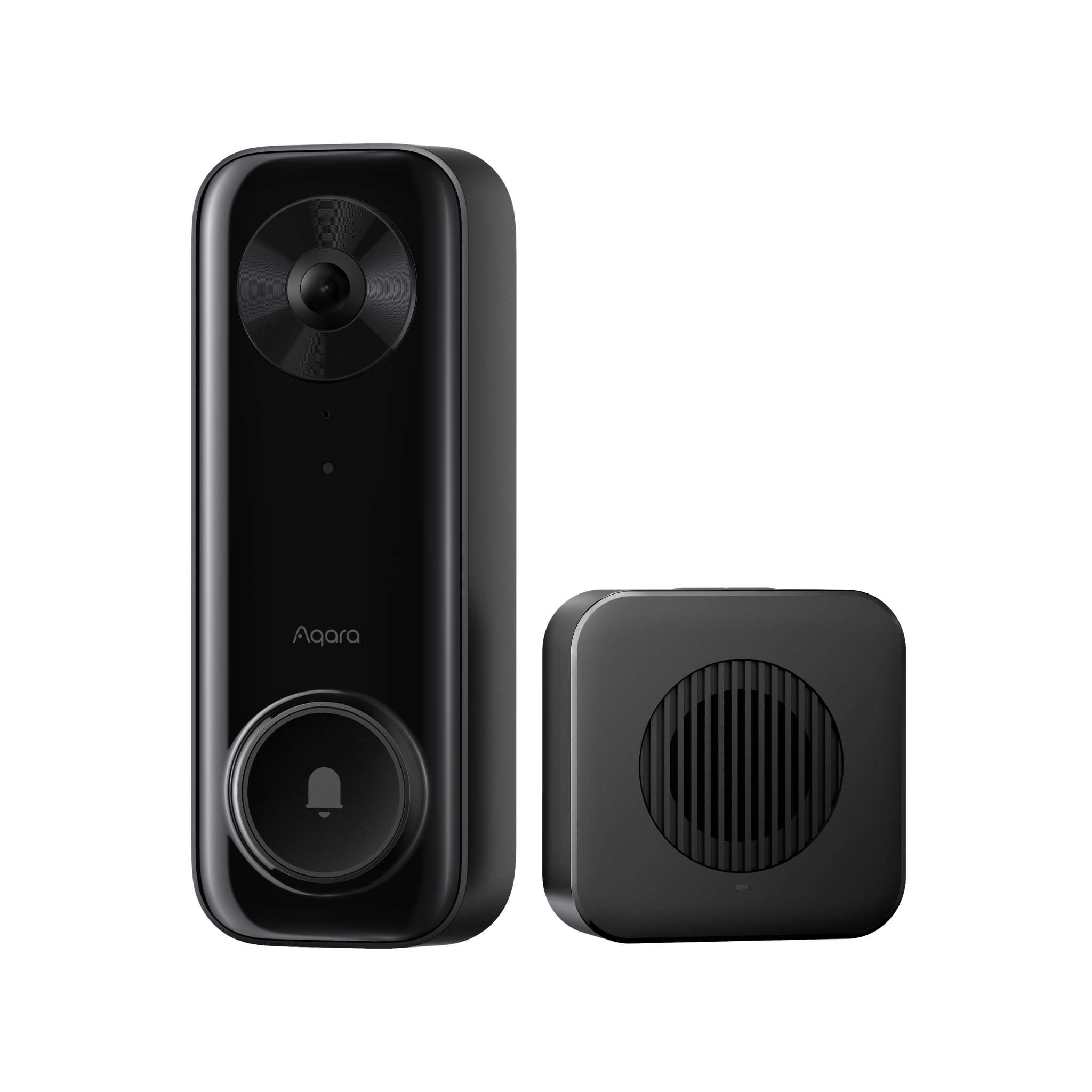 Doorbell G400 |
 Smart Lock U400 |
Automation Setup
WHEN: The Aqara video doorbell is pressed while the Panel Hub S1 Plus is connected // THEN (Action): Show the live doorbell feed on the panel and allow the door to be unlocked from the same screen after visual confirmation.
Product Support Documents
- Step by step installation instruction video:
Installation Video (00:04:04) - Product User Manual:
User Manual (PDF) - Product FAQs:
Frequently Asked Questions (PDF)