
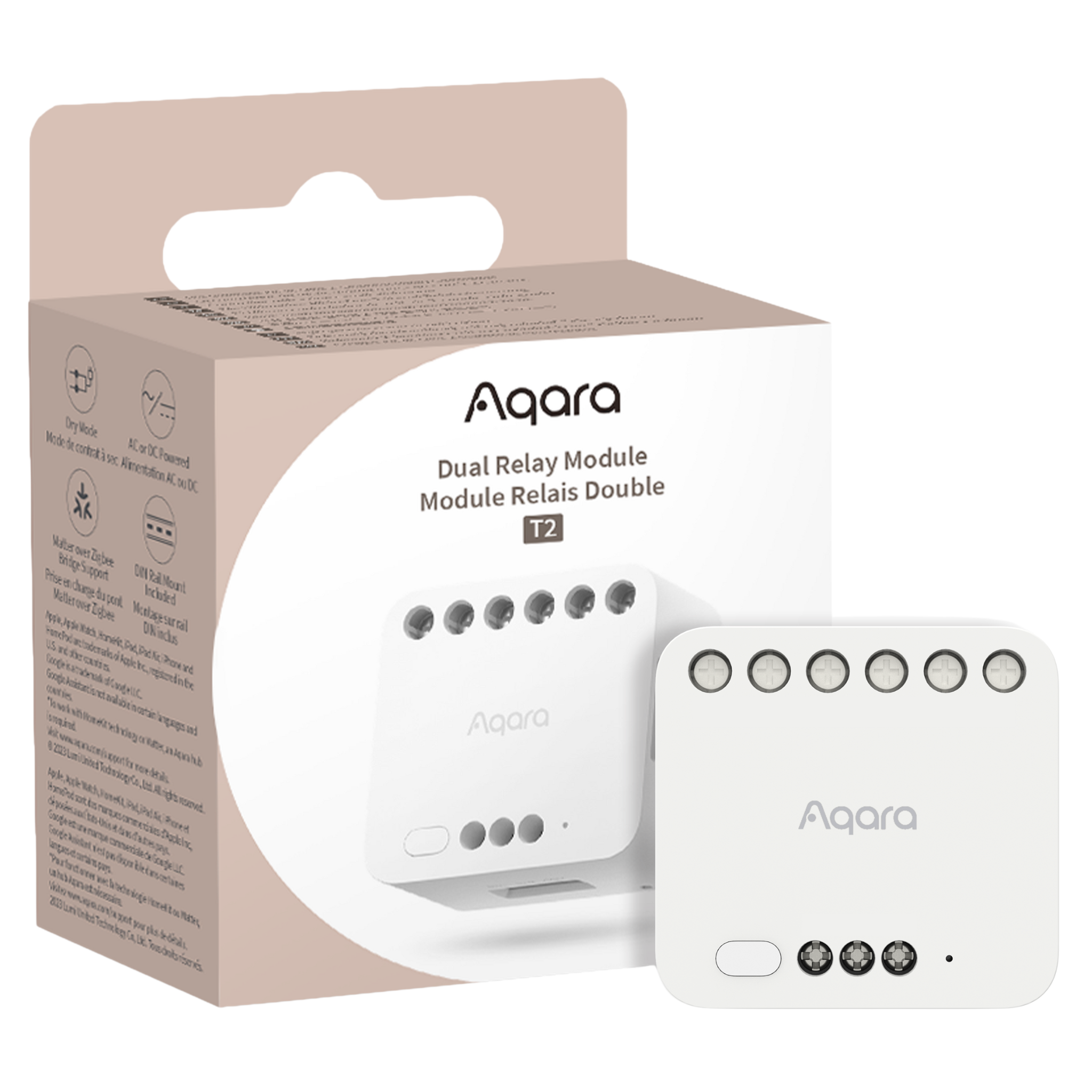
Dual Relay Module T2
- Upgrade your home with the Aqara Dual Relay Module T2. Control lights, switches & more via app or voice. Works with Apple Home & top smart platforms.
 Dry Contact Mode |
 Interlock and Motor Control |
 AC or DC Powered |
 DIN Rail Mount Included |
 Save Power On/Off State |
 Wireless Switch Mode |
Product Info
Description
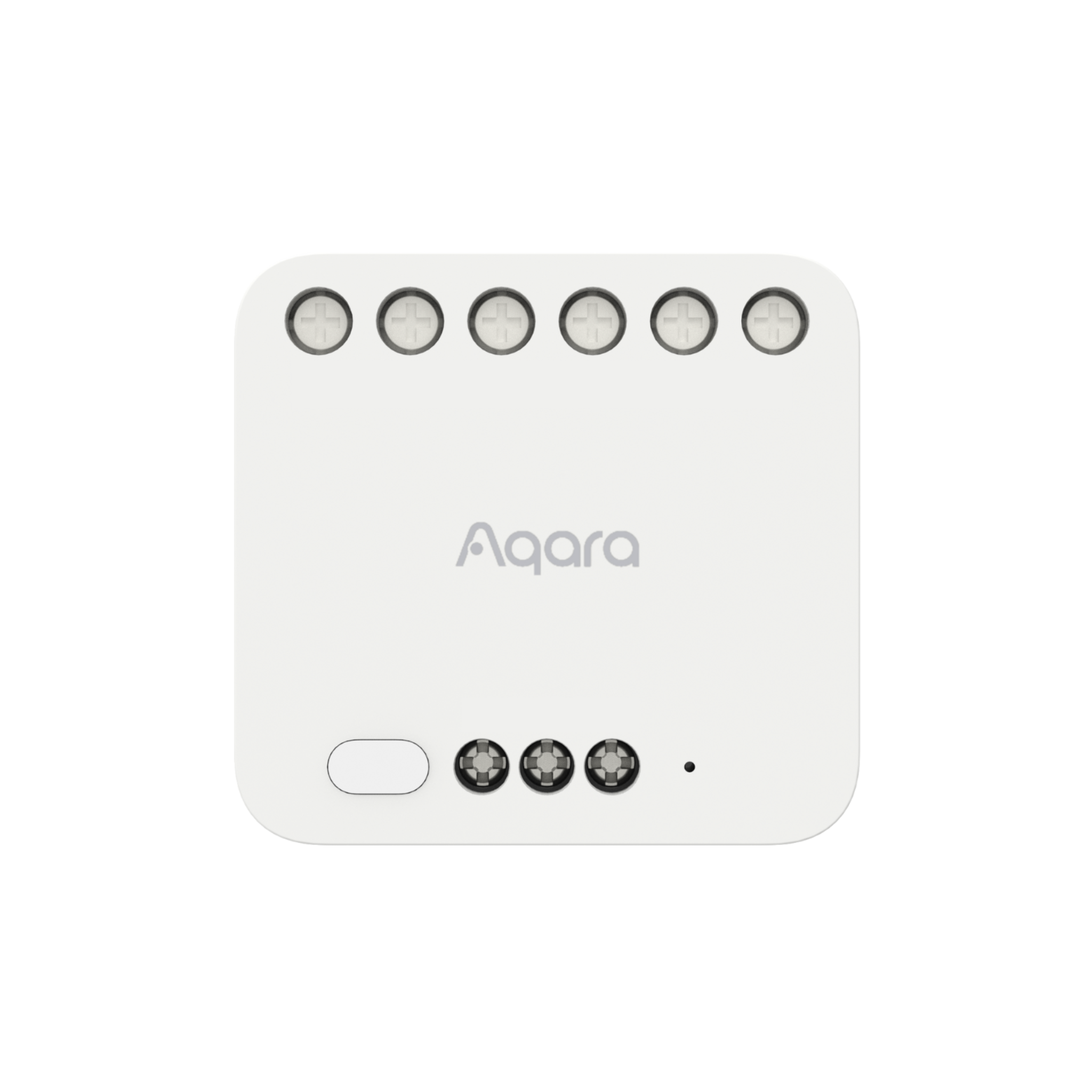
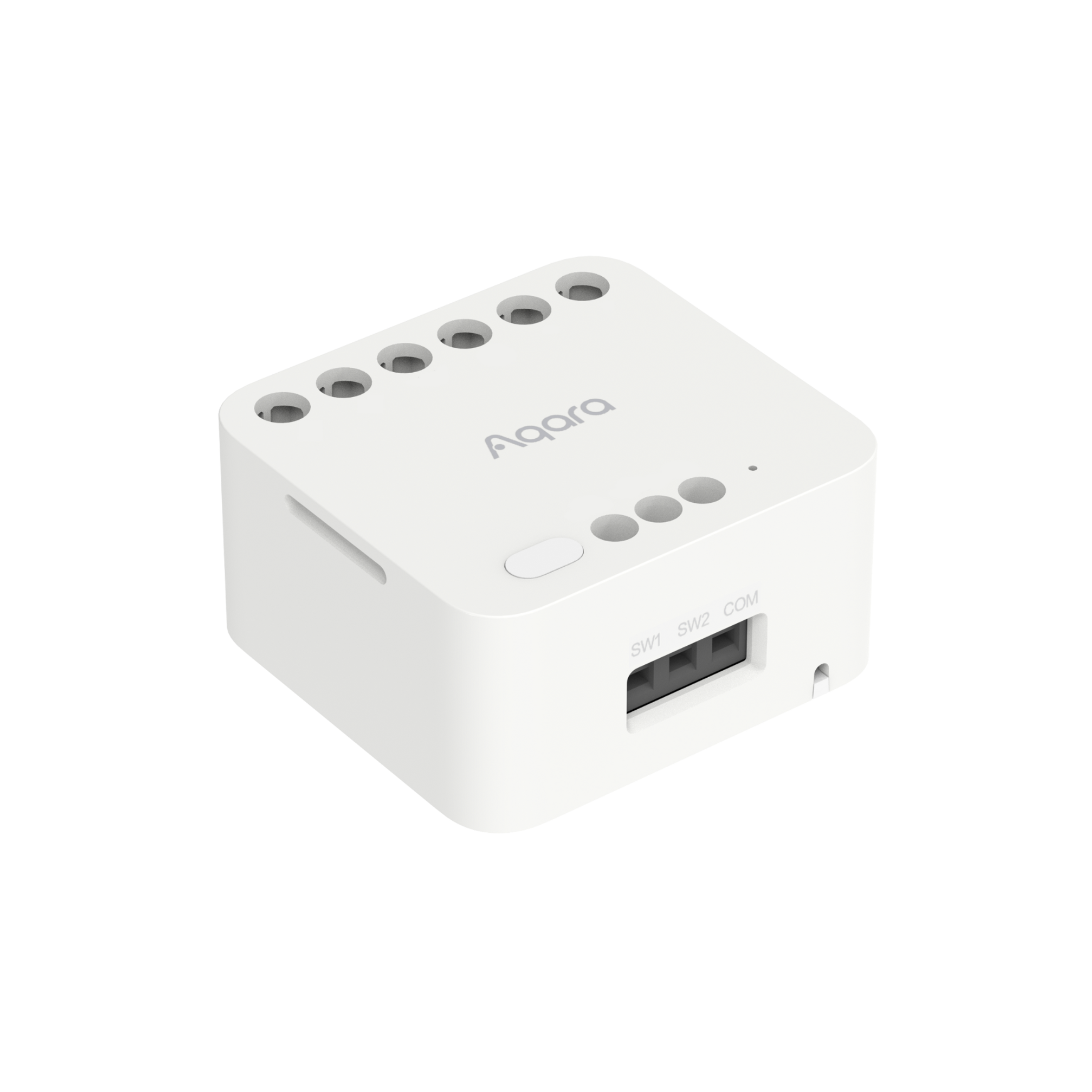
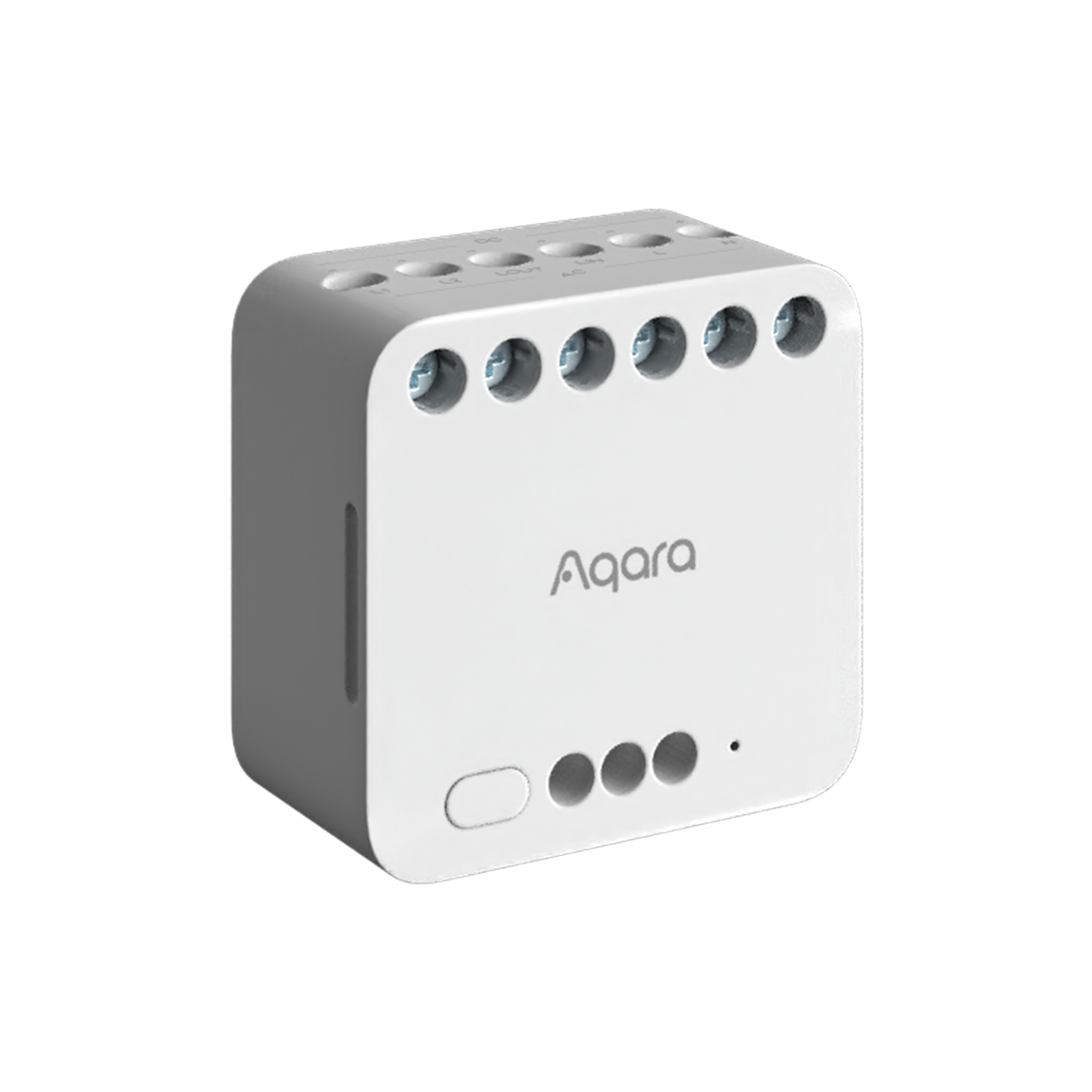
The Aqara Dual Relay Module T2 brings smart control to your everyday devices. This versatile module allows you to power on and off a range of equipment—from lights and switches to garage doors and motors—instantly turning standard setups into intelligent systems.
Compatible with Apple Home and other leading smart platforms, it offers effortless control right from your smartphone. Set schedules, monitor power use, and enjoy hands-free convenience with app-based remote access.
Ideal for those looking to easily add smart functionality to their home, the Aqara Dual Relay Module T2 is the perfect upgrade for a connected lifestyle.
Key Features
- A Smart and Versatile Home Solution: The Dual Relay Module T2 is a truly flexible device, ideal for a wide range of home automation needs. It can be installed in ceiling lights for smart control or fitted into standard wall switches and sockets for convenient remote access. It’s also perfect for automating everyday appliances such as coffee machines, air fresheners, electric heaters, roller blinds, and even garage roller doors.
- Compatible with Apple Home and Matter via Bridge*: The T2 works seamlessly with Apple Home, Matter, Google Home, and Amazon Alexa (via Zigbee bridge), transforming traditional devices into smart ones. It integrates easily with third-party systems, enabling automation and effortless control across your smart home.
- Reliable Motor Control with Interlock Function: Easily and safely connect the T2 to bidirectional motors. It’s ideal for controlling tubular motors, roller blinds, or even serving as the central component in a smart motorised system.
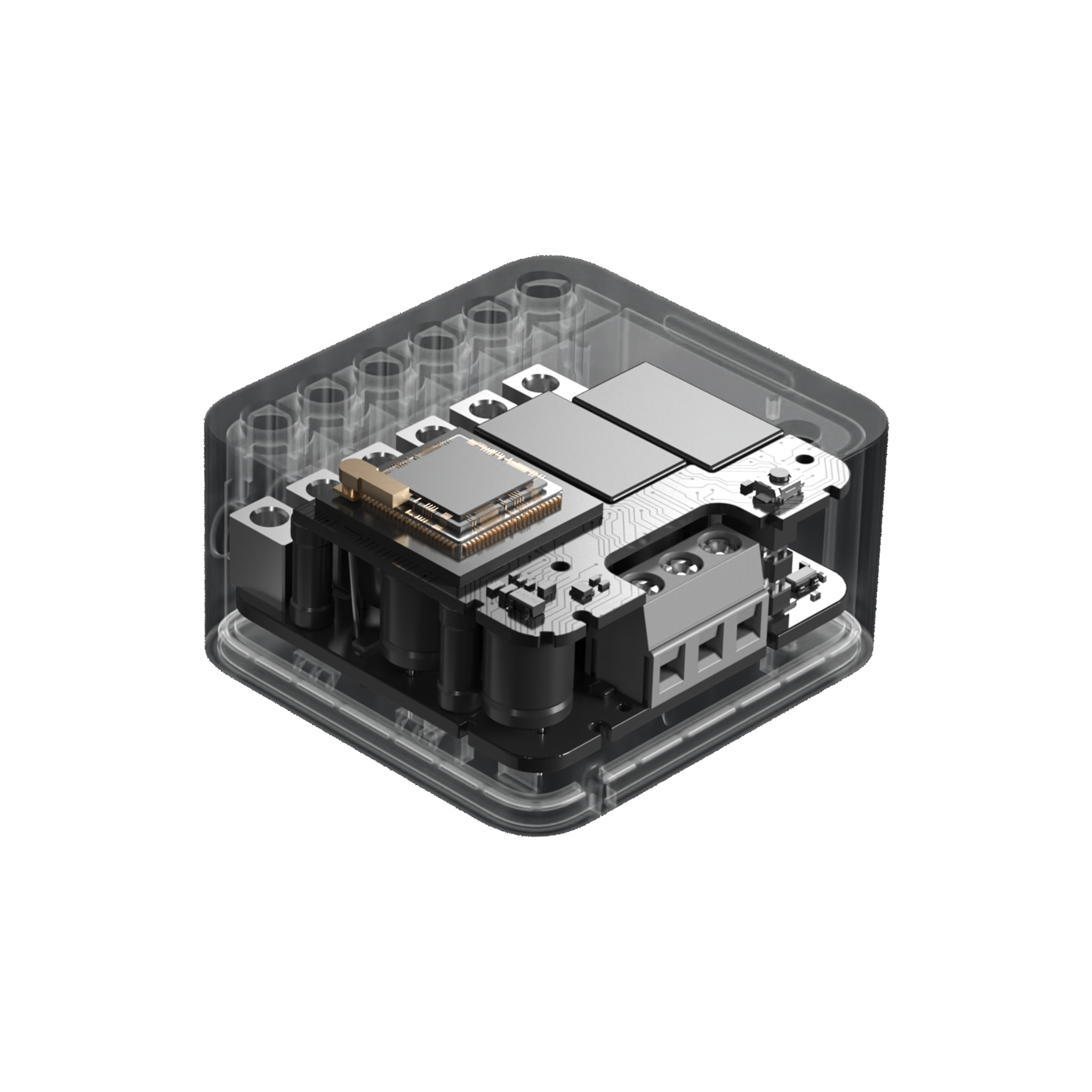
- Energy Monitoring & Power Memory: The T2 includes built-in energy monitoring and provides real-time power usage statistics. It also features a power memory function, restoring the last on/off state in the event of a power cut.
- Built-In Safety and Protection: Your safety is our top priority. The T2 offers advanced protection features, including adjustable limits for voltage, current, and power. If unusual conditions are detected, it will automatically cut off the power to prevent damage or hazards. **
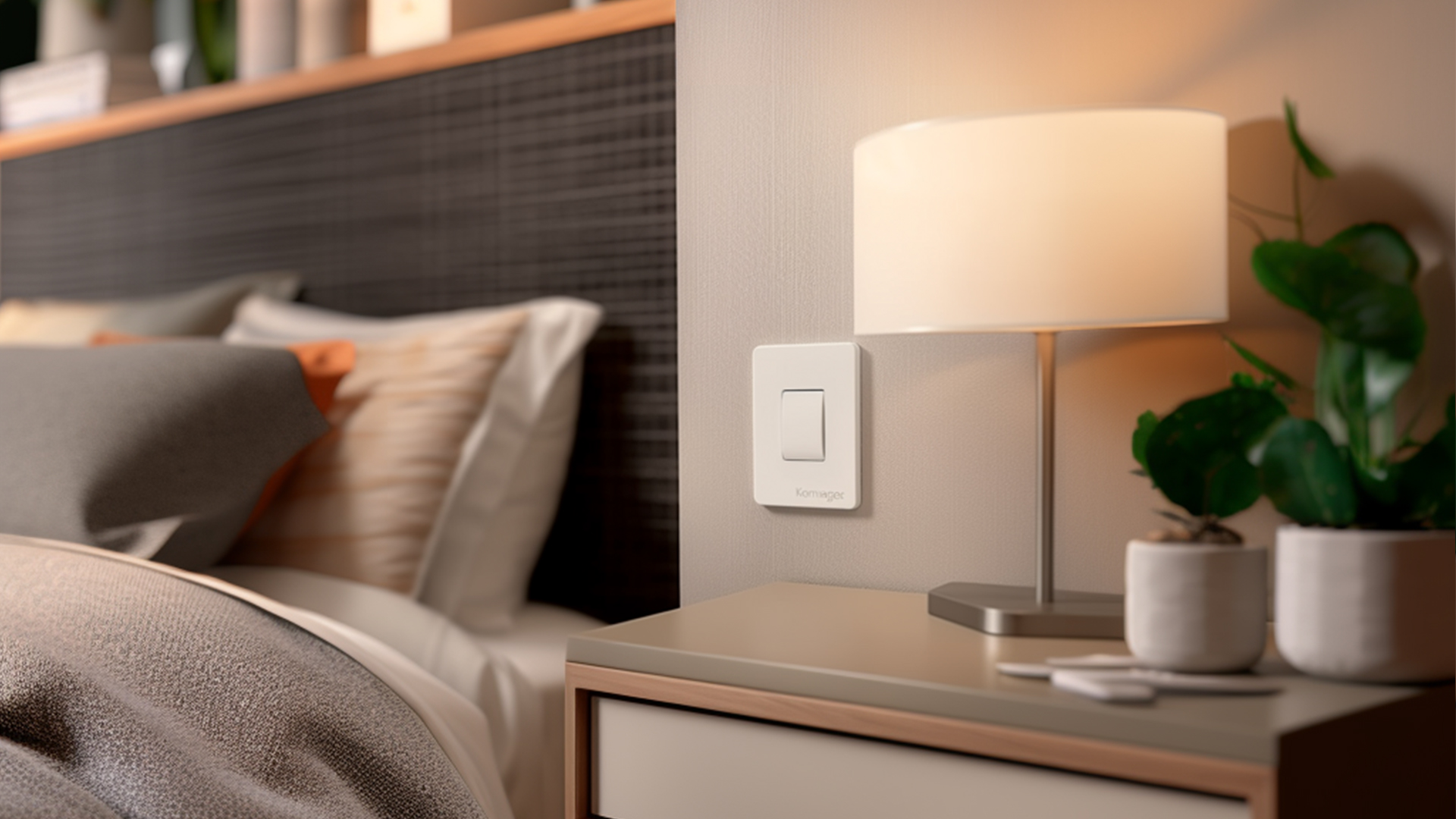
- Wireless Switch Mode: Convert your existing wired wall switches into smart scene controllers. With this mode, you can use your traditional switch to arm/disarm your security system, operate curtains, or control lighting—all without needing to replace the switch. ***
- Compact and Easy to Install: Designed for convenience: the T2 fits easily onto a DIN rail in your electrical cabinet or into standard wall boxes, including 86 mm and US-style enclosures. Its compact size makes installation quick and simple. ****
Note:
* Apple Home, Google Home, Alexa, and Matter support is available via a Zigbee bridge.
** Installation should be carried out by users experienced with electrical systems. We strongly recommend consulting a qualified electrician and using this guide as a reference only.
*** Any switch or sensor connected to the S1/S2/COM terminals must support the voltage provided to the relay.
**** The T2 supports a maximum current of 10A. A wall box depth of approximately 60 mm is recommended. If your existing box isn’t deep enough, consider using a Wireless Remote Switch H₁ or an ultra-thin surface-mounted wall switch.
Specifications
| Model | DCM-K01 |
| Colour | White |
| Wireless Protocol | Zigbee |
| Dimensions | 45.5 x 48 x 24 mm (1.79 x 1.89 x 0.94 in.) |
| Rated Parameters | AC: 100-250V, 50/60Hz/Max.10A, Max 2500W (Incandescent Lamp); Max.1A, Max 250W (LED, CFL Fluorescent Lamp); Max 1A, Max 1/4 HP (Motor) M.1 | DC: 24-30V: Max.10A, Max 300W (Resistive Load); 30-60V: Max.1A, Max 60W (Resistive Load) |
| Operating Temperature | -10 °C ~ 40 °C (14 °F ~ 104 °F) |
| Operating humidity | 0 ~ 95% RH, no condensation |
| Zigbee Operation Frequency | 2405-2475 MHz |
| Zigbee Maximum Output Power | ≤ 13 dBm |
| What is in the Box | Dual Relay Module T2 x1, User Manual x1, DIN Rail Accessory x1, Jumper Wire x1 |
Automations and Complementary Products
Click a product image to go to its page details
Scene: Garage Door Controller
If you arrive within 500 meters of home, then open the garage door. Easily make your existing garage door smart with the Relay T2’s dry-contact mode. Simply wire it to the opener for automation and integration with third-party systems. The Relay also acts as a repeater for the Aqara Door and Window Sensor, ensuring a strong signal.
| Required Automation Products: | Dual Relay Module T2 |
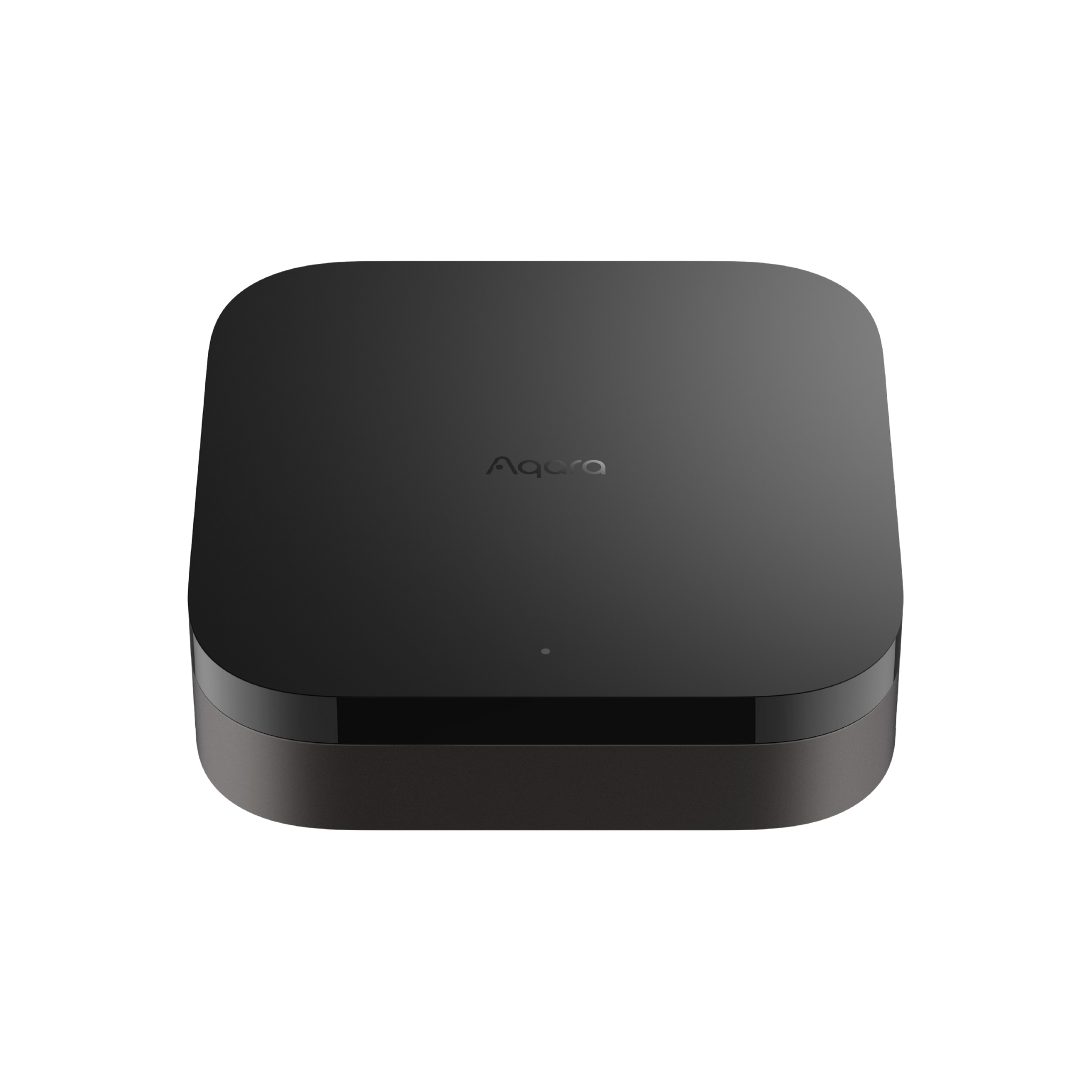 Hub M3 |
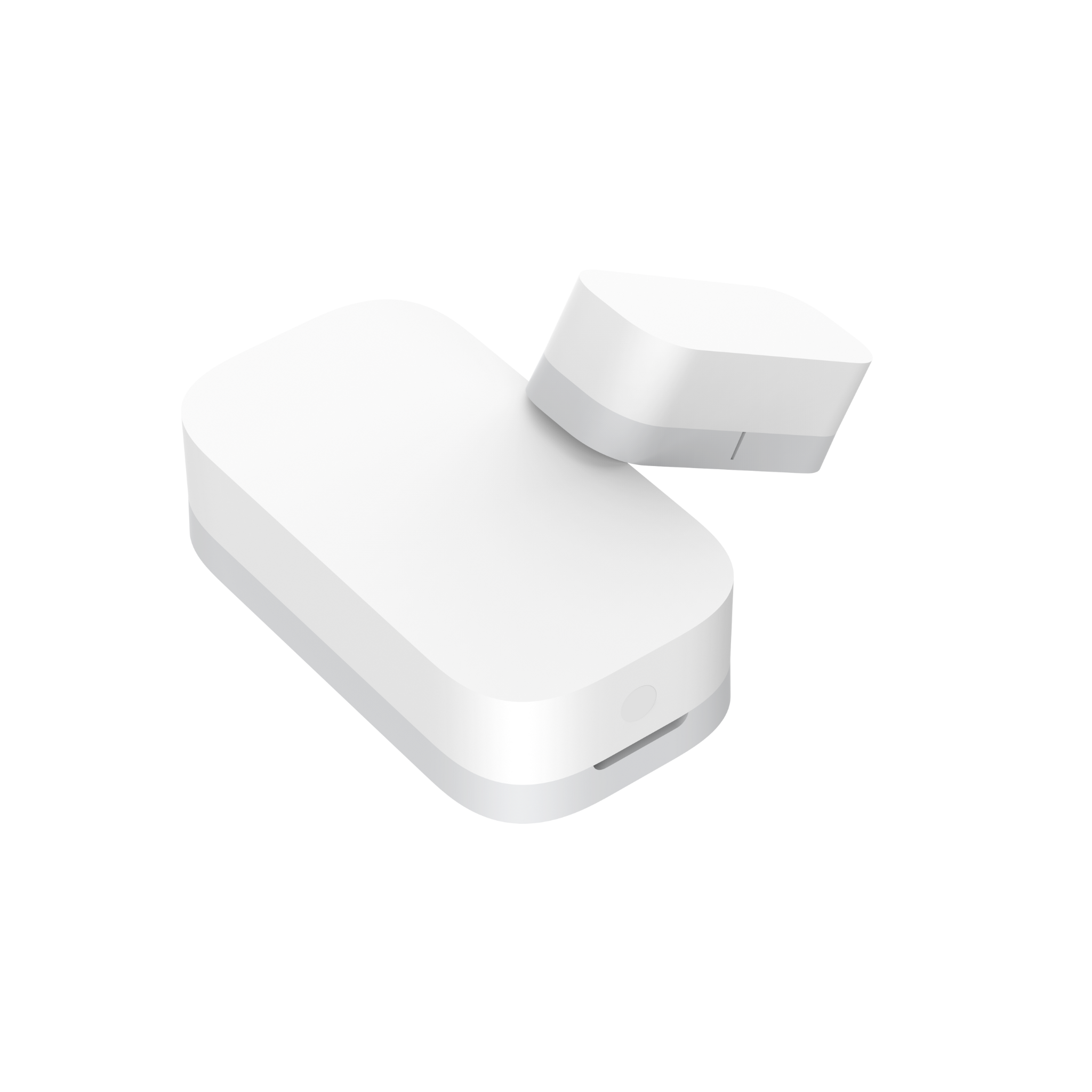 Door & Window Sensor T1 |
Automation Setup
IF (Condition) – arrive within xx metres of house // THEN (Action) – Open garage door
Scene: Energy-Saving Boiler Control
If thermostats are off, then turn off the boiler. If your boiler supports dry contacts, the Relay T2 can provide remote control and energy savings. Link it with Thermostats using Aqara Home or other smart home platforms for efficient automation.
| Required Automation Products: | Dual Relay Module T2 |
Hub M3 |
 IR Controller (Air Conditioner) |
Automation Setup
IF (Condition) - Thermostats are off // THEN (Action) - Turn off Boiler
Scene: Retrofit existing points to Smart Wall Switches and Outlets
If presence is detected, then turn on a connected light or heater. Install the T2 behind your existing wall switch or outlet to make it smart, enabling automations and power consumption tracking for devices plugged in.
| Required Automation Products: | Dual Relay Module T2 |
Hub M3 |
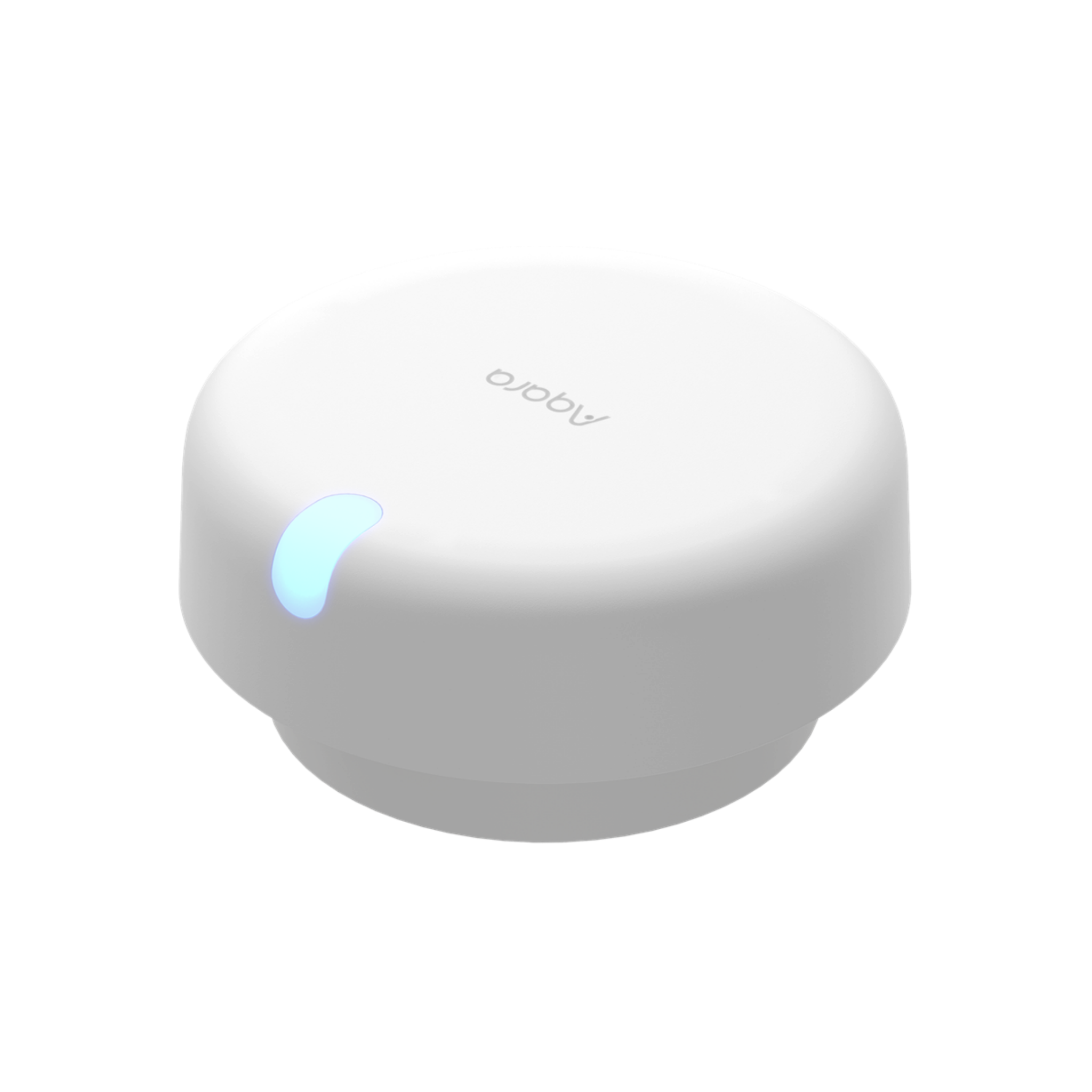 Presence Sensor FP2 |
Automation Setup
IF (Condition) - Presence is detected // THEN (Action) - Turn on light switch (or outlet)
Product Support Documents
- Step by step installation instruction video:
Installation Video (00:08:31) - Product User Manual:
User Manual (PDF) - Product FAQs:
Frequently Asked Questions (PDF)